

Step 1: Update the system
sudo apt update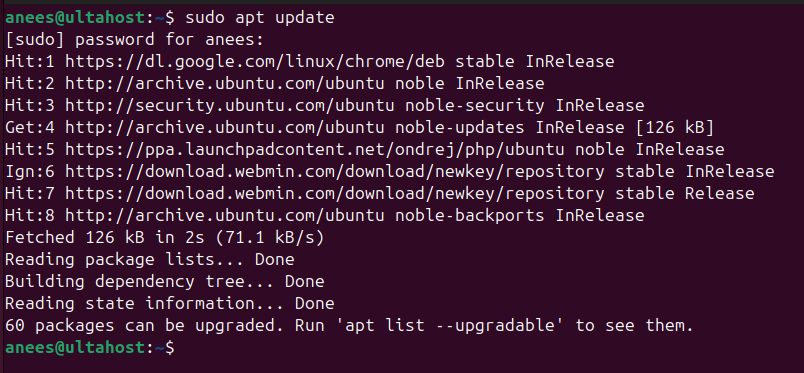
Step 2: Install PHP
sudo apt install php -y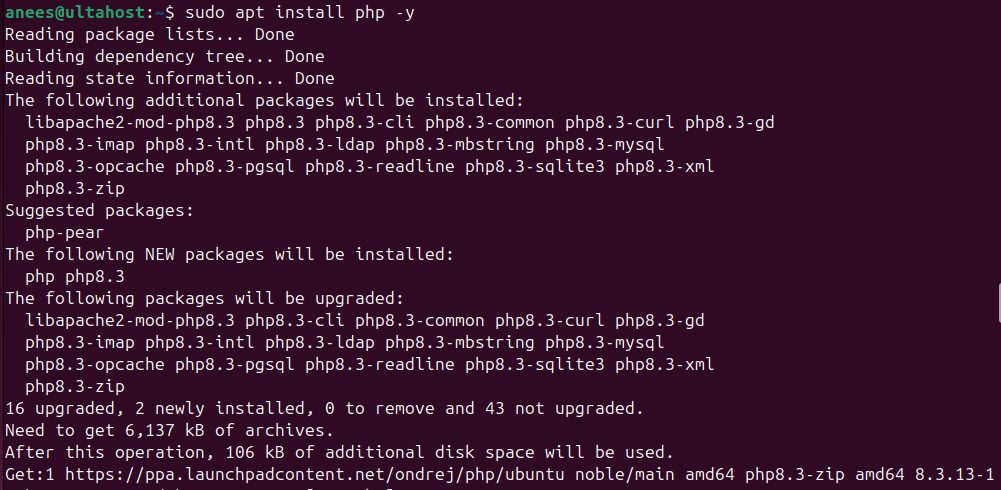
This installs PHP and, if there is no web server yet, Apache with libapache2-mod-php. If you use Nginx, install PHP-FPM instead: sudo apt install php-fpm.
Step 3: Check the install
php -v
Step 4: Install PHP modules (optional)
The pattern is php-<module>:
sudo apt install php-{module_name}Install several at once:
sudo apt install php-{mysql,gd,xml,curl,mbstring,zip}Show the loaded modules:
php -m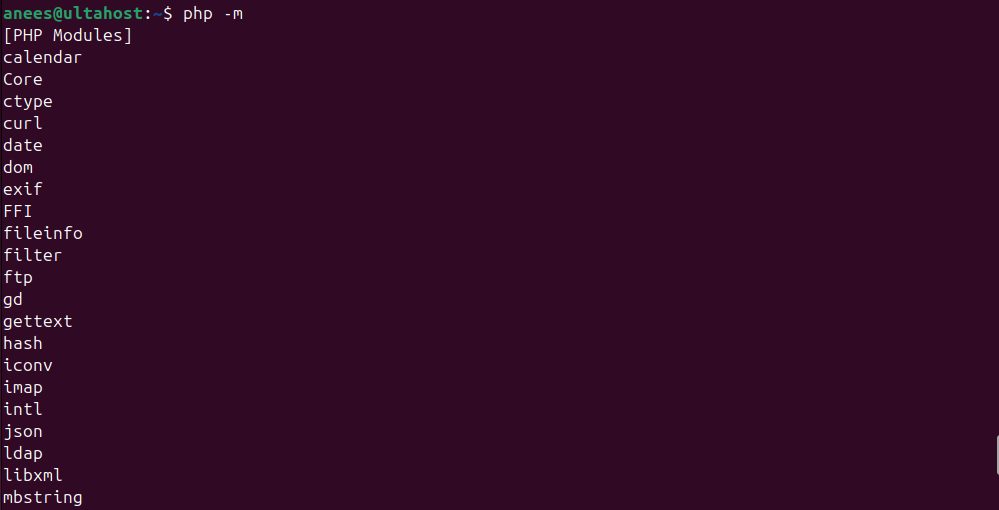
If you use Apache, restart it after you add modules: sudo systemctl restart apache2. With PHP-FPM, restart php8.3-fpm.
Step 5: Uninstall PHP
Remove PHP and its settings:
sudo apt remove --purge php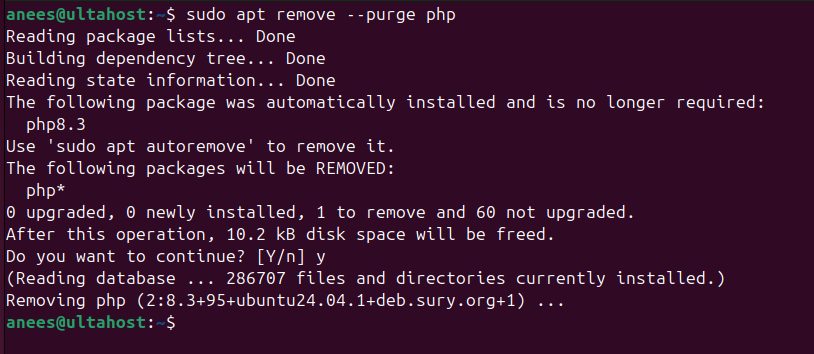
Remove all the PHP packages (use the wildcard with care):
sudo apt remove --purge 'php*'Clean up the packages that are no longer needed:
sudo apt autoremove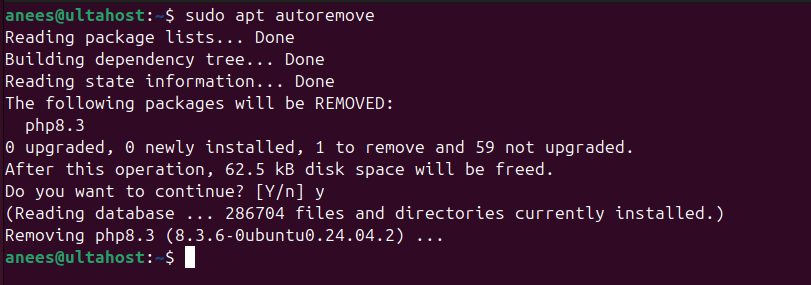
Change settings
The main file for the command line is /etc/php/8.3/cli/php.ini. For Apache it is /etc/php/8.3/apache2/php.ini and for PHP-FPM /etc/php/8.3/fpm/php.ini. Common values to change: memory_limit, upload_max_filesize, post_max_size and max_execution_time.
Quick recap
sudo apt install php, thenphp -v.- Add modules with
sudo apt install php-<module>. - Remove with
sudo apt remove --purge php.