

Requirements
- Ubuntu 18.04 or newer.
sudoor root access.- An internet connection.
Check if Python 3 is installed
Ubuntu usually comes with Python 3.
python3 --version
which python3
Method 1: APT
Step 1: Update
sudo apt update && sudo apt upgrade -yStep 2: Install Python 3
sudo apt install python3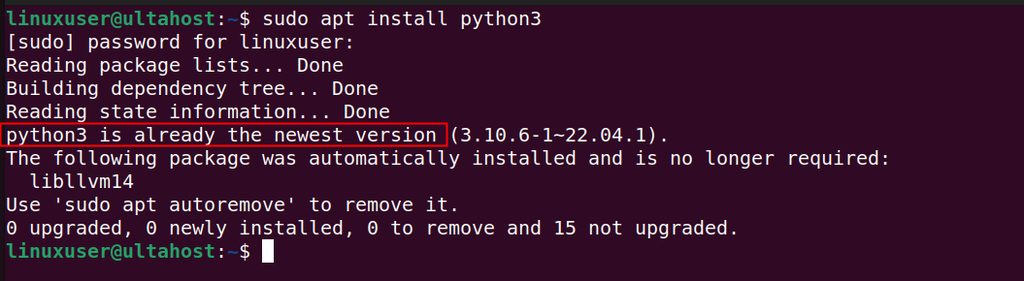
Step 3: Check it
python3 --version
Also install pip and the venv module:
sudo apt install python3-pip python3-venvMethod 2: The Deadsnakes PPA (newer versions)
Step 1: Update
sudo apt update && sudo apt upgrade -yStep 2: Install the tools
sudo apt install software-properties-common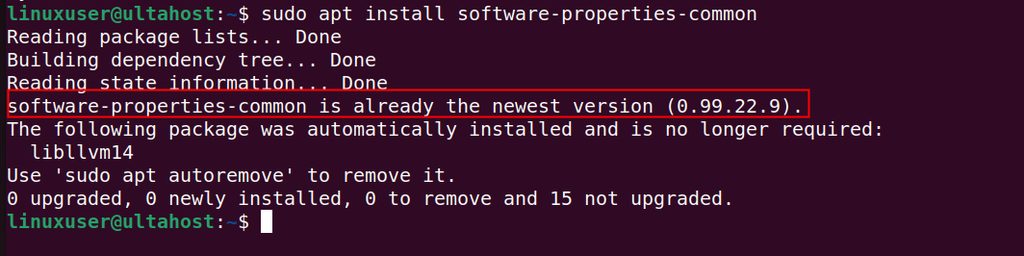
Step 3: Add the Deadsnakes PPA
sudo add-apt-repository ppa:deadsnakes/ppa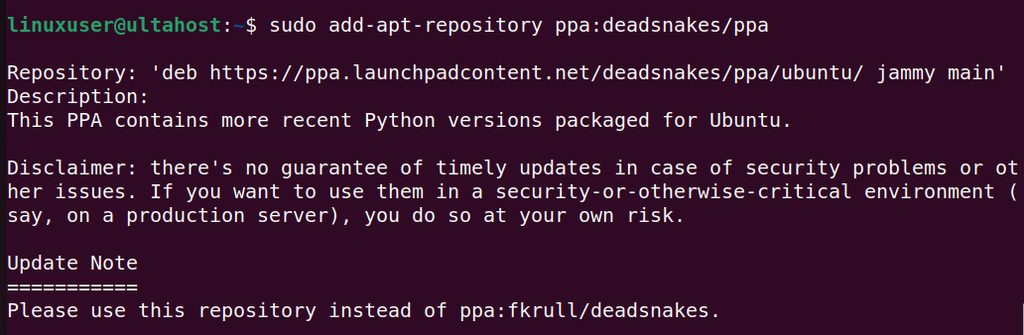
sudo apt updateStep 4: Install the version you want (for example Python 3.12)
sudo apt install python3.12 python3.12-venv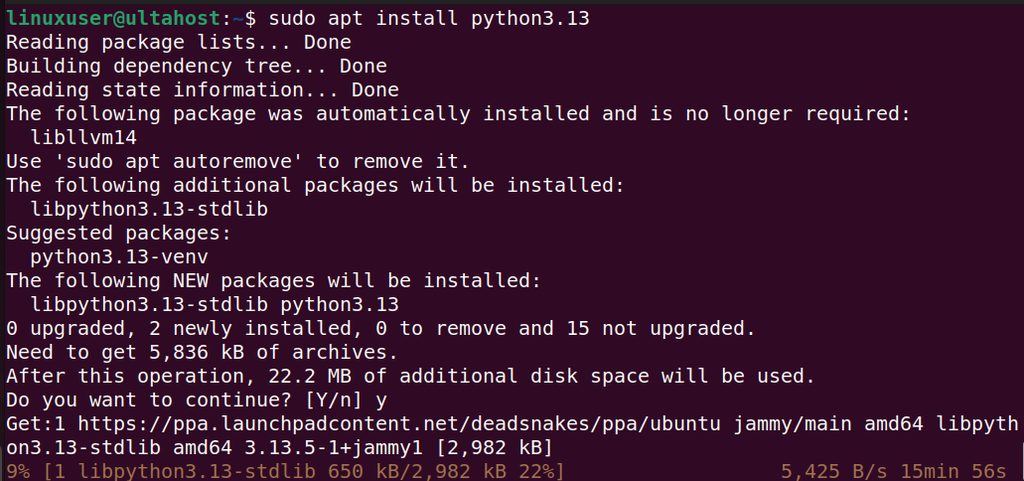
Check it with python3.12 --version. The new version is installed beside the system Python. Do not replace the system python3, because Ubuntu tools depend on it.
Method 3: Compile from source
Step 1: Install the build tools
sudo apt install build-essential zlib1g-dev libncurses5-dev libgdbm-dev libnss3-dev libssl-dev libreadline-dev libffi-dev libsqlite3-dev wget libbz2-dev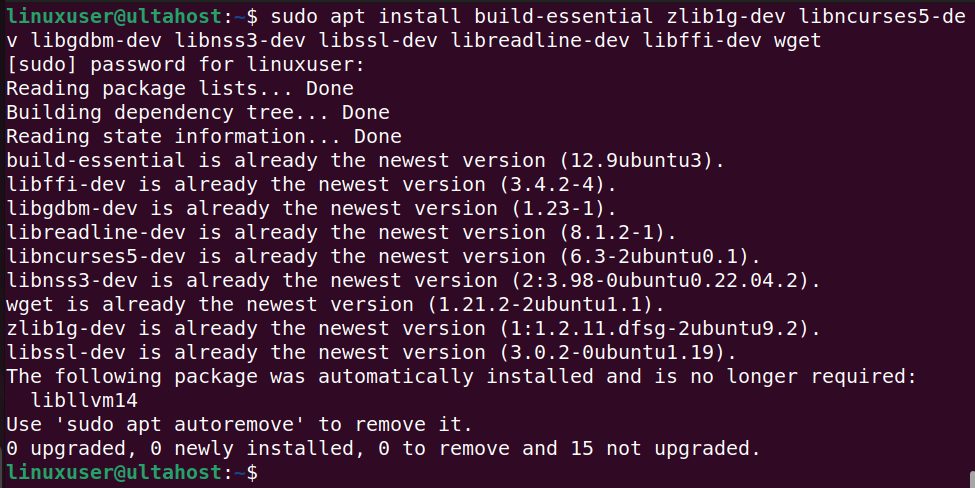
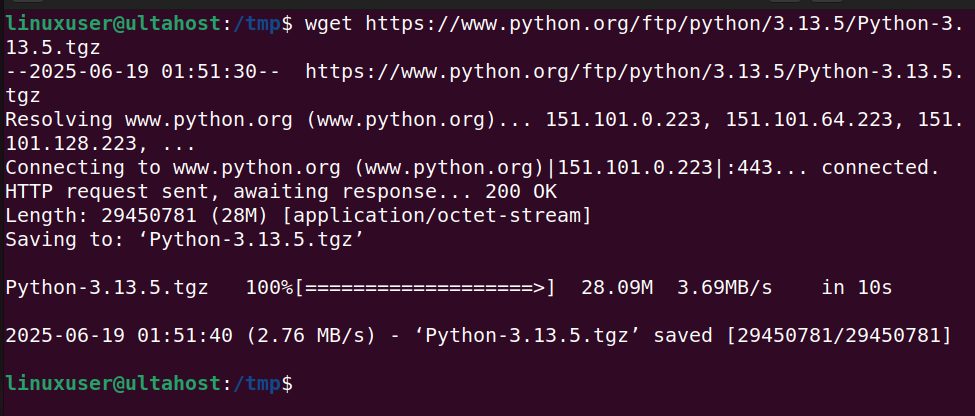
Step 2: Download the source from python.org/ftp/python/, for example:
wget https://www.python.org/ftp/python/3.12.4/Python-3.12.4.tgz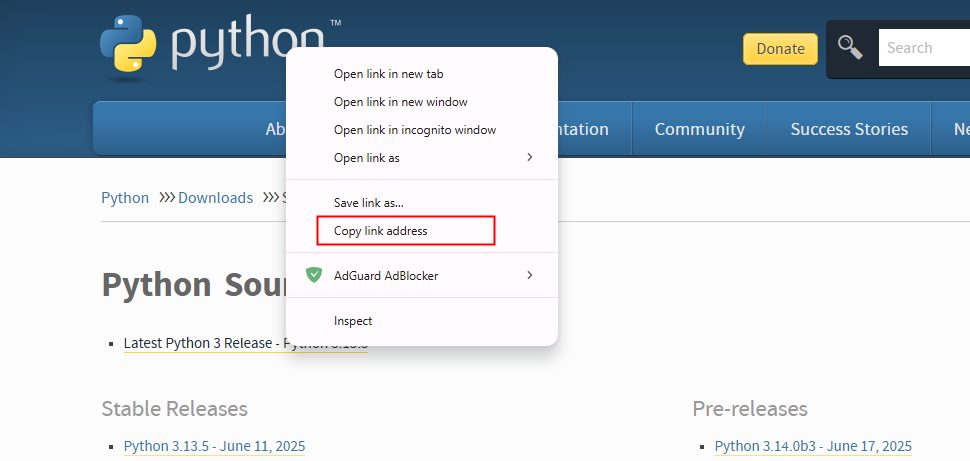
Step 3: Extract it
tar -xf Python-3.12.4.tgz
cd Python-3.12.4
Step 4: Configure and build
./configure --enable-optimizations
make -j$(nproc)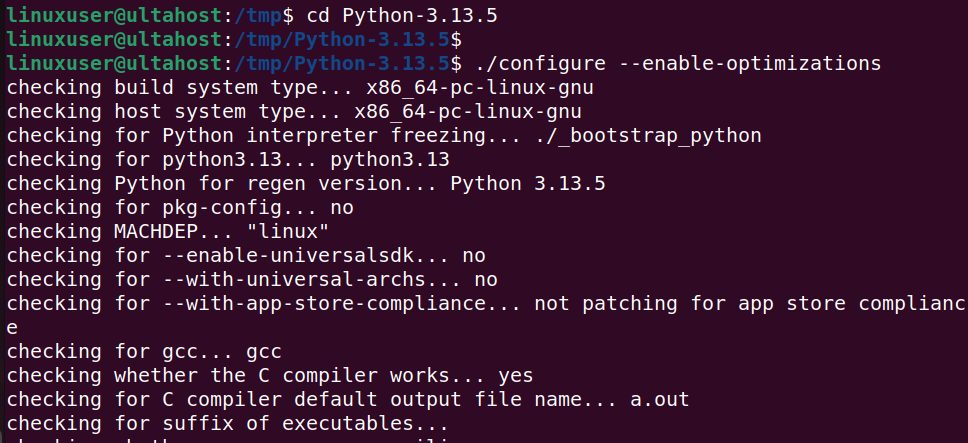
Step 5: Install without replacing the system Python
sudo make altinstall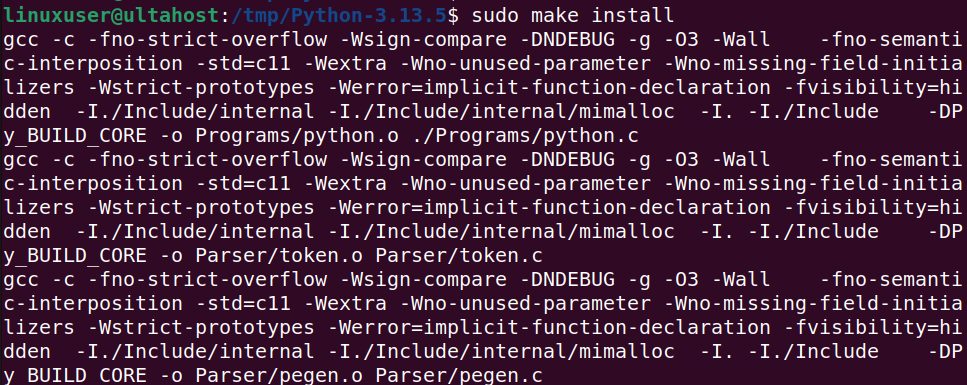
Step 6: Check it
python3.12 --version
Quick recap
sudo apt install python3is enough for most people.- Use the Deadsnakes PPA for newer versions.
- Use
altinstallwhen you compile from source.