

What Puppet is
Puppet is a configuration management tool. You describe how your servers should look (packages, files, services), and Puppet makes it so, on all machines.
Requirements
- Architecture: 64-bit Intel/AMD (amd64) or ARM (arm64).
- Memory: at least 1 GB of RAM for the agent. The Puppet server needs 3 GB or more.
- Disk: a few GB of free space.
Prepare the names
Step 1: DNS (optional). Add a CNAME record named puppet that points to the Puppet server.
Step 2: The hosts file (if you do not use DNS).
On the Puppet server:
sudo nano /etc/hostsAdd:
127.0.0.1 localhost.localdomain localhost puppet
192.168.1.17 client1.example.com client1
The first line maps puppet to the server itself. The second maps the client name to the client IP address.
On each client:
sudo nano /etc/hosts192.168.1.16 puppetmaster.example.com puppetmaster puppet
This maps the name puppet to the IP address of the server.
Install the Puppet server
Add the Puppet repository for Ubuntu 24.04 (noble). Check the Puppet documentation for the current package name:
wget https://apt.puppet.com/puppet8-release-noble.deb
sudo dpkg -i puppet8-release-noble.deb
sudo apt update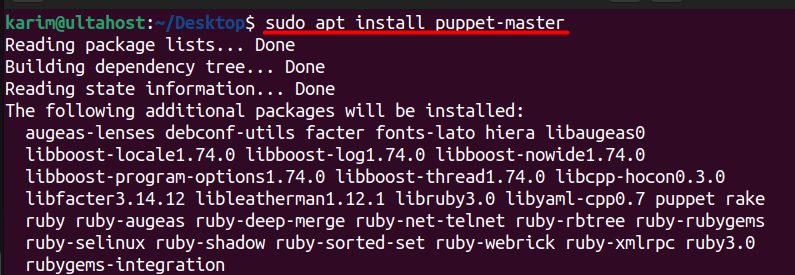
Install the server:
sudo apt install puppetserver -y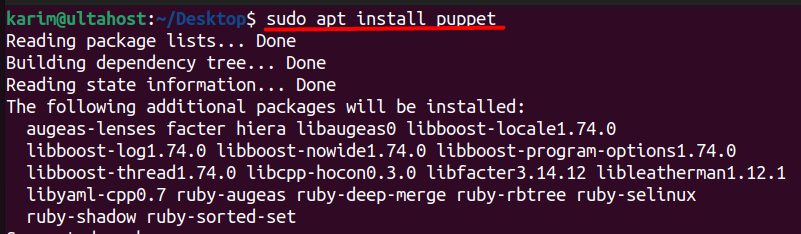
Set the memory for the server in /etc/default/puppetserver (the JAVA_ARGS line, for example -Xms1g -Xmx1g on a small machine). Start it:
sudo systemctl start puppetserver
sudo systemctl enable puppetserver
Add a module
Modules add ready-made code. For example, to manage Apache:
sudo /opt/puppetlabs/bin/puppet module install puppetlabs-apache
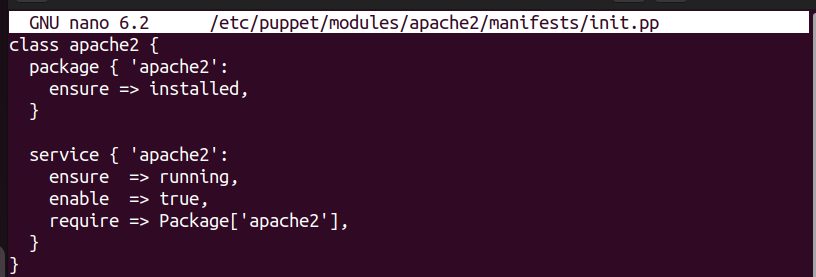
Then write a manifest in /etc/puppetlabs/code/environments/production/manifests/site.pp:
node 'client1.example.com' {
  class { 'apache': }
}
Install the Puppet agent on each client
wget https://apt.puppet.com/puppet8-release-noble.deb
sudo dpkg -i puppet8-release-noble.deb
sudo apt update
sudo apt install puppet-agent -y
Tell the agent where the server is. Edit /etc/puppetlabs/puppet/puppet.conf:
[main]
server = puppetmaster.example.com
Start the agent:
sudo systemctl start puppet
sudo systemctl enable puppet

Sign the certificate
The agent asks for a certificate when it first connects. Run the agent once:
sudo /opt/puppetlabs/bin/puppet agent --test
On the server, list the requests and sign the one of your client:
sudo /opt/puppetlabs/bin/puppetserver ca list
sudo /opt/puppetlabs/bin/puppetserver ca sign --certname client1.example.com
Apply the configuration
Run the agent again on the client:
sudo /opt/puppetlabs/bin/puppet agent --test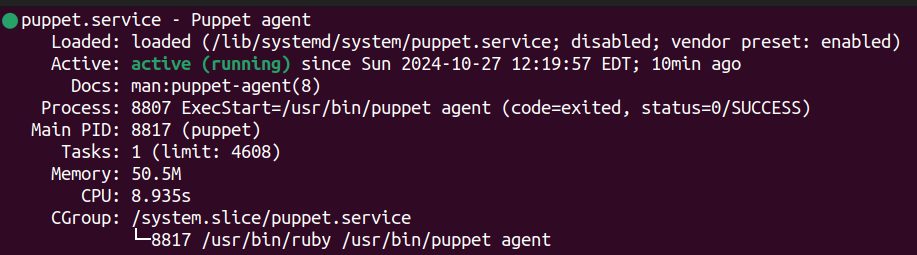
Puppet installs and configures what the manifest says. Now the agent checks the server every 30 minutes by itself.
Quick recap
- Name your servers (DNS or hosts file).
- Install
puppetserveron the server andpuppet-agenton the clients. - Sign each client certificate with
puppetserver ca sign.