

Method 1: The Debian repository
sudo apt install python3
Check the version:
python3 --version
(On Debian the python command may not exist. Use python3, or install the package python-is-python3.)
Also install pip and the venv module if you need them:
sudo apt install python3-pip python3-venvMethod 2: Snap
Search for Python packages:
snap find python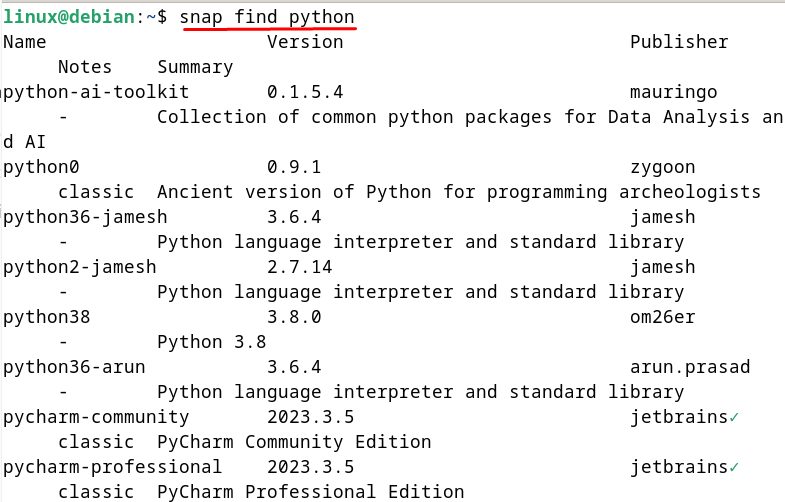
Install one (a version-named package, if it is offered):
sudo snap install python38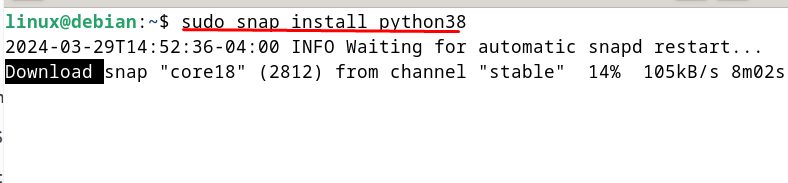
Snap needs snapd (sudo apt install snapd).
Method 3: Compile from source
Use this to get the newest version.
Step 1: Install the build tools
sudo apt install build-essential libssl-dev libsqlite3-dev libbz2-dev libgdbm-dev libncurses5-dev libncursesw5-dev libreadline-dev zlib1g-dev libffi-dev wget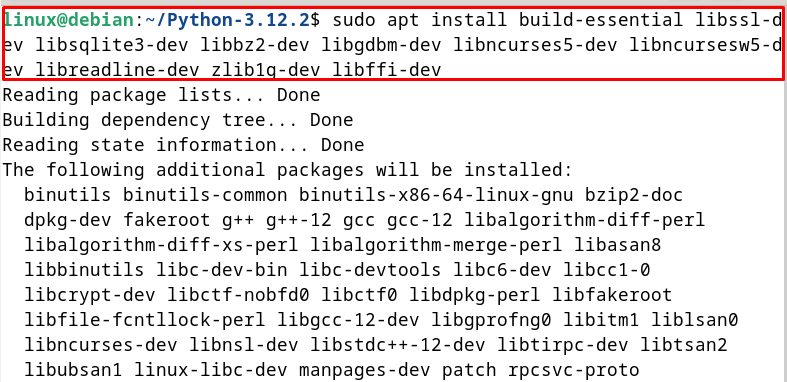
Step 2: Download the source
wget https://www.python.org/ftp/python/3.12.2/Python-3.12.2.tgz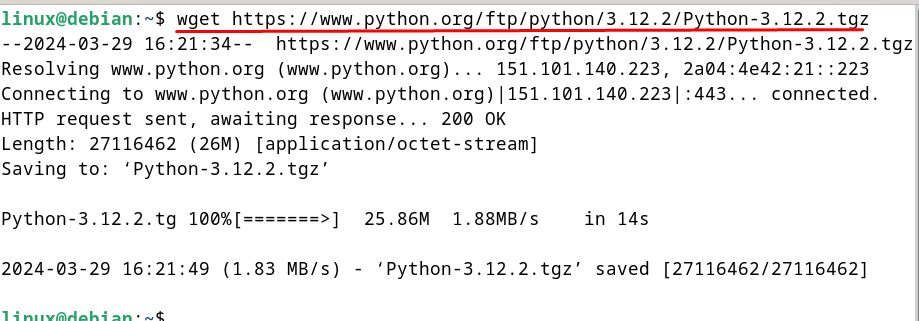
Step 3: Extract it and go into the folder
tar xzf Python-3.12.2.tgz
cd Python-3.12.2
Step 4: Configure
./configure --enable-optimizations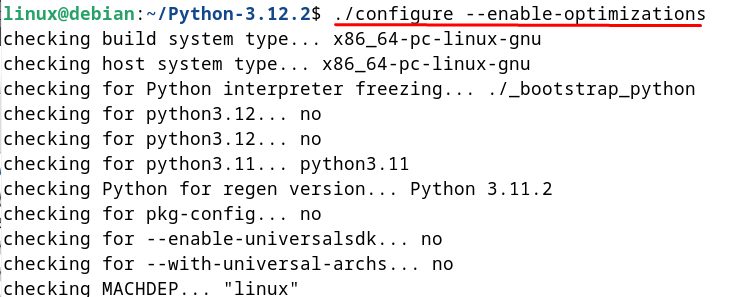
Step 5: Install make (if it is missing)
sudo apt install make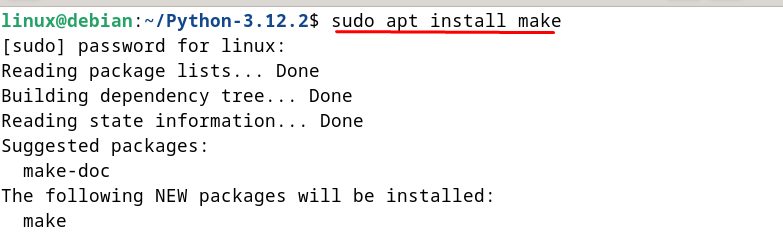
Step 6: Build
make -j $(nproc)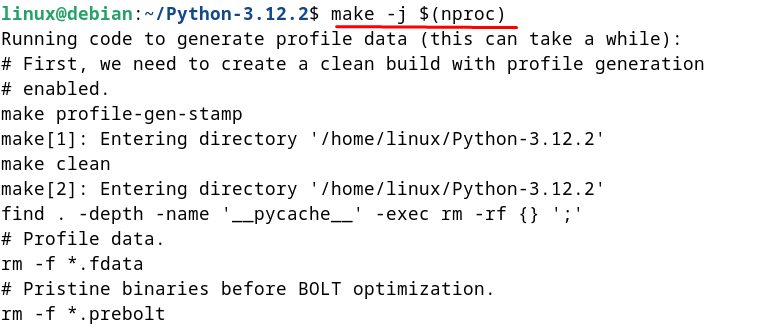
Step 7: Install
sudo make altinstall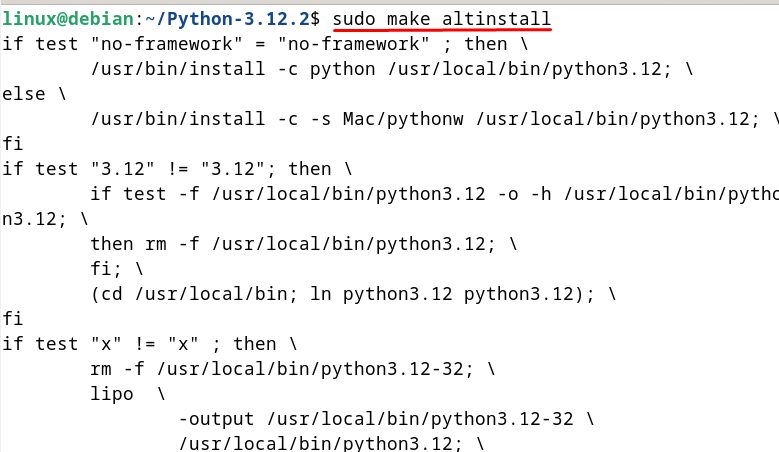
altinstall leaves the system Python as it is, and installs the new one as python3.12.
Step 8: Check it
python3.12 --version
Why install Python on Debian
- Compatibility and stability. Debian is a stable base for Python apps.
- Package management.
aptandpiphandle your software. - A big community. There is a lot of help for both.
Quick recap
sudo apt install python3is the simple way.- Compile from source for a newer version, with
altinstall. - Use
python3 -m venvfor your projects.