

What DNS is
DNS (Domain Name System) turns names such as server1.example.local into IP addresses. A Windows DNS server answers these questions for your network, and is needed for Active Directory.
Step 1: Install the DNS Server role
- Open Server Manager from the taskbar or the Start menu.
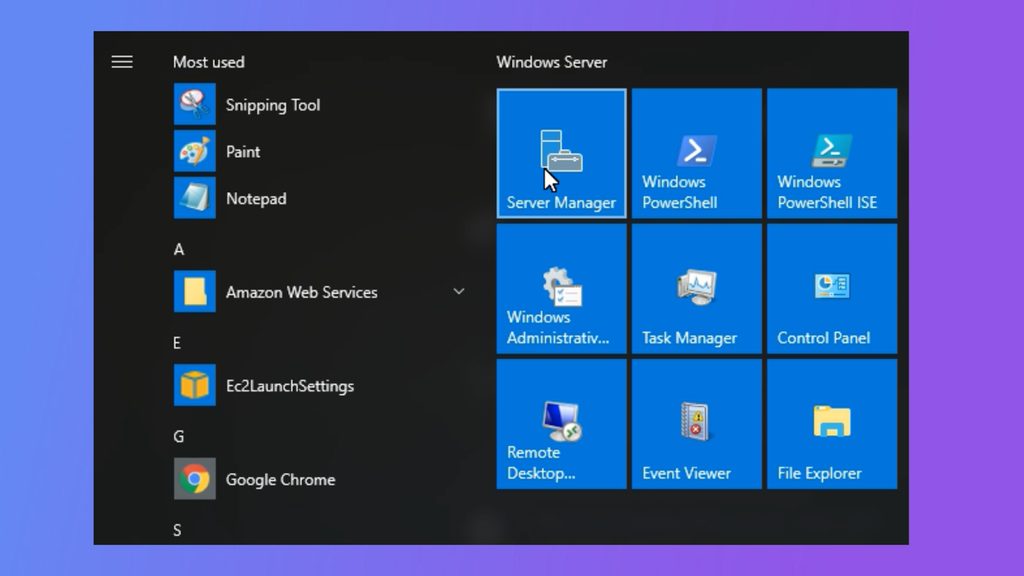
- Click Manage, then Add Roles and Features.
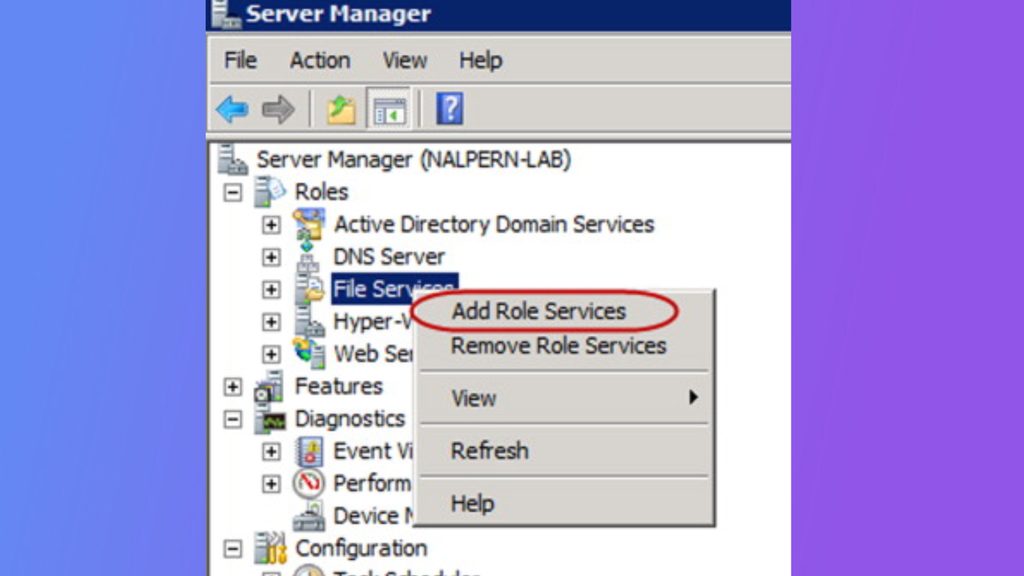
- Click Next until you reach Server Roles.
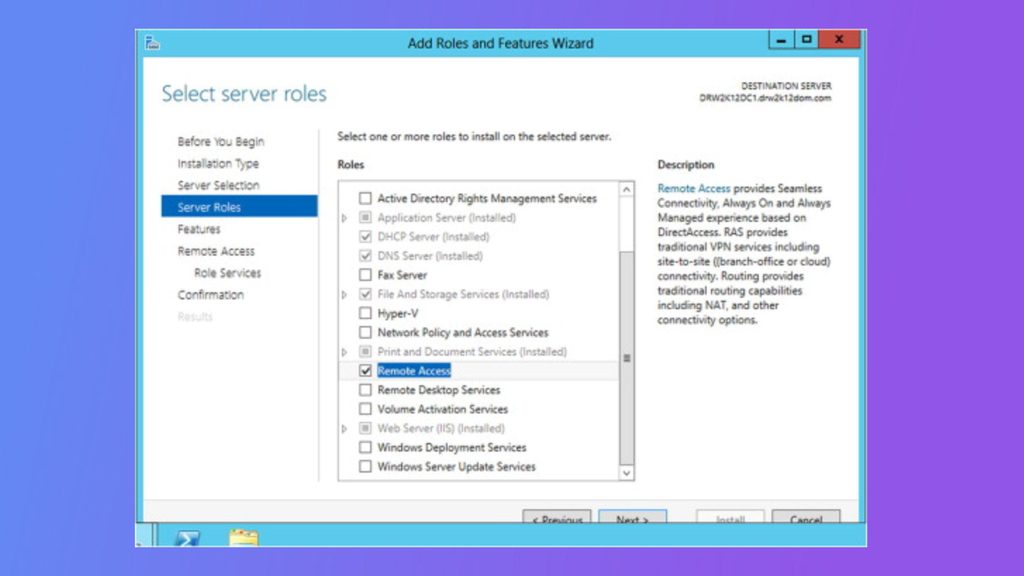
- Tick DNS Server. Accept the extra features it asks for and click Next.
- Leave the defaults on the Features page and click Next.
- Check your choices on the Confirmation page and click Install.
- Click Close when it finishes.
Step 2: Configure the DNS server
- Open DNS from Administrative Tools (or Tools in Server Manager).
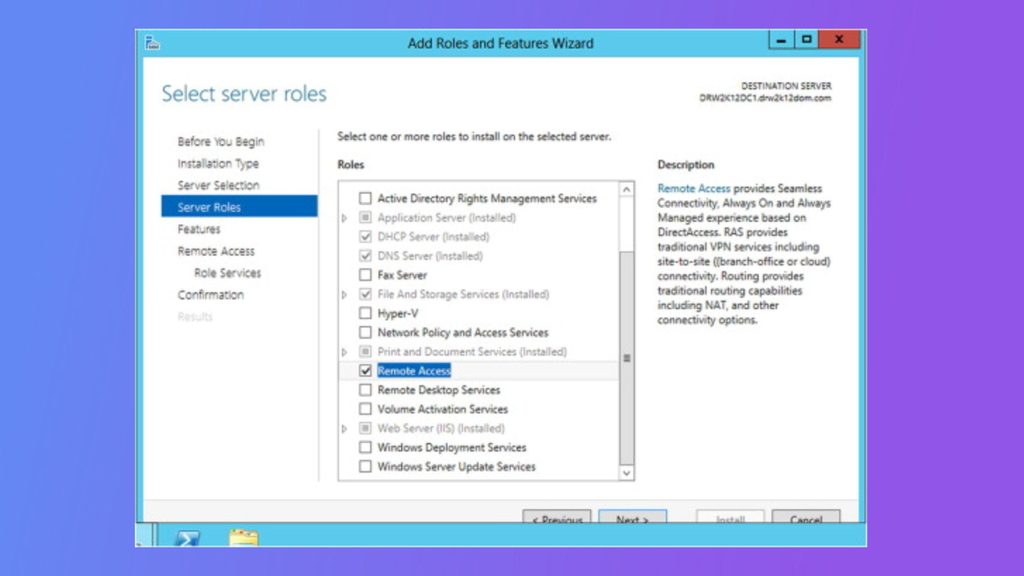
- Right-click the server name and choose Properties.
- On the Interfaces tab, choose which IP addresses the server listens on.
- On the Forwarders tab, click Edit and add external DNS servers (for example
8.8.8.8) that handle names this server does not know. - Click OK.
Step 3: Create a DNS zone
- Right-click the server name in DNS Manager and choose New Zone.
- Click Next in the wizard.
- Choose the type of zone: Primary zone, Secondary zone or Stub zone. Click Next.
- Choose a forward lookup zone, enter the zone name (for example
example.com) and click Next. - Choose how the zone file is stored and click Next.
- Choose whether to allow dynamic updates and click Next.
- Review your choices and click Finish.
Step 4: Add DNS records
- Expand the zone in DNS Manager.
- Right-click the zone and choose New Host (A or AAAA).
- Enter the host name and the IP address. Click Add Host.
- Repeat for more hosts. Use New Alias (CNAME) and New Mail Exchanger (MX) for those record types.
Step 5: Test
- Open Command Prompt.
- Run
nslookupwith a host name from your zone:
nslookup server1.example.com- The answer should show the IP address of that host.
You can also test with PowerShell:
Resolve-DnsName server1.example.comTip: Point the DNS setting of your servers and clients to this DNS server, and open port 53 (TCP and UDP) in the firewall.
Quick recap
- Install the DNS Server role from Server Manager.
- Create a zone and add A records.
- Test with
nslookup.