

What 2FA is
Two-factor authentication (2FA) asks for something more than your password. Common methods:
- Authenticator apps. Apps such as Google Authenticator make a new code every 30 seconds.
- SMS codes. A code is sent to your phone.
- Security keys. A physical USB key that you plug in.
- Email codes. A code is sent to your email.
Choose a plugin
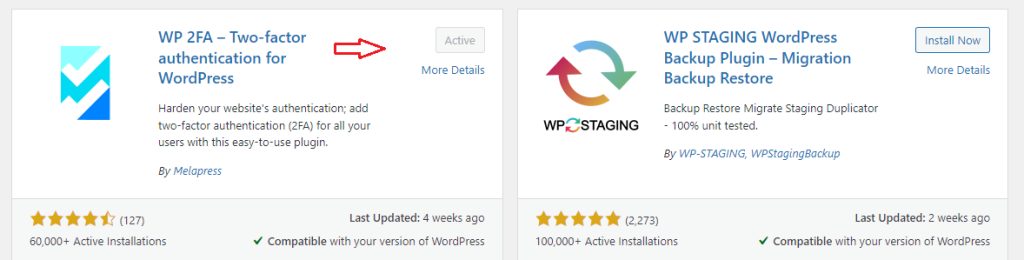
- WP 2FA
- Two-Factor Authentication (miniOrange)
- Google Authenticator
The steps below use WP 2FA. Other plugins are similar.
Install and set it up
- Go to Plugins, then Add New. Search for the plugin, click Install Now and then Activate.
- A setup wizard opens, or go to Settings, then the plugin page. Choose the methods you allow.

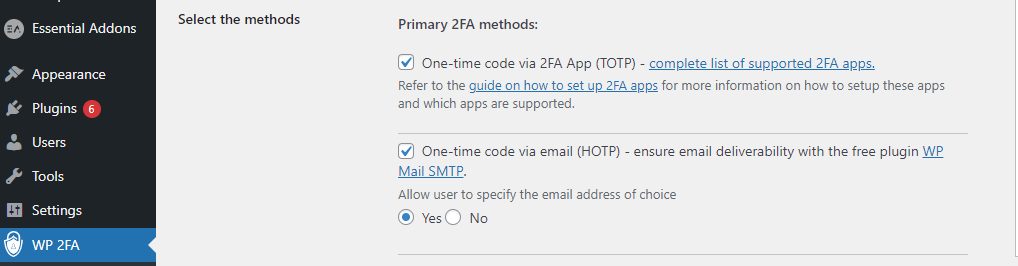
- For an authenticator app:
- Install an app such as Google Authenticator on your phone.
- Scan the QR code that the plugin shows.
- The app starts to make time-based codes (TOTP).
- Choose which user roles must use 2FA. Start with administrators and editors.
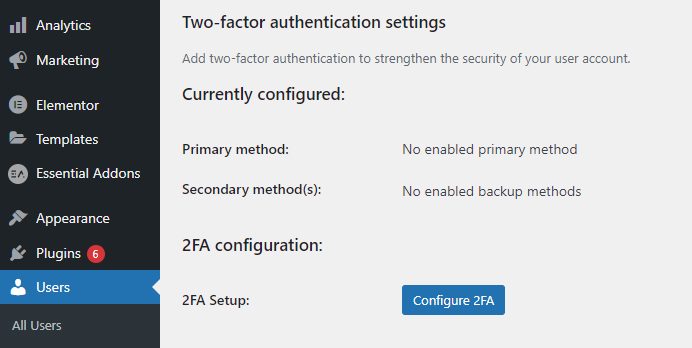
- Open your own profile and finish the 2FA setup for your account. Enter the code from the app to confirm.
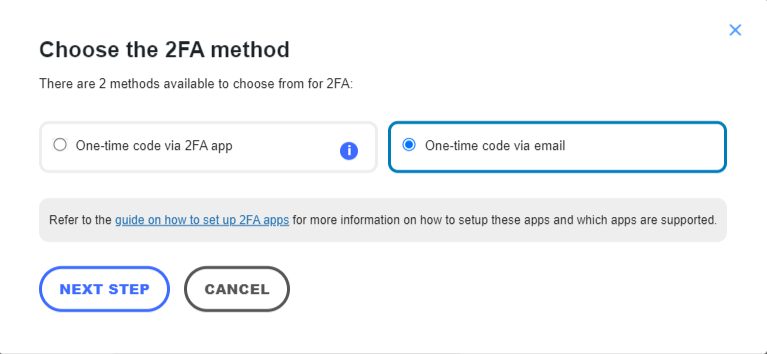
- Save the backup codes in a safe place.
Test it
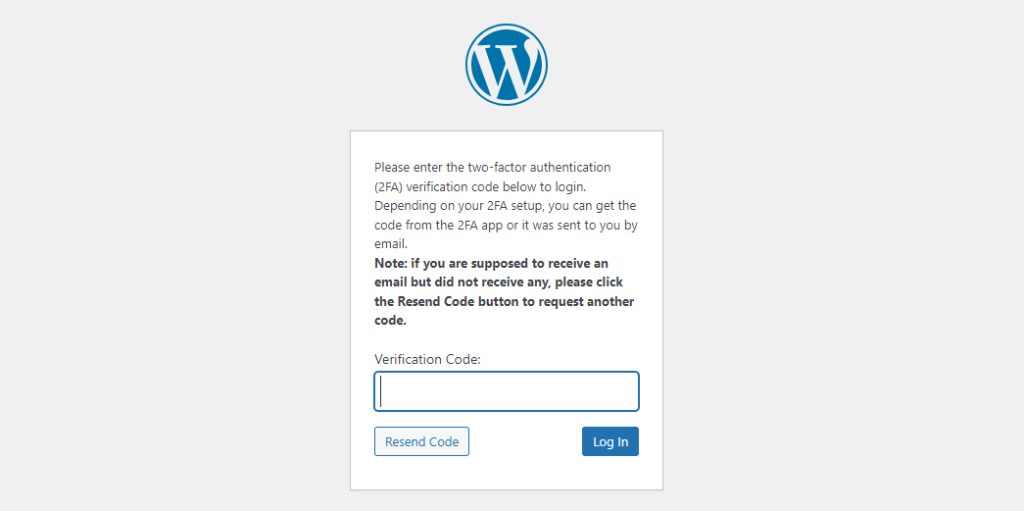
Log out, then log in again. After your password, WordPress asks for the code. Enter the code from your app.
Why use it
- It greatly lowers the risk of a break-in, even if a password leaks.
- It protects your content and your visitors' data.
- It shows that you care about security.
Good to know
- Keep the backup codes. They let you in if you lose your phone.
- You can set different rules for different roles.
- 2FA is not enough alone. Use strong, unique passwords and keep WordPress, themes and plugins updated.
- Back up your site on a regular basis.
Quick recap
- Install a 2FA plugin and choose a method.
- Scan the QR code with an authenticator app.
- Save the backup codes and test the login.