

Step 1: Install Apache
sudo apt update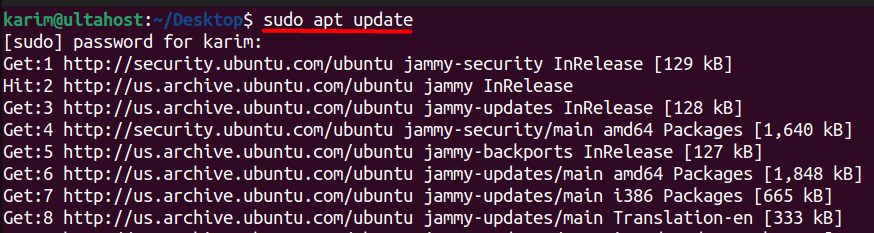
sudo apt install apache2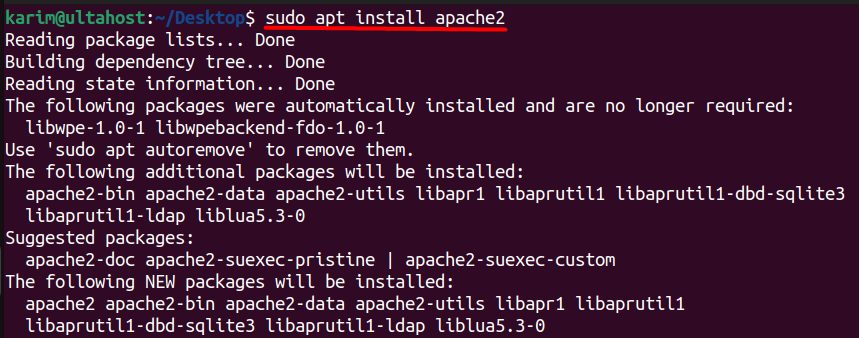
Check that it starts at boot and that it runs:
sudo systemctl is-enabled apache2
sudo systemctl status apache2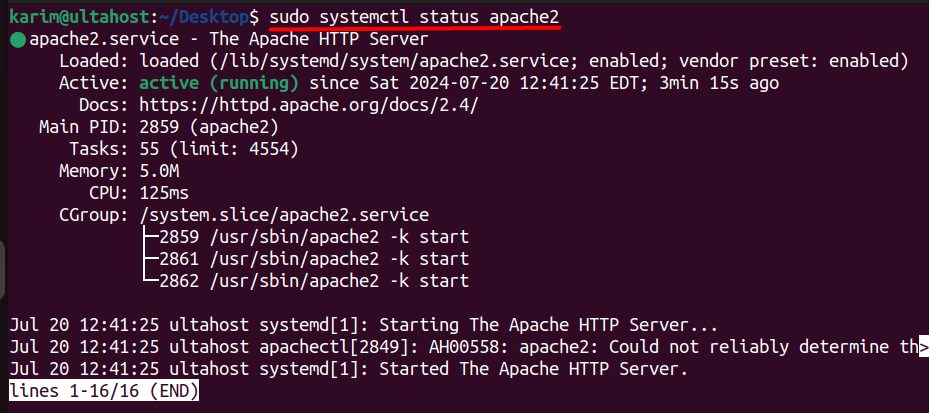
Open the firewall. Allow SSH first so that you do not lock yourself out:
sudo ufw allow OpenSSH
sudo ufw allow "Apache Full"
sudo ufw enable
sudo ufw reload
sudo ufw status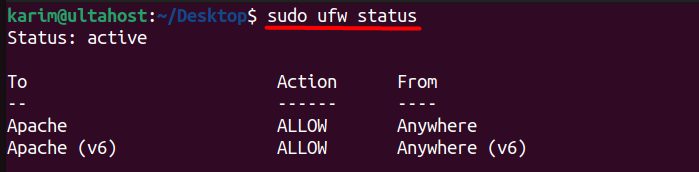
Step 2: Install MariaDB
sudo apt install mariadb-server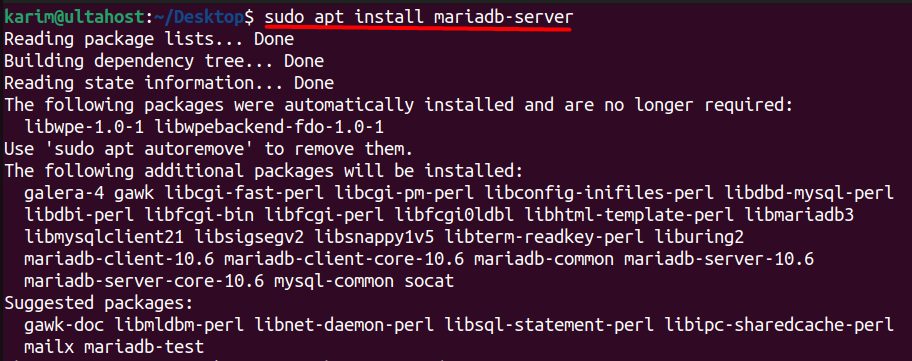
sudo systemctl is-enabled mariadb
sudo systemctl status mariadb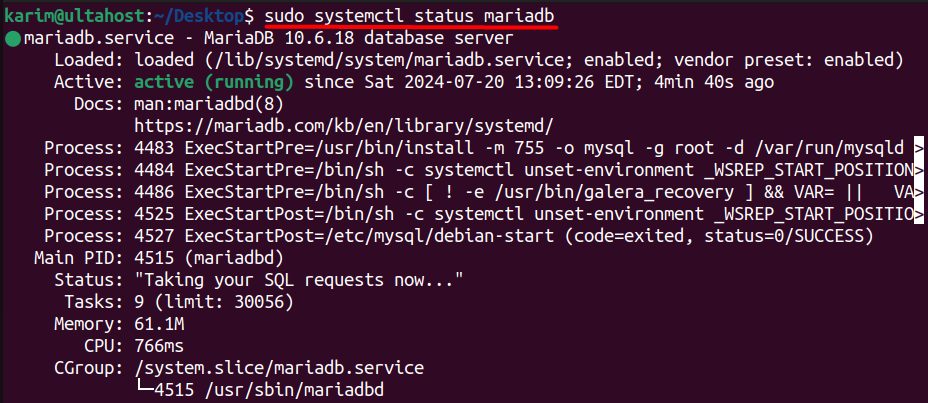
Secure the install:
sudo mysql_secure_installation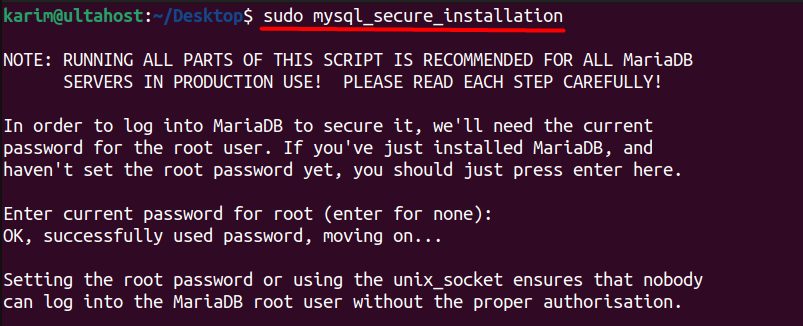
Step 3: Install PHP
sudo apt install php libapache2-mod-php php-mysql php-xml php-mbstring php-curl php-zip php-gd php-intl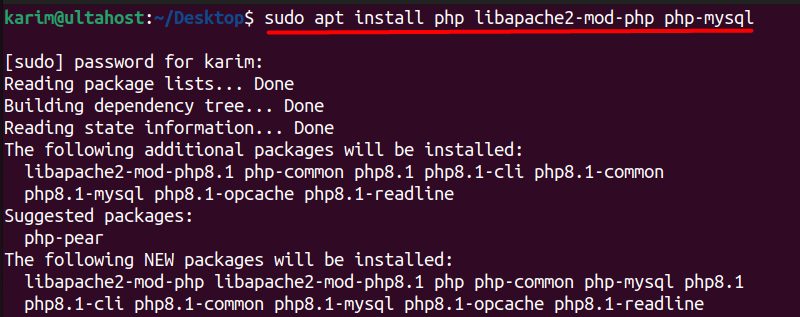
Restart Apache and test PHP:
sudo systemctl restart apache2
sudo nano /var/www/html/phpinfo.php
Add:
<?php
phpinfo();
?>
Open http://your_server_ip/phpinfo.php.

Delete this file after the test: sudo rm /var/www/html/phpinfo.php.
Step 4: Create the database
sudo mysql -u root -p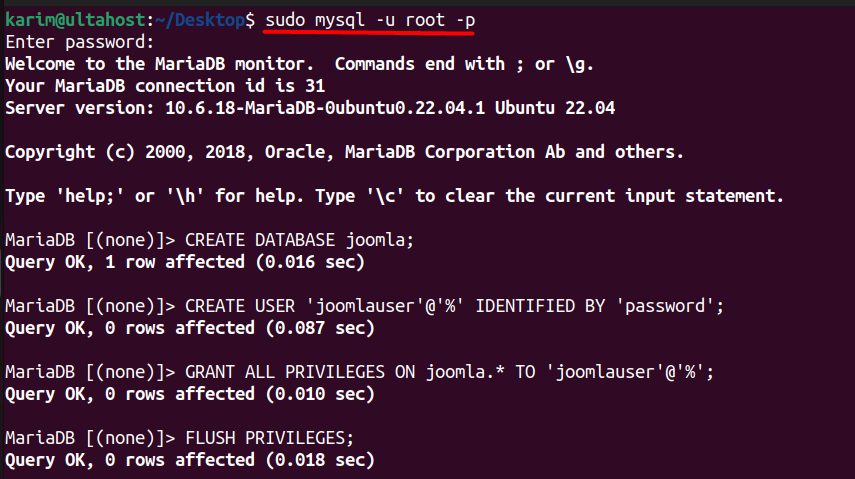
CREATE DATABASE joomla;
CREATE USER 'joomlauser'@'localhost' IDENTIFIED BY 'StrongPassword';
GRANT ALL PRIVILEGES ON joomla.* TO 'joomlauser'@'localhost';
FLUSH PRIVILEGES;
EXIT;
Step 5: Download Joomla
Get the link of the current full package from the Joomla website, and download it:
cd /tmp
wget https://downloads.joomla.org/cms/joomla5/5-1-2/Joomla_5-1-2-Stable-Full_Package.zip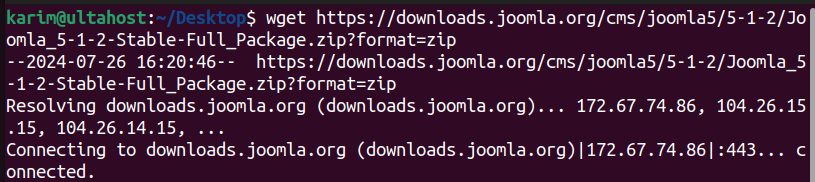
Unzip it into the web folder:
sudo mkdir -p /var/www/html/joomla
sudo unzip Joomla_5-1-2-Stable-Full_Package.zip -d /var/www/html/joomla
Set the owner:
sudo chown -R www-data:www-data /var/www/html/joomla
sudo chmod -R 755 /var/www/html/joomla
Step 6: Finish in the browser
Open http://your_server_ip/joomla. The Joomla installer starts.
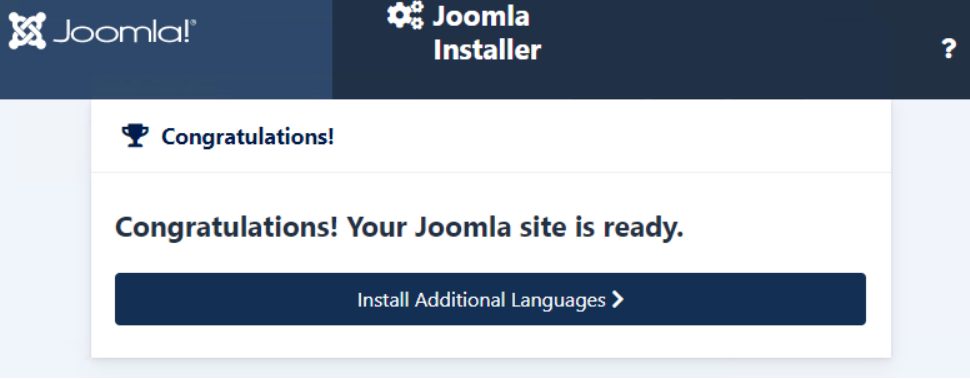
- Enter the site name and the admin user details.
- Enter the database details: type MySQLi, host
localhost, the user and password from step 4, and the database namejoomla. - Click Install.
- When it ends, remove the installation folder if the installer asks for it.
Add an SSL certificate (for example with certbot --apache) before you use the site for real.
Quick recap
- Install Apache, MariaDB and PHP.
- Create a database and user.
- Unzip Joomla into
/var/www/html/joomlaand run the web installer.