

What Redmine is
Redmine is a free, open-source tool for project management and issue tracking. Its main features:
- Create, assign, track and prioritize tasks.
- Report and resolve issues and bugs.
- Time tracking for tasks and projects.
- Git and Subversion integration.
- A wiki for team documents.
- News and announcements for each project.
- Flexible workflows.
- Roles and permissions for users.
Step 1: Install the dependencies
sudo apt update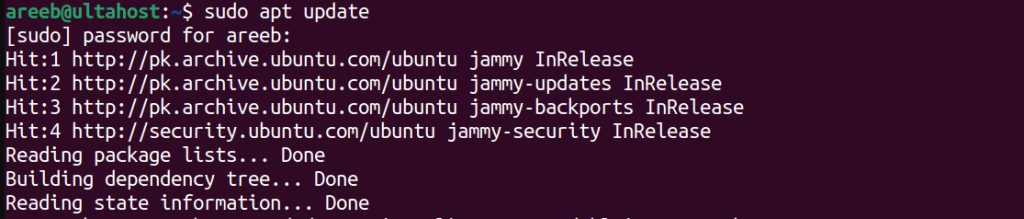
sudo apt install curl git-core libapache2-mod-passenger libmysqlclient-dev libpq-dev libxml2-dev nodejs npm build-essential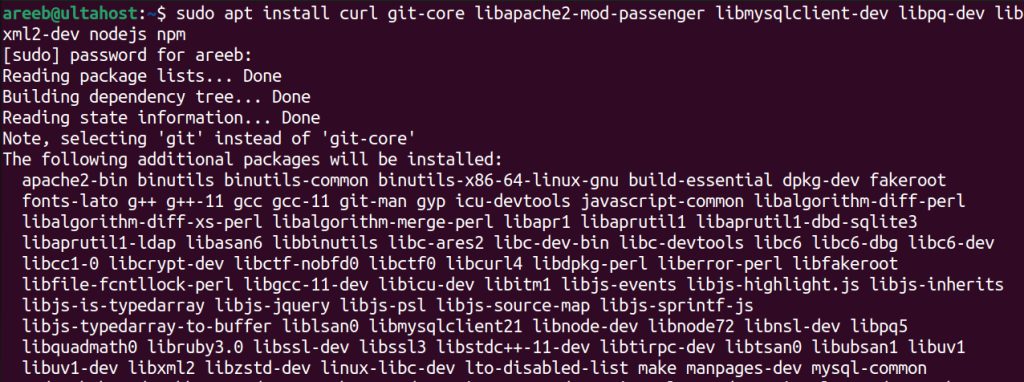
Step 2: Install Apache
sudo apt install apache2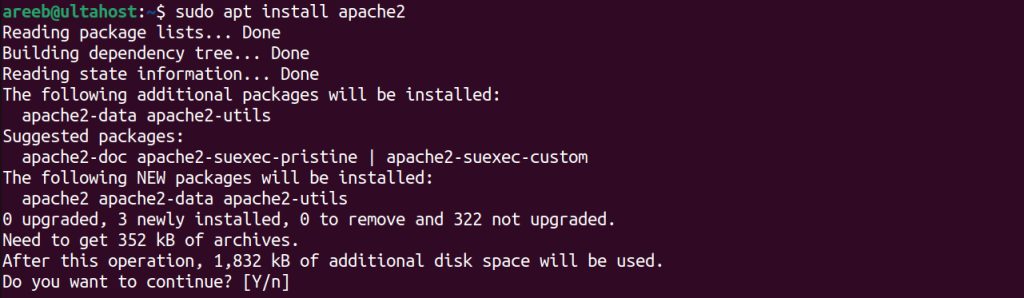
Step 3: Install MySQL
sudo apt install mysql-server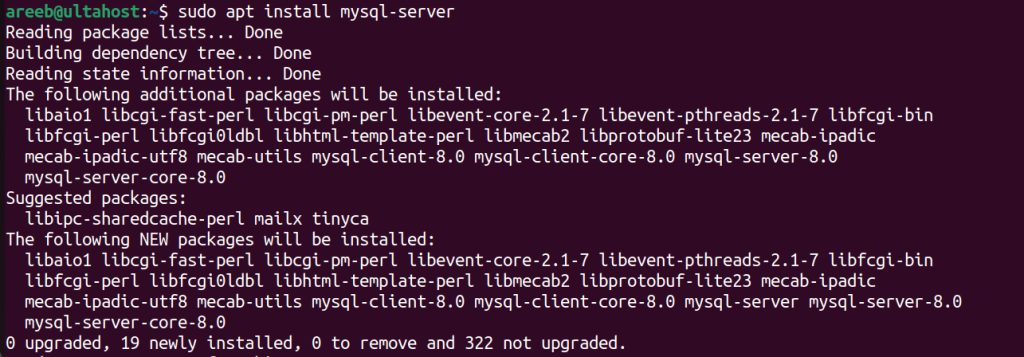
sudo mysql_secure_installationStep 4: Install Ruby and Bundler
Redmine needs a supported Ruby version (check the Redmine requirements):
sudo apt install ruby ruby-dev
sudo gem install bundler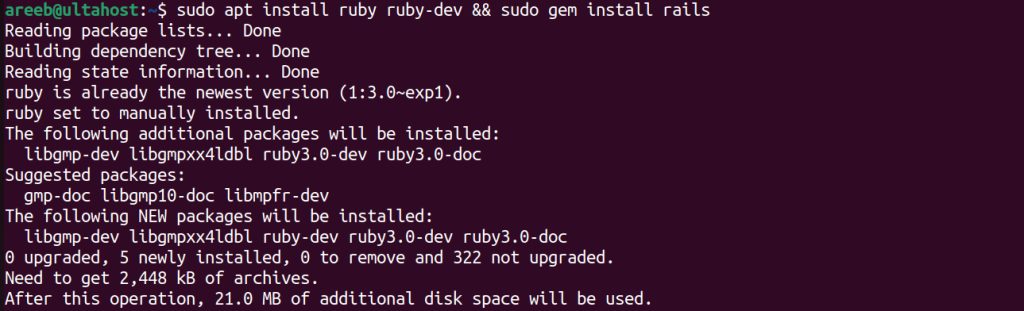
Step 5: Download Redmine
sudo mkdir /var/www/html/redmine
sudo chown -R www-data:www-data /var/www/html/redmine
cd /var/www/html/redmine
sudo git clone https://github.com/redmine/redmine.git .
For a stable version, check out a release branch, for example sudo git checkout 5.1-stable.
Step 6: Configure Redmine
Create the database and the user:
sudo mysql -u root -pCREATE DATABASE redmine CHARACTER SET utf8mb4;
CREATE USER 'redmineuser'@'localhost' IDENTIFIED BY 'yourpassword';
GRANT ALL PRIVILEGES ON redmine.* TO 'redmineuser'@'localhost';
FLUSH PRIVILEGES;
EXIT;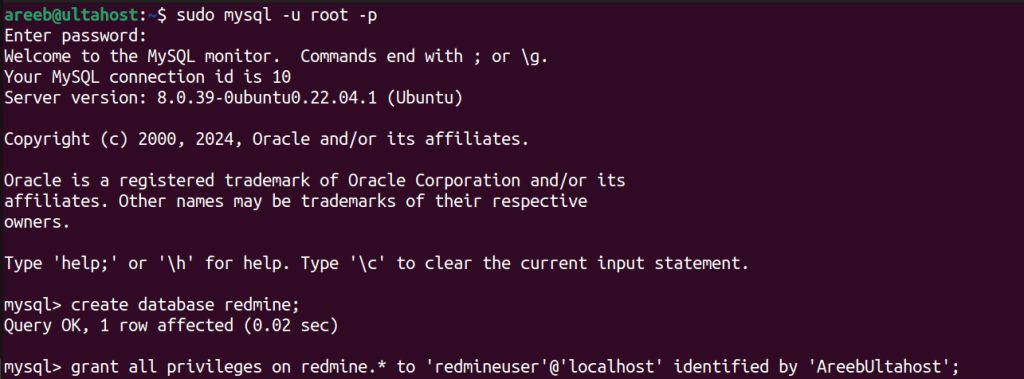
Copy the example config and edit it:
cp config/database.yml.example config/database.yml
nano config/database.yml
Set the production section:
production:
  adapter: mysql2
  host: localhost
  database: redmine
  username: redmineuser
  password: yourpassword
  encoding: utf8mb4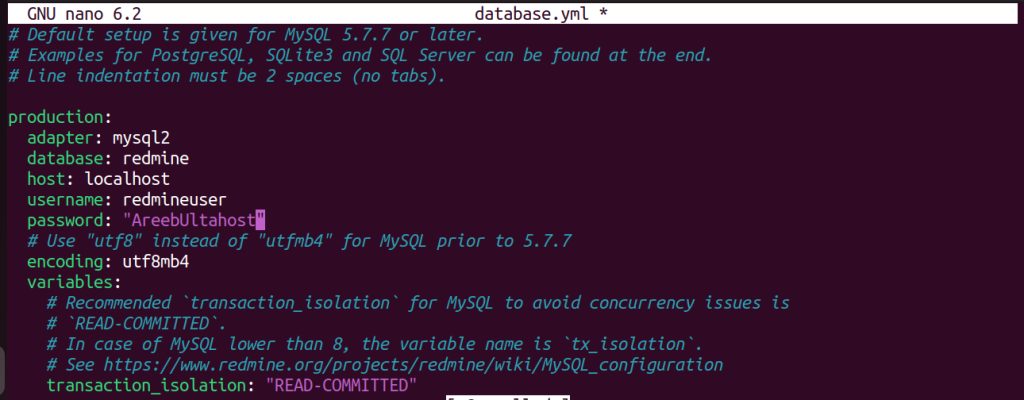
Install the gems and prepare the database:
bundle config set --local without 'development test'
bundle install
bundle exec rake generate_secret_token
RAILS_ENV=production bundle exec rake db:migrate
RAILS_ENV=production bundle exec rake redmine:load_default_data
Step 7: Access Redmine
Configure Apache with Passenger to serve the public folder of Redmine, for example:
<VirtualHost *:80>
    ServerName redmine.example.com
    DocumentRoot /var/www/html/redmine/public
    <Directory /var/www/html/redmine/public>
        Require all granted
        Options -MultiViews
    </Directory>
</VirtualHost>
Enable the site and restart Apache. Open the address in your browser and log in with admin and the password admin. Change the password right away.
Use Redmine
- Create projects, set milestones and assign tasks.
- Track progress and spot risks.
- Share information in the wiki and the news.
- Use reports to decide.
Quick recap
- Install Apache, MySQL, Ruby and the libraries.
- Clone Redmine, set
database.ymland run the migrations. - Serve the
publicfolder with Passenger.