

Step 1: Update the system
sudo apt update && sudo apt upgrade -y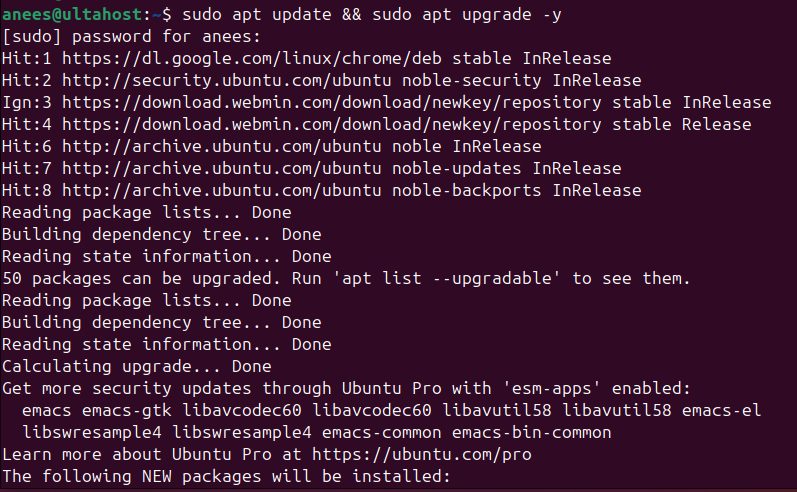
Step 2: Install the LAMP stack
sudo apt install apache2 mariadb-server php libapache2-mod-php php-gd php-curl php-imagick php-intl php-json php-ldap php-common php-mbstring php-mysql php-xml php-zip unzip -y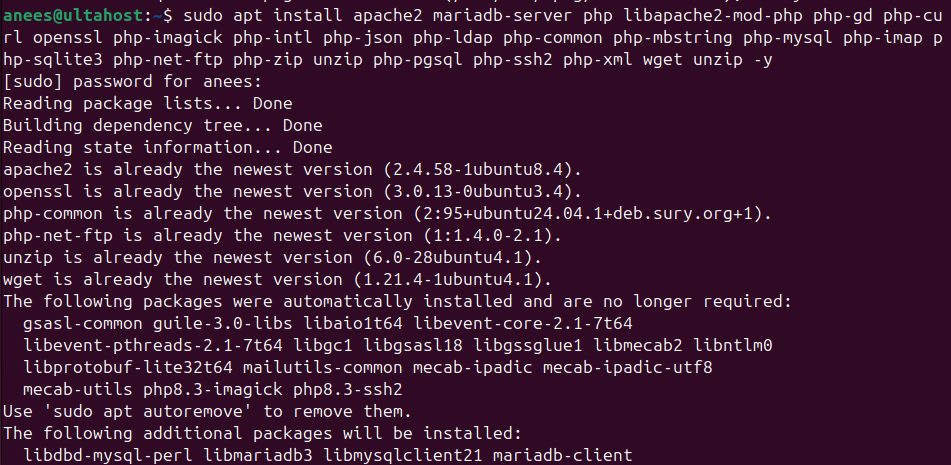
Step 3: Start the services
sudo systemctl start apache2 && sudo systemctl start mariadb
sudo systemctl enable apache2 && sudo systemctl enable mariadb
Step 4: Create the database
sudo mysql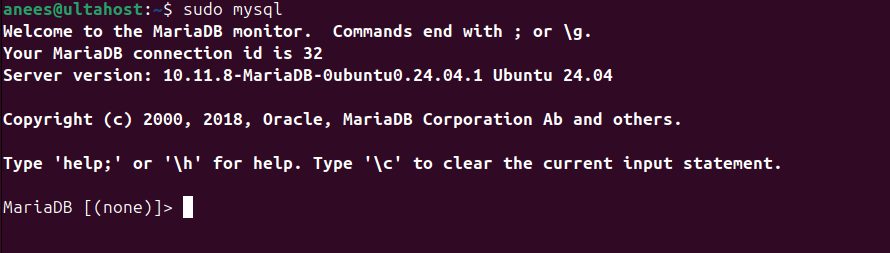
CREATE DATABASE phpbb;
CREATE USER 'phpbbuser'@'localhost' IDENTIFIED BY 'a_strong_password';
GRANT ALL PRIVILEGES ON phpbb.* TO 'phpbbuser'@'localhost';
FLUSH PRIVILEGES;
EXIT;
Step 5: Download phpBB
Check the current version on the phpBB website and download it:
wget https://download.phpbb.com/pub/release/3.3/3.3.7/phpBB-3.3.7.zip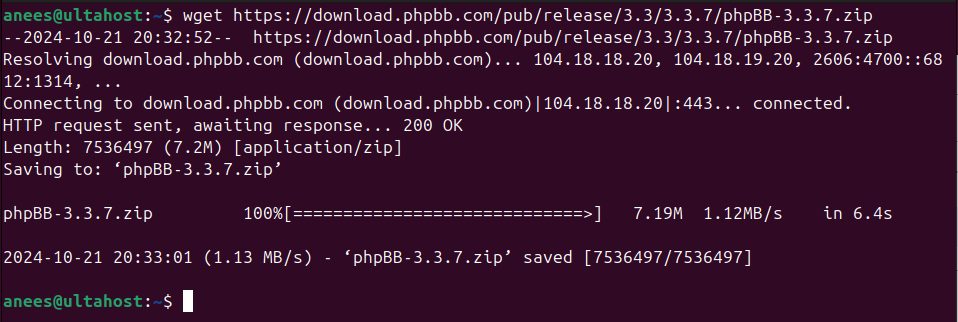
Unzip it and move the folder to the web root:
unzip phpBB-3.3.7.zip
sudo mv phpBB3 /var/www/html/phpbb
Step 6: Set the file permissions
sudo chown -R www-data:www-data /var/www/html/phpbb
sudo chmod -R 775 /var/www/html/phpbb
Step 7: Create an Apache virtual host
sudo nano /etc/apache2/sites-available/phpbb.confAdd (use your domain):
<VirtualHost *:80>
    ServerAdmin admin@your-domain.com
    DocumentRoot /var/www/html/phpbb
    ServerName your-domain.com
    <Directory /var/www/html/phpbb>
        Options FollowSymlinks
        AllowOverride All
        Require all granted
    </Directory>
    ErrorLog ${APACHE_LOG_DIR}/phpbb_error.log
    CustomLog ${APACHE_LOG_DIR}/phpbb_access.log combined
</VirtualHost>
Step 8: Enable the site and restart Apache
sudo a2ensite phpbb && sudo a2enmod rewrite && sudo systemctl restart apache2Open the web installer
Go to http://your-domain.com (or http://your-domain.com/phpbb if you did not use a virtual host).
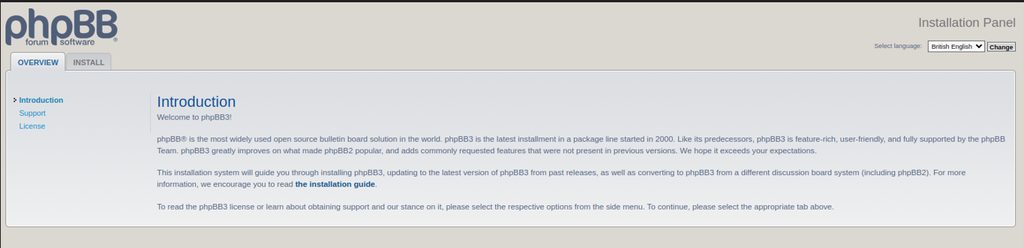
- Read the introduction and click Install.
- phpBB checks the server. Fix anything that is marked in red.
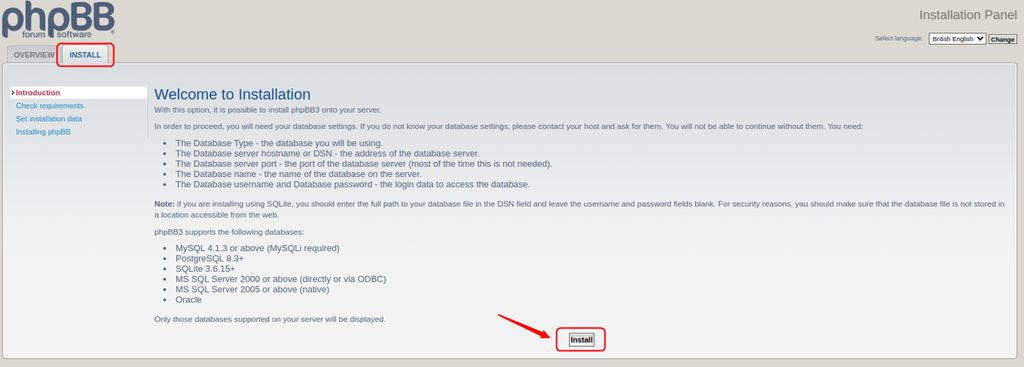
- Create the administrator account.
- Enter the database details: type MySQL, host
localhost, databasephpbb, the user and password from step 4.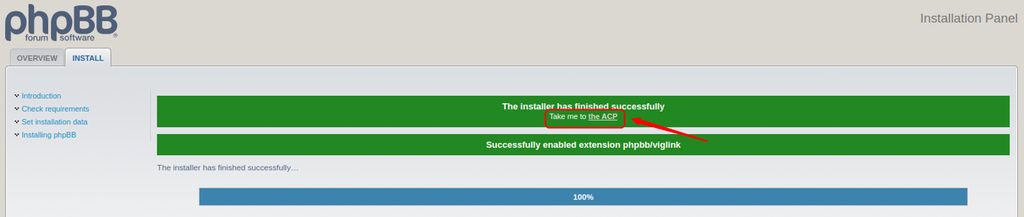
- Finish the steps. When the install ends, delete the
installfolder if the board asks you to:
sudo rm -rf /var/www/html/phpbb/installThen log in to the administration control panel.
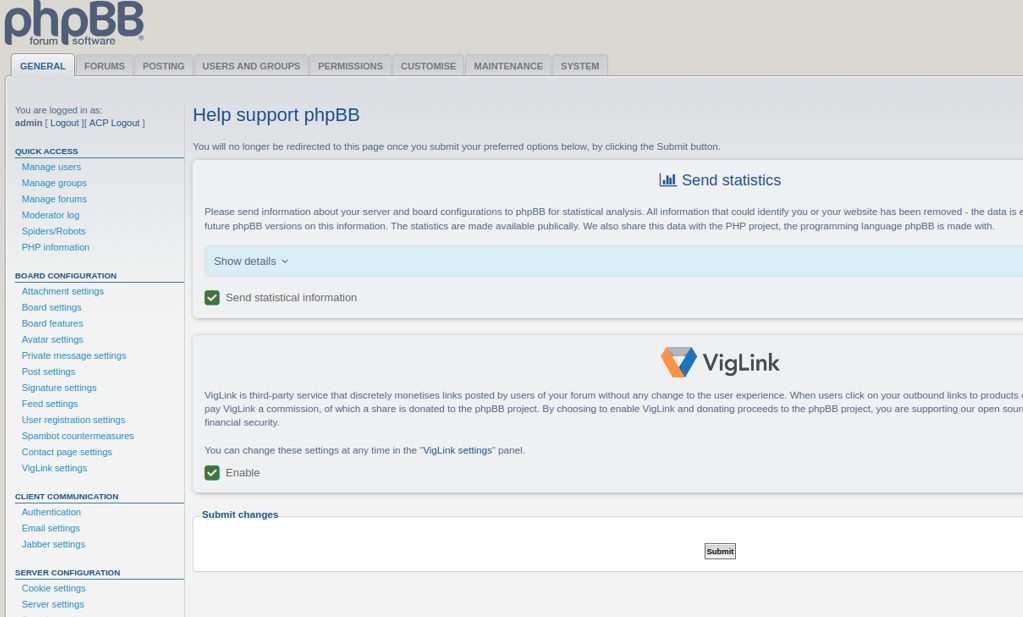
Add HTTPS with Certbot before you open the forum to the public.
Quick recap
- Install LAMP, create a database and a user.
- Download phpBB to
/var/www/html/phpbband set the owner. - Finish the installer in the browser and remove
install.