

What is cPanel?
cPanel is the dashboard for your web hosting account. You use it to manage files, email and databases. Modern cPanel works in a phone browser. You do not need a special app.
What you need
- A phone or tablet with internet.
- Your cPanel username and password. They are in your Hostvento welcome email.
- A browser such as Chrome or Safari.
Method 1: Through the client area
- Open your mobile browser.
- Go to the Hostvento client area.
- Log in with your email address and password.
- Tap the menu icon (three lines) if the menu is hidden.
- Tap Services, then My Services.
- Tap your hosting service.
- Tap the button to log in to cPanel, if your plan shows one.
Method 2: Type the cPanel address
- Open your browser.
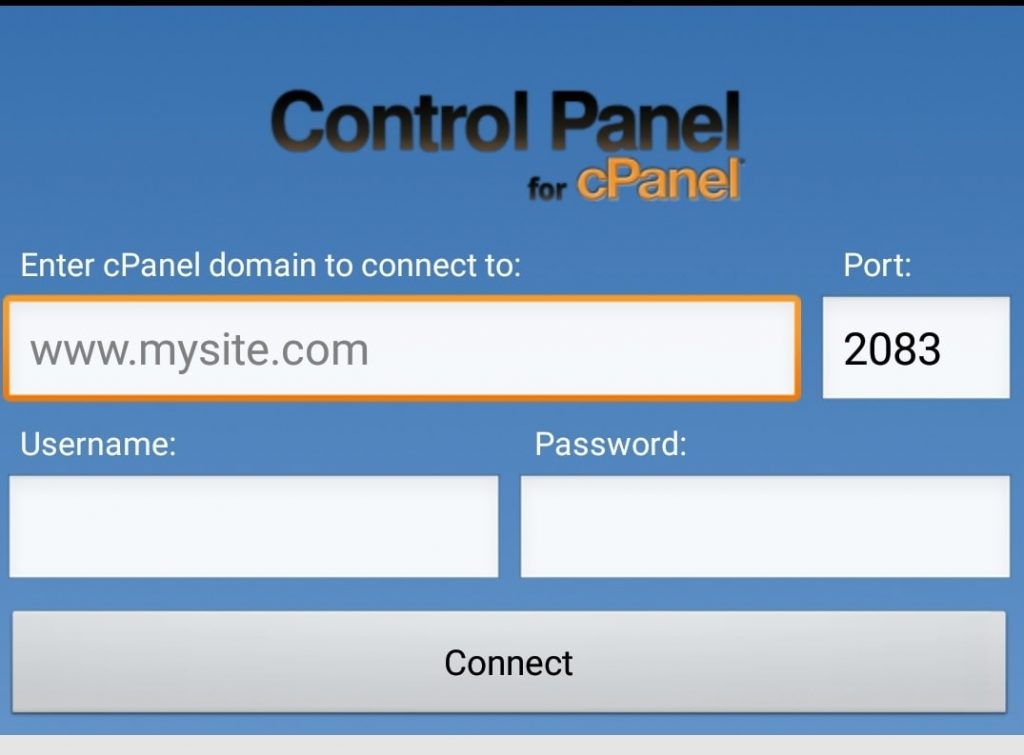
- In the address bar, type your domain followed by the cPanel port:
Port 2083 is the secure door that cPanel uses. Replacehttps://yourdomain.com:2083yourdomain.comwith your domain. - Type your cPanel username and password.
- Tap Log in.
Tips for a small screen
- Turn your phone sideways. A wider screen shows more.
- Use the search box at the top of cPanel to find tools fast.
- Pinch to zoom in on small buttons.
- Ask your browser for the desktop site if a page looks cramped. In Chrome, open the menu and tick Desktop site.
Good jobs to do on a phone
- Check email accounts.
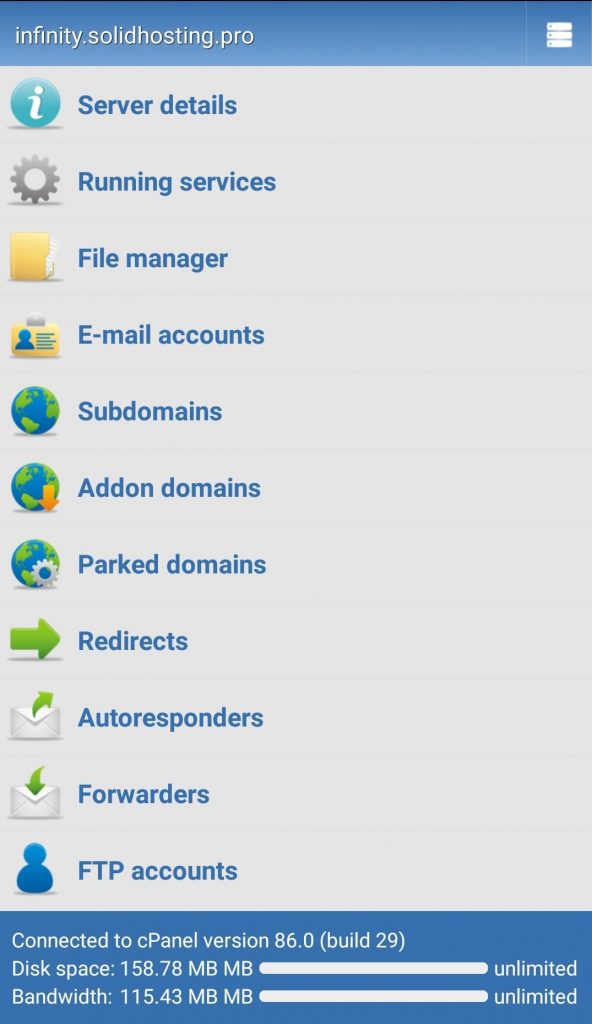
- Look at disk and bandwidth use.
- Clear a cache or restart a service from your hosting tools.
Big jobs like uploading many files are easier on a computer.
Warning: Do not log in to cPanel over public Wi-Fi at cafes or airports unless you must. Use your mobile data instead. Always log out when you finish.
If it does not load
- Check your internet.
- Check that the address and port are correct.
- Some networks block unusual ports. Try mobile data.
- Ask Hostvento support for help if it still fails.
Quick recap
- cPanel works in a normal phone browser.
- Log in through the client area or type your domain with
:2083. - Use landscape mode and the search box.
- Stay safe on public Wi-Fi.