

What is a cPanel account?
A cPanel account is a small space on a server. It holds one website, its files, its email and its databases. Think of a big apartment building. Each account is one flat with its own key.
You make these accounts in WHM. WHM stands for Web Host Manager. It is the control room for the whole server. cPanel is the control room for one single account. You need root access to use WHM. Root is the server's main administrator login.

Before you start
- Have the domain name ready, for example
example.com. - Pick a strong password. Use a mix of letters, numbers and symbols.
- Have the contact email of the new owner.
- Check that your domain points to your server, or the site will not open yet.
Steps
- Log in to WHM with your root login. WHM usually opens on your server address followed by
:2087. Your welcome email shows the exact address.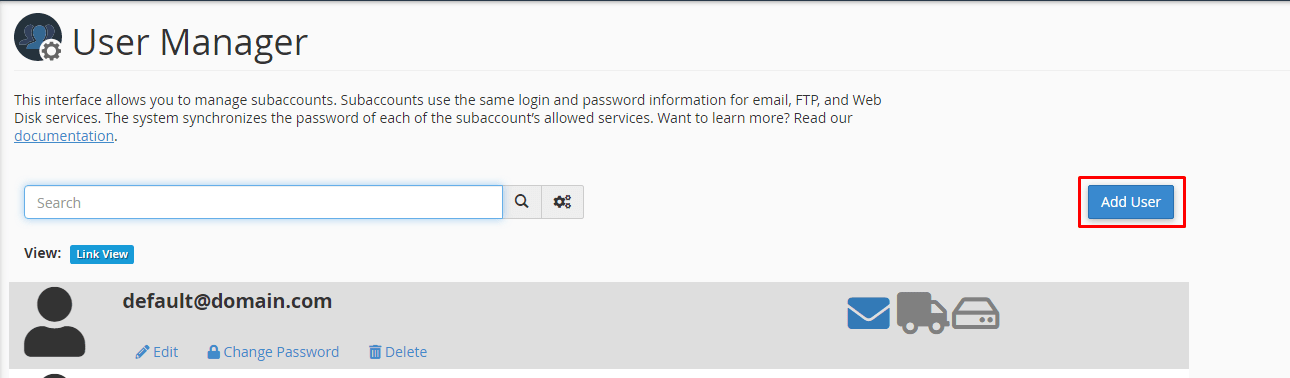
- In the search box on the left, type Create a New Account.
- Click Create a New Account.
- In the Domain box, type the domain name for the account.
- Check the Username. WHM fills it in for you. You can change it. It must be short and use letters and numbers.
- Type a password in the Password box. You can click Password Generator to make a strong one.
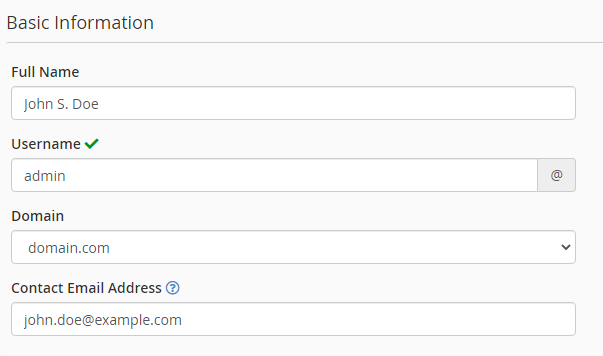
- Type the owner's email in the Email box.
- Under Choose a Package, pick a package. A package is a set of limits, such as disk space and email accounts. You can make your own packages in WHM under Add a Package.
- Look at the Settings section. Leave the defaults if you are not sure.
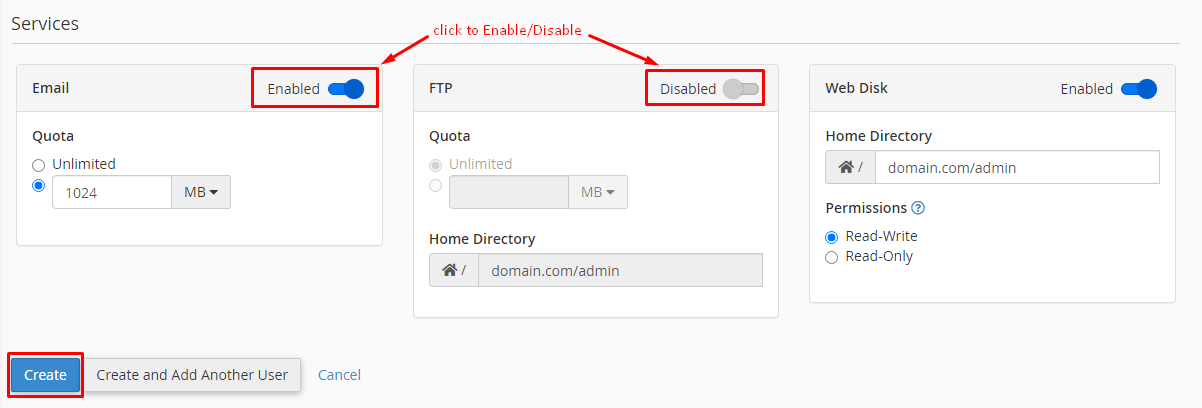
- Click Create at the bottom.
WHM now shows a summary page. It lists the username, the domain and the server IP address. Save this page or write the details down.
Check that it worked
- In WHM, search for List Accounts.
- Look for your new domain in the list.
- Click the small cPanel icon next to it. This logs you in to the new account.
Tip: Do not reuse the root password for a customer account. Give every account its own password.
Quick recap
- You need root access and WHM to create accounts.
- Use Create a New Account, then fill in domain, username, password and email.
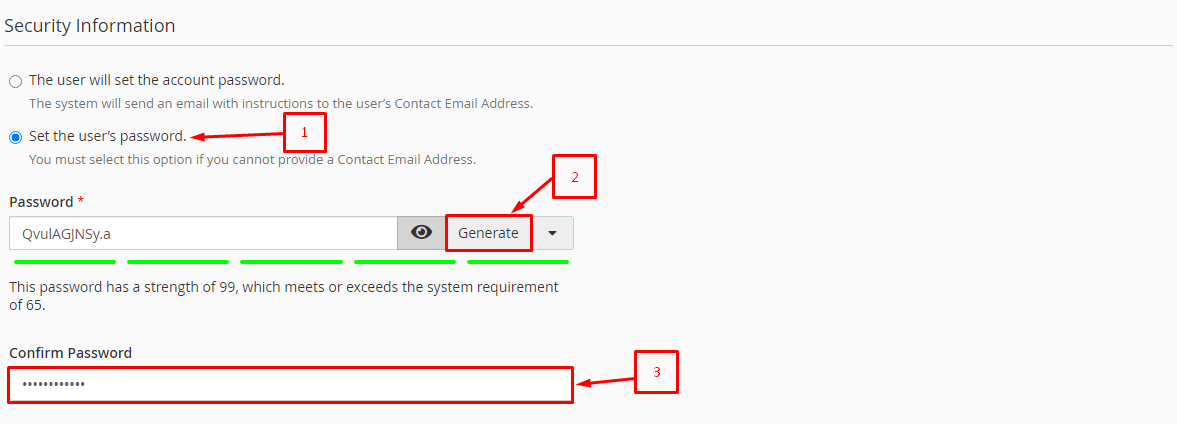
- Choose a package to set the limits.
- Click Create and check the result in List Accounts.
- If you are stuck, ask Hostvento support.