

What is a Perl module?
Perl is a programming language. Many older scripts use it. A module is a ready-made add-on for Perl. It is like a Lego piece. Instead of building a feature from nothing, a script uses the piece.
If a script says "Can't locate Some/Module.pm", the module is missing. You can add it from cPanel.
Method 1: Use the Perl Modules tool
This tool may not appear on every plan. Ask Hostvento support if you cannot see it.
- Log in to cPanel.
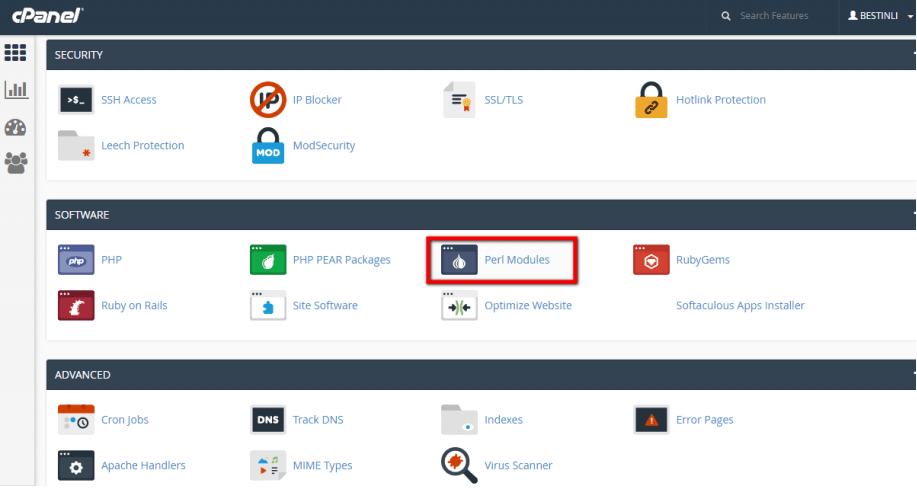
- In the search box, type Perl.
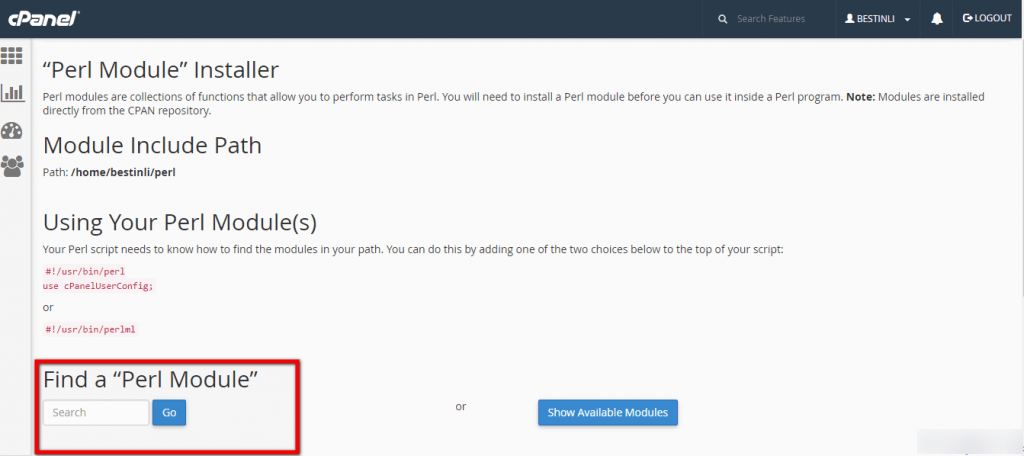
- Click Perl Modules.
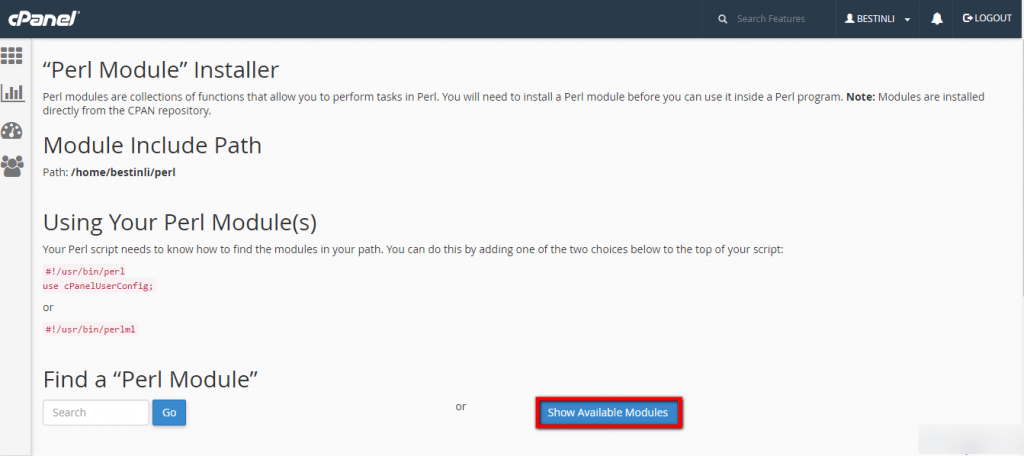
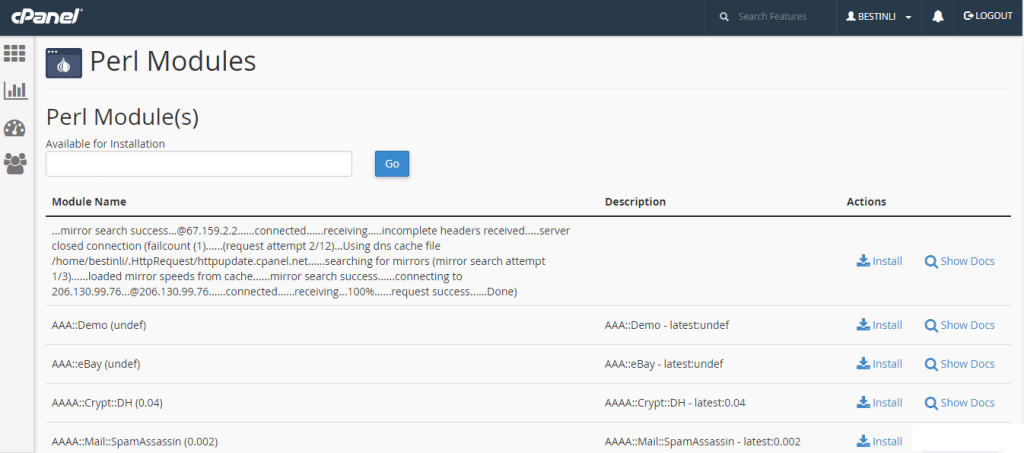
- Find the box called Install a Perl Module.
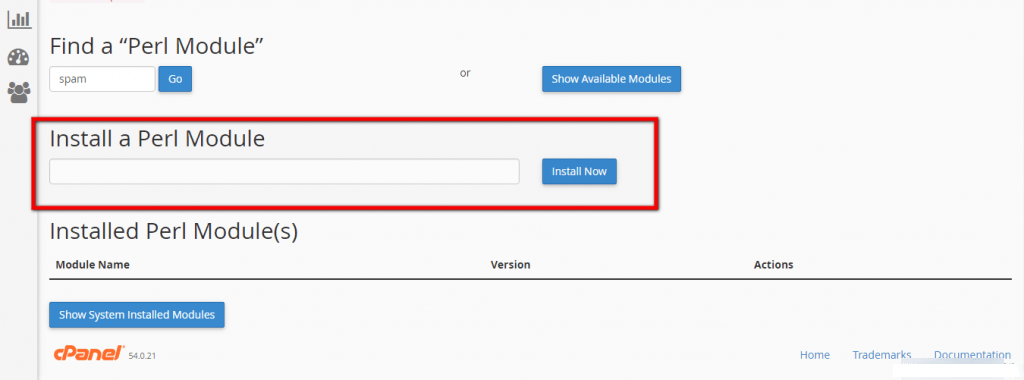
- Type the module name, for example
JSON::XS. - Click Install Now.
- Wait for the screen to show the install log. Look for a line that says it finished.
The module goes into your own home folder. It does not change the server for other users.
Method 2: Use the Terminal
Some plans have a Terminal tool in cPanel. A terminal is a text window where you type commands.

- Open Terminal in cPanel.
- Run this to set up a local library the first time.
This starts the CPAN tool. CPAN is the big online store of Perl modules. Answer the questions with the default choices. Choose the local library option when asked.cpan - Type the install command inside cpan.
This downloads and installs the module.install JSON::XS - Type
exitto leave.
Tell your script where the module is
If your script cannot see the module, add a line at the top of the script.
use lib '/home/USERNAME/perl5/lib/perl5';This tells Perl to look in your own folder. Replace USERNAME with your cPanel username.
If install fails
- Check the spelling. Module names are case sensitive.
- Read the log. It often names a missing tool.
- Some modules need a system library. Only the server owner can add those, so open a support ticket at https://secure.hostvento.com/submitticket.php.
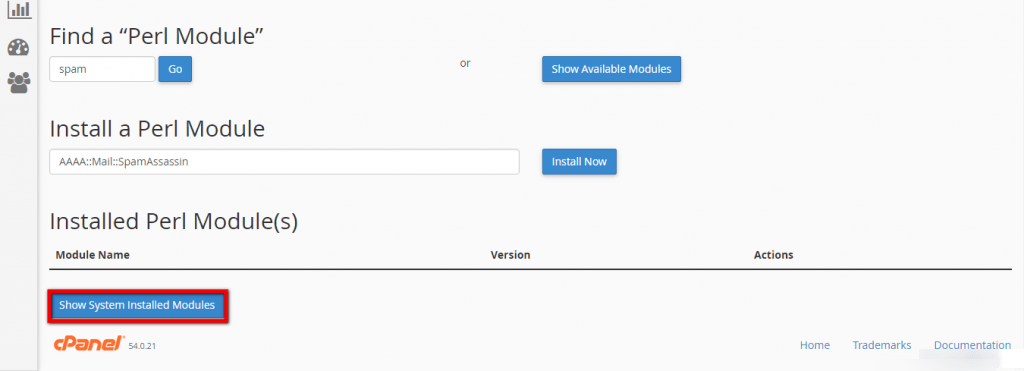
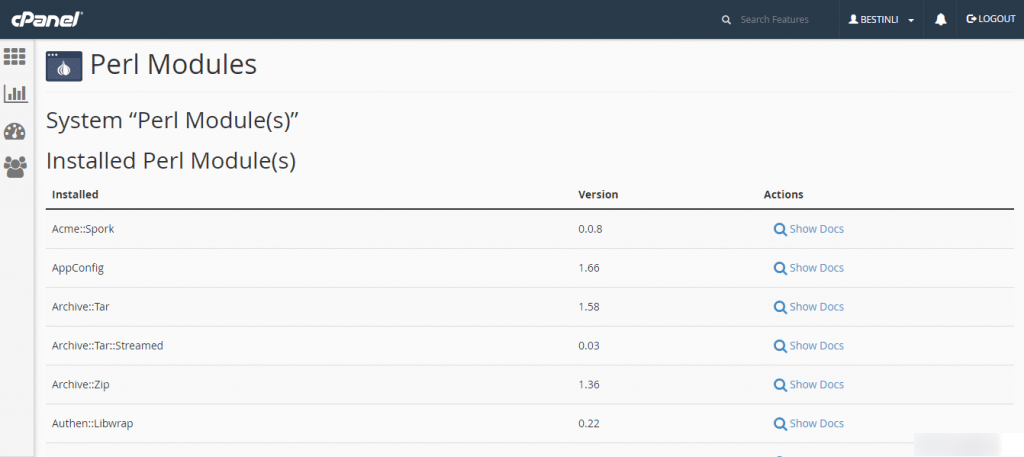
Tip: On a VPS with root access, you can install a module for everyone in WHM under Install a Perl Module.
Quick recap
- A Perl module is an add-on a script needs.
- Use Perl Modules in cPanel and type the name.
- The Terminal with
cpanis another way. - Point your script to your own library folder if needed.