

What is a primary domain?
The primary domain is the main website name of a cPanel account. It was set when the account was made. You cannot change it from inside normal cPanel. Other names you add later are called addon domains.
Warning: Changing the main domain can affect your website, your email and your SSL certificate. Take a full backup first. An SSL certificate is the thing that gives your site the padlock and https.
Before you start
- Back up the account. Use Backup in cPanel or Backup tools in WHM.
- Point the new domain to your server. Set its DNS to the right nameservers. DNS is the internet's phone book. It turns names into server addresses. Your welcome email lists the nameservers.
- Check the new domain is not already on this server as another account.
Steps in WHM
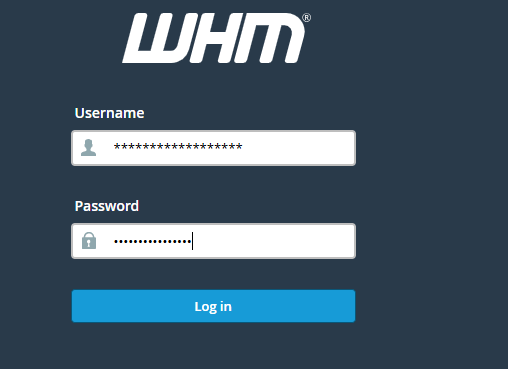
- Log in to WHM.
- Search for Modify an Account.
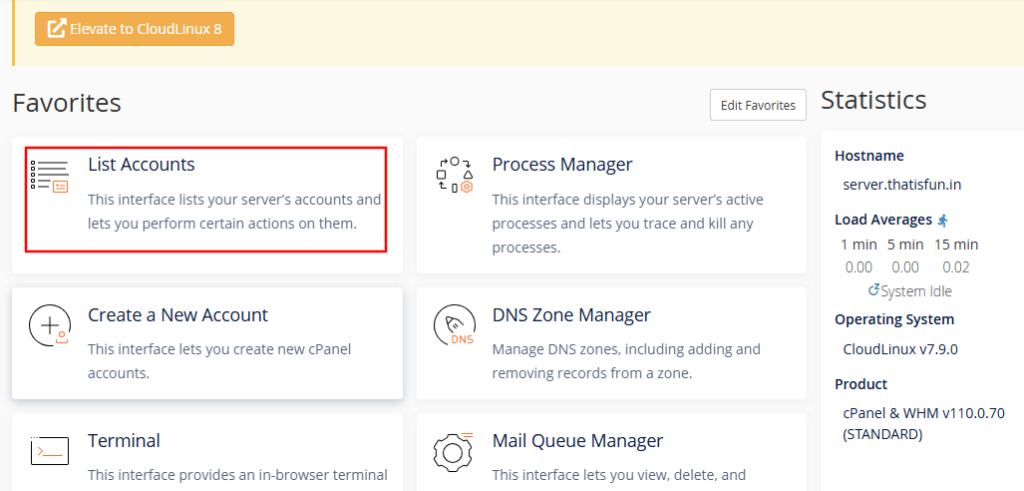
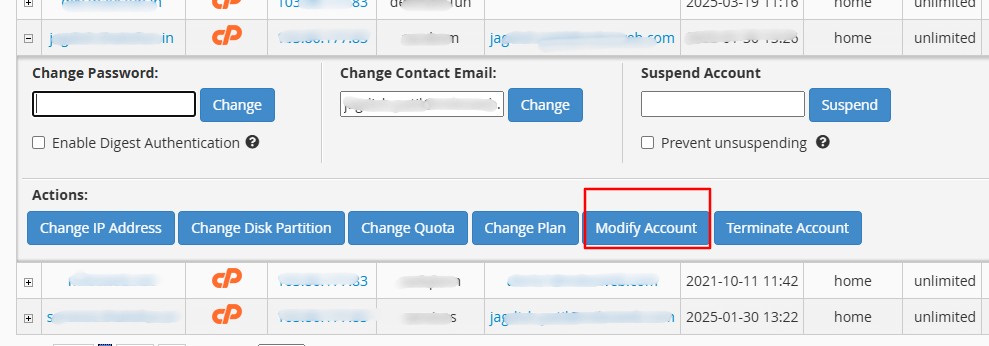
- Click it and pick the account from the list.
- Click Modify.
- Find the Domain box.
- Type the new domain name.
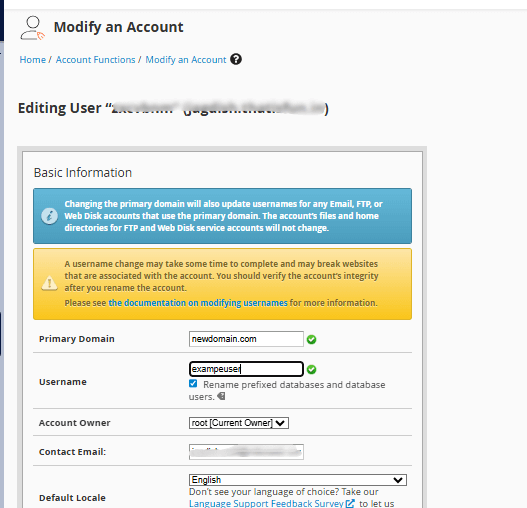
- Scroll down and click Save.
WHM changes the account's main domain. It also updates its settings.
If the new domain is already an addon domain
If the new name is already added to the same account, remove it from the addon list first. In cPanel, open Domains, find the name and click Manage then Remove. Be careful. Removing a domain can delete its folder. Take a backup and copy the files you need.
After the change
- Open the new domain in your browser. Check your site loads.
- Update your website settings. For WordPress, change the site address in Settings then General.
- Re-create your email accounts if they were tied to the old name.
- Install a new SSL certificate for the new domain.
- Set up a redirect from the old name, if you want one.
Tip: If you are on shared hosting and cannot see WHM, open a ticket at https://secure.hostvento.com/submitticket.php. Support can help.
Quick recap
- The primary domain is the account's main name.
- Change it in WHM with Modify an Account.
- Back up first and point the new domain's DNS to your server.
- Check your site, email and SSL afterwards.