What is R1Soft?
R1Soft is a backup program that web hosts use. It saves a copy of your server again and again during the day. Each saved copy is called a restore point. A restore point is like a photo of your files at one moment in time.
cPanel is the control panel where you manage your hosting account. Some hosts add an R1Soft tool to it. Not every plan has this tool. Ask Hostvento support if R1Soft backups are included in your plan.
Warning: Restoring can replace the files that are there now. If you have new work you want to keep, download a copy of it first.
Steps
- Log in to your cPanel account.
- Look for the backup tools. Search for R1Soft or Restore Backups in the search box at the top.
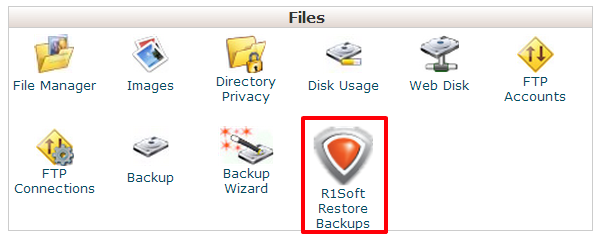
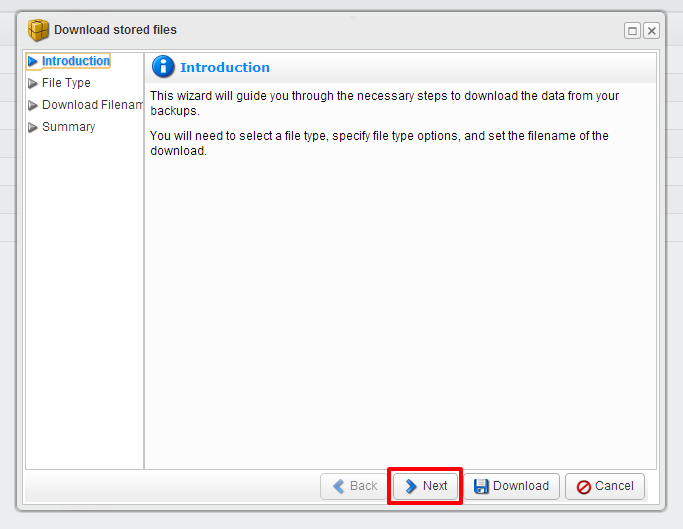
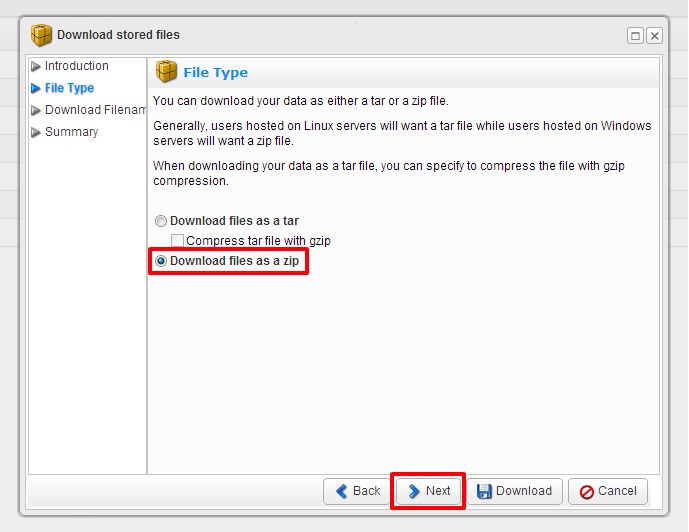
- Open the R1Soft restore tool.
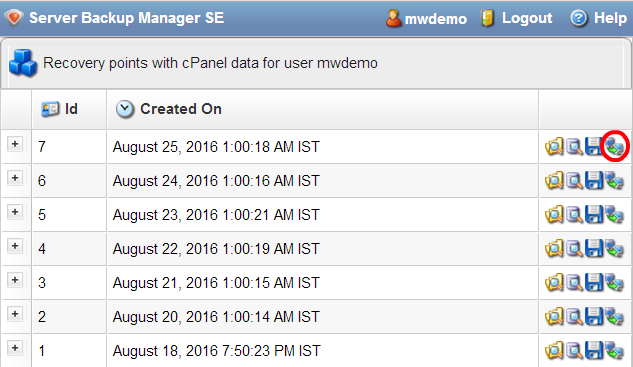
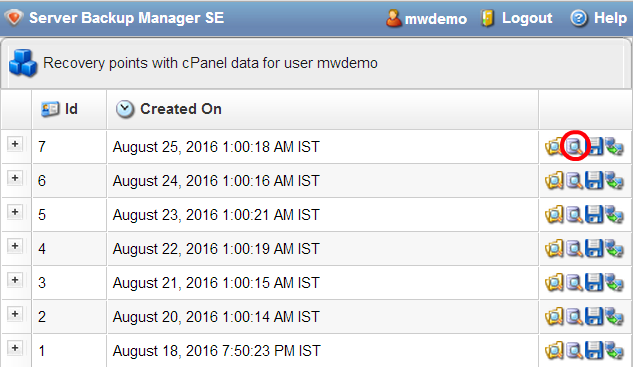
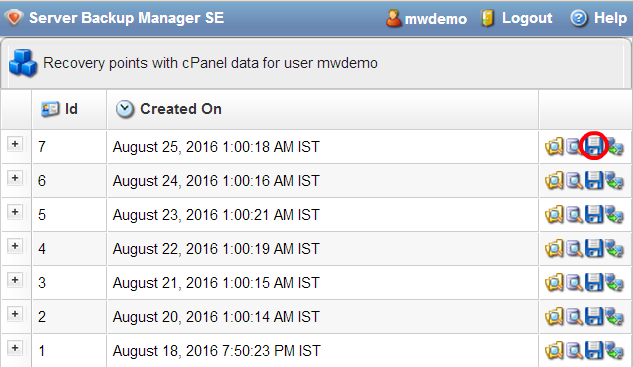
- Pick a restore point. Choose a date from before the problem began.
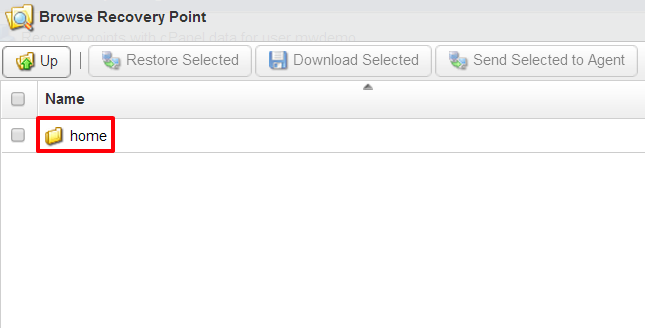
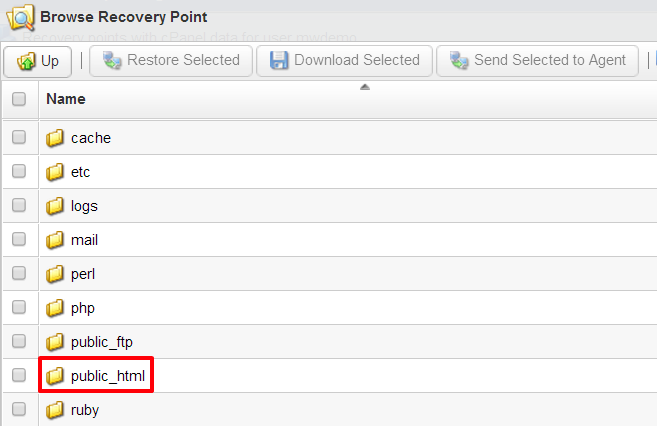
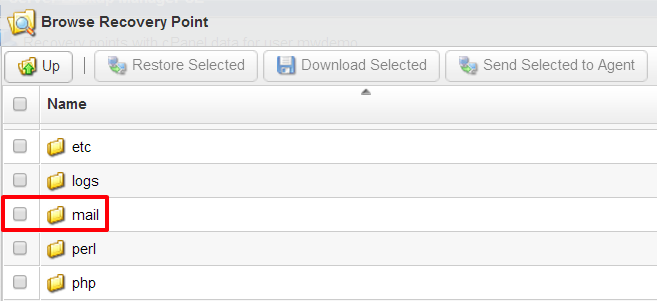
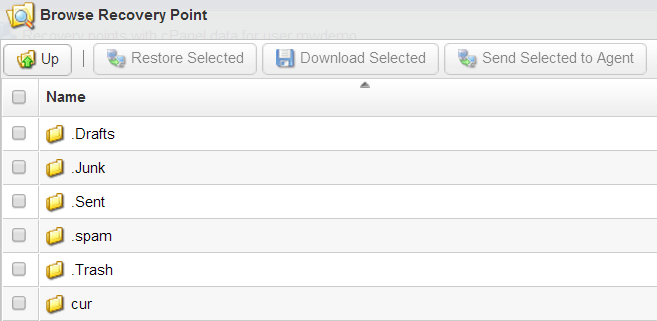
- Browse the folders and find the files you need. Your website files are usually in the
public_htmlfolder.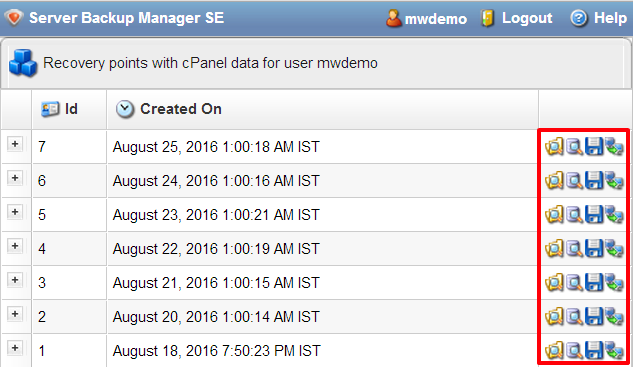
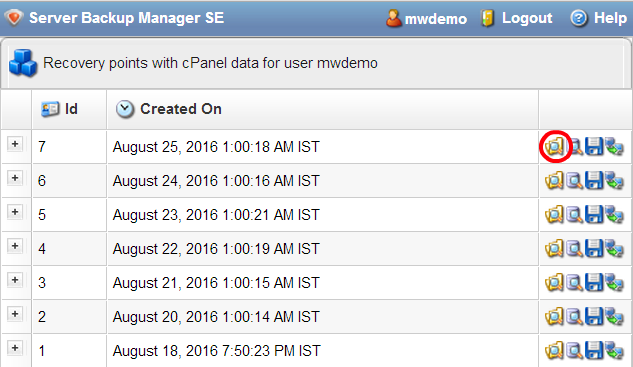
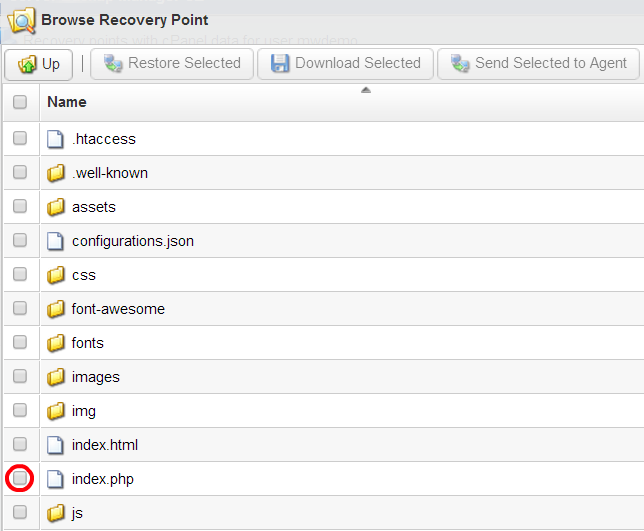
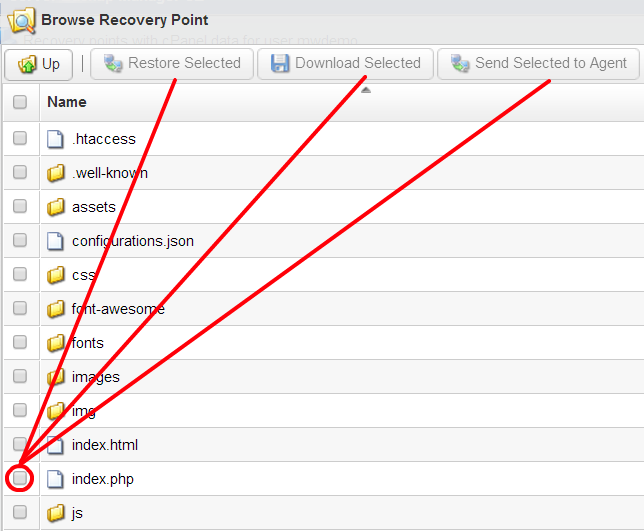
- Tick the box next to each file or folder you want back.
- Choose where to put them. Some tools offer your original place. Others let you pick a new folder. A new folder is safer, because nothing is replaced.
- Click the button to start the restore. It may be named Restore.
- Wait until the tool says it has finished.
- Open File Manager in cPanel and check that your files are back.
What if I need a database back?
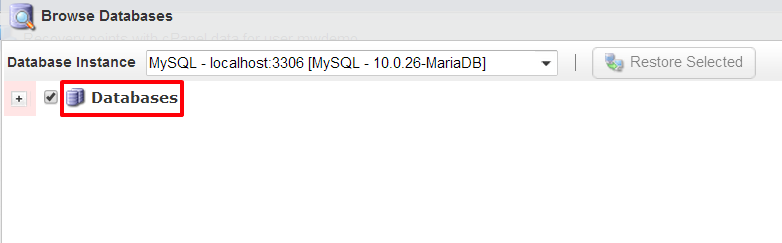
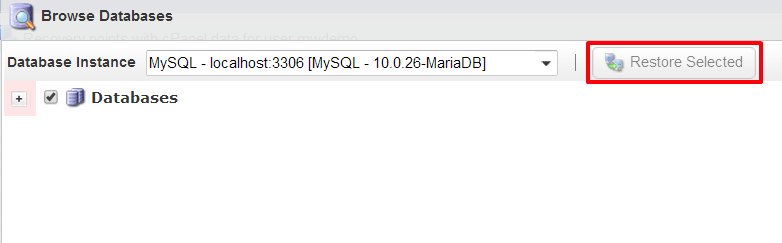
Databases hold things like posts, users and orders. Many R1Soft tools let you restore them too, but the screens differ. If you do not see a database option, open a support ticket and say which database and which date you need.
Good habits
- Restore only what you need, not the whole account.
- Restore into a new folder first, then copy files across.
- Keep your own backup as well. Do not rely on one copy.
Tip: Menu names can change between versions. If you cannot find the tool, look in your cPanel for a backup section, or ask support to do the restore for you.
Quick recap
- R1Soft saves restore points of your files again and again.
- Ask Hostvento support if it is on your plan.
- In cPanel, open the R1Soft tool, pick a date, tick files, and restore.
- Restore into a new folder when you can.
- Check your files in File Manager afterwards.