

What is a virus scan?
A virus is a harmful file. It can steal data, send spam or damage your site. A scanner is a tool that looks through your files and checks them against a list of known bad files. cPanel uses a scanner called ClamAV. ClamAV is free software made for this job.
If your hosting plan does not show the scanner, ask Hostvento support.
Steps
- Log in to your cPanel account.
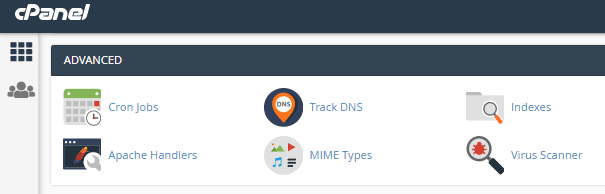
- Open Virus Scanner. It is in the Advanced section. You can also type its name in the search box.
- Choose what to scan. You will see these choices:
- Scan Mail checks your email messages.
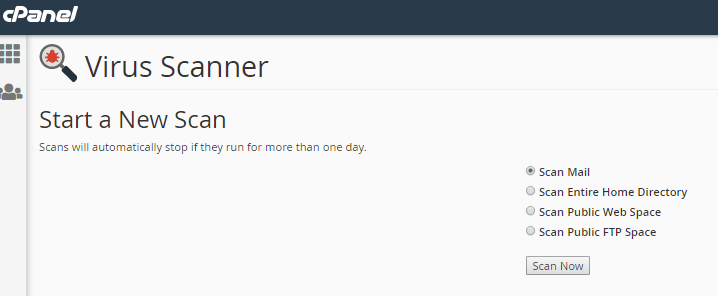
- Scan Public Web Space checks the
public_htmlfolder, where your website lives. - Scan Entire Home Directory checks every file in your account.
- Scan Public FTP Space checks files shared by FTP.
- Scan Mail checks your email messages.
- Click Scan Now.
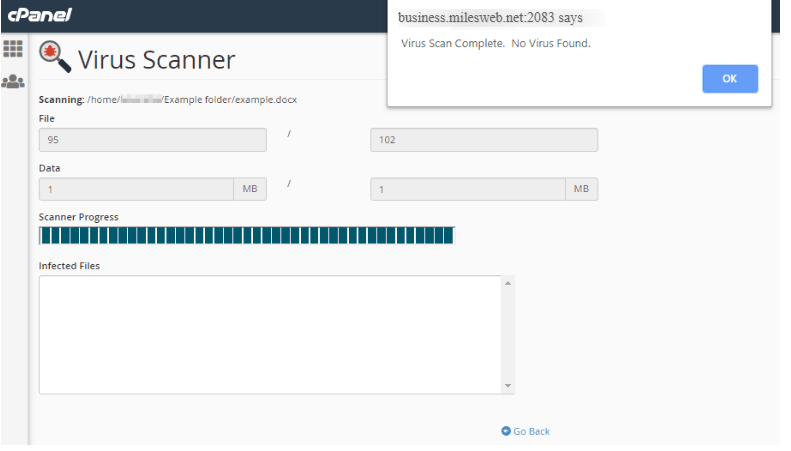
- Wait. A big account can take a while. Stay on the page until it ends.
- Read the results. The list names any infected files.
What to do with infected files
You will see options for each file. Common ones are:
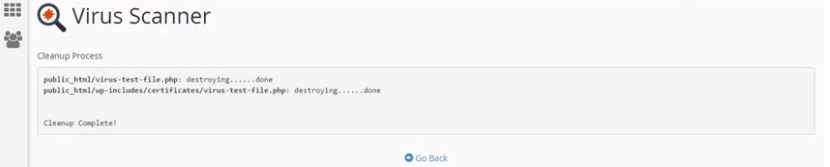
- Quarantine moves the file to a safe place so it cannot run.
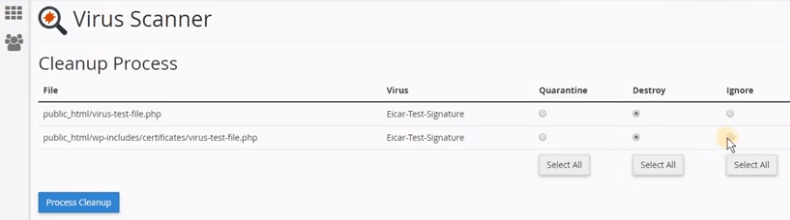
- Delete removes the file for good.
Warning: Take a backup before you delete anything. A scanner can make mistakes. If it flags a file that your site needs, deleting it could break the site. Quarantine is safer than delete.
Keep your site clean
- Update your website software and plugins often.
- Use strong passwords.
- Remove plugins and themes you do not use.
- Scan again every so often.
If the scanner finds a lot
Many infected files can mean your site was hacked. Change your passwords at once. Then open a support ticket so someone can help you.
Tip: Scanning your mail and web space separately is faster than scanning the whole home directory.
Quick recap
- Open Virus Scanner in cPanel.
- Pick mail, web space or the whole account.
- Click Scan Now and wait for the results.
- Quarantine bad files. Back up before you delete.
- Ask support if the tool is missing or the scan finds many files.