

What do these words mean?
A VPS is a virtual private server. It is your own slice of a bigger computer. Root is the main administrator login. SSH is a way to type commands on a remote server. SCP is a command that copies files between servers safely.
This guide assumes the VPS already has cPanel/WHM installed.
Warning: Restoring can overwrite an account with the same username. Keep your old account until you have checked the new one.
Step 1: Make a full backup
- Log in to cPanel on the old server.
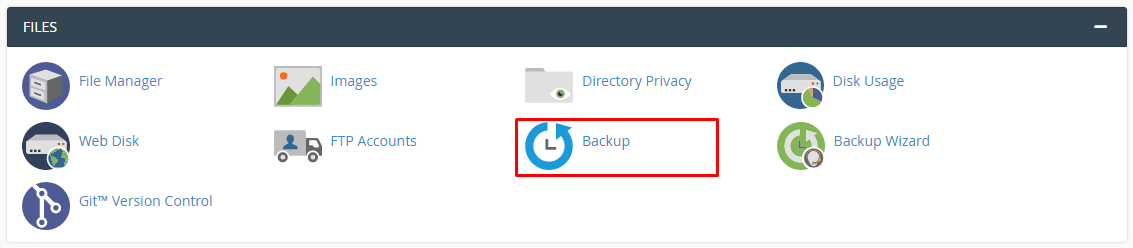
- Open Backup in the Files section.
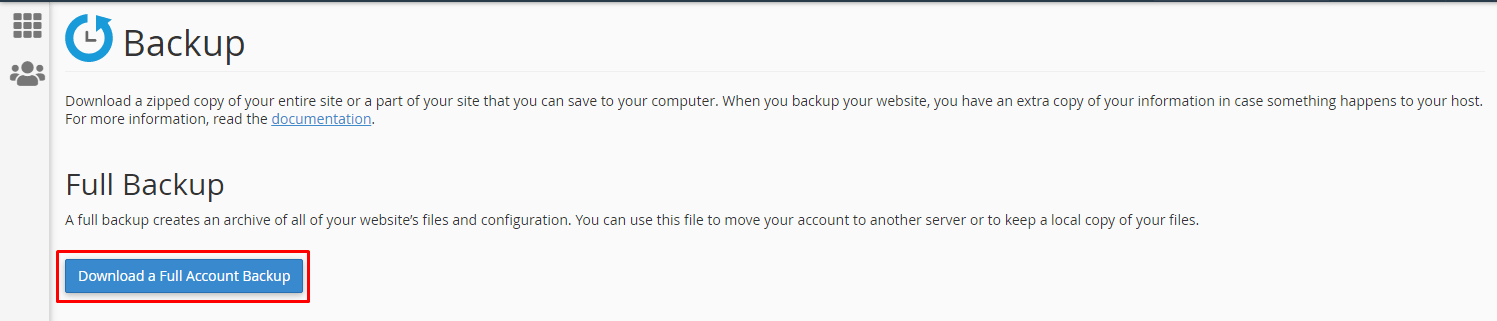
- Under Full Backup, click Download a Full Account Backup.
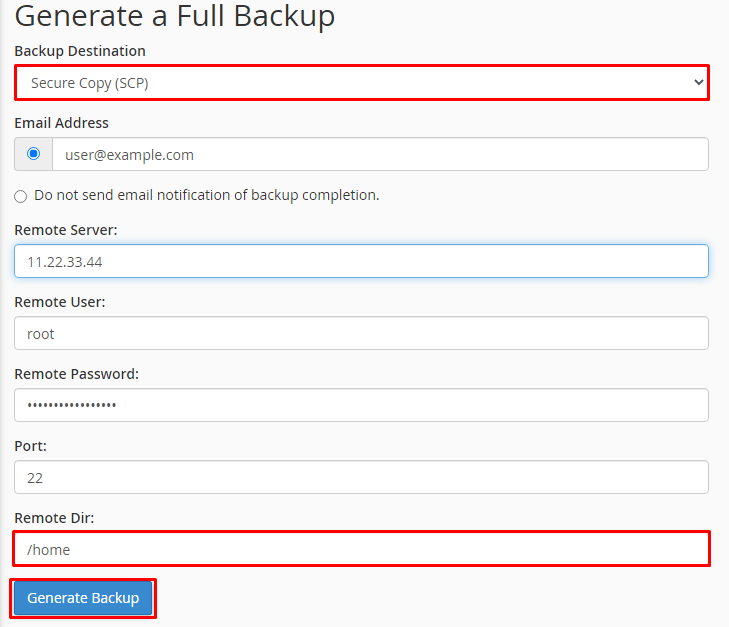
- Choose Home Directory as the place to save it.
- Enter your email address so you are told when it is ready.
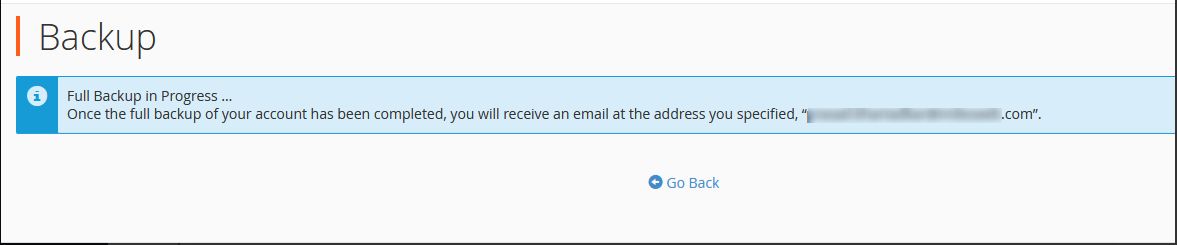
- Click Generate Backup and wait for the email.
Step 2: Copy it to the VPS
- Log in to the VPS over SSH as root.
- Run this command, using your own details. Your server details are in your welcome email.
scp username@OLD_SERVER_IP:/home/username/backup-DATE_username.tar.gz /home/This copies the backup file from the old server into the /home folder on the VPS.
Step 3: Restore it
- On the VPS, move to the folder that holds the file.
cd /home- Run the restore script.
/scripts/restorepkg backup-DATE_username.tar.gzThis rebuilds the account, files, email and databases from the backup.
- When it finishes, log in to WHM and open List Accounts. Check that the account is there.
Step 4: Test before you switch
Do not point your domain to the VPS yet. First open the site using the VPS address and check pages, email and forms. When all works, change the domain's DNS to the new server. DNS is the internet phone book that tells browsers where your site lives. Ask Hostvento support if you need help.
Tip: Delete the backup file from both servers when you are done. It holds all your data.
Quick recap
- Make a full backup in cPanel under Backup.
- Copy the file to the VPS with
scp. - Restore it with
/scripts/restorepkgas root. - Test the site on the VPS before you change DNS.
- Keep the old account until you are sure all works.