

What you need
- Ubuntu 22.04 LTS (other versions are similar).
- Root or sudo rights.
- Java. Cassandra needs OpenJDK 11 (for Cassandra 4.x). Cassandra 5.x supports Java 11 and 17.
Step 1: Install Java
sudo apt update
sudo apt-get install openjdk-11-jdk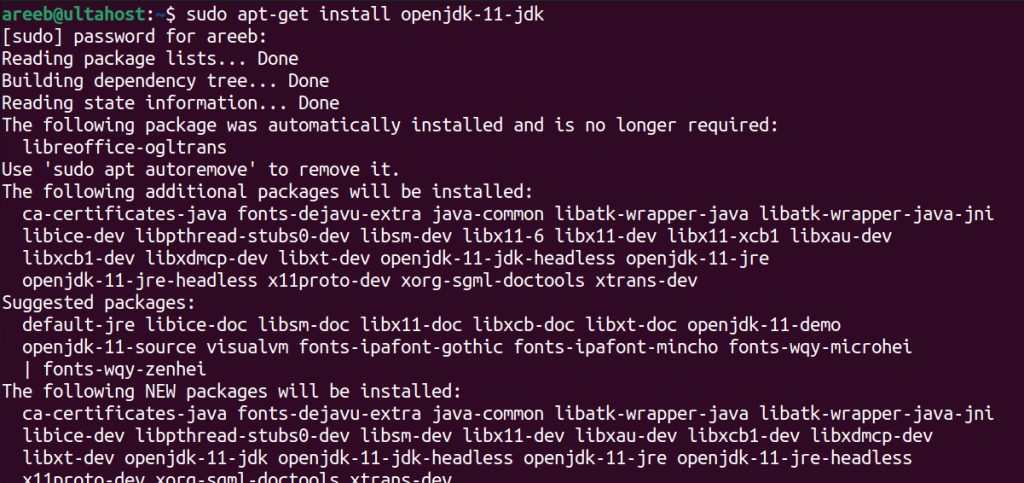
Check it:
java -version
Step 2: Add the Cassandra repository and key
Import the key into a keyring:
curl -fsSL https://downloads.apache.org/cassandra/KEYS | sudo gpg --dearmor -o /etc/apt/keyrings/apache-cassandra.gpg
Add the repository (use 41x for Cassandra 4.1, or the series you want):
echo "deb [signed-by=/etc/apt/keyrings/apache-cassandra.gpg] https://debian.cassandra.apache.org 41x main" | sudo tee /etc/apt/sources.list.d/cassandra.sources.list
Step 3: Install Cassandra
sudo apt update
sudo apt install cassandra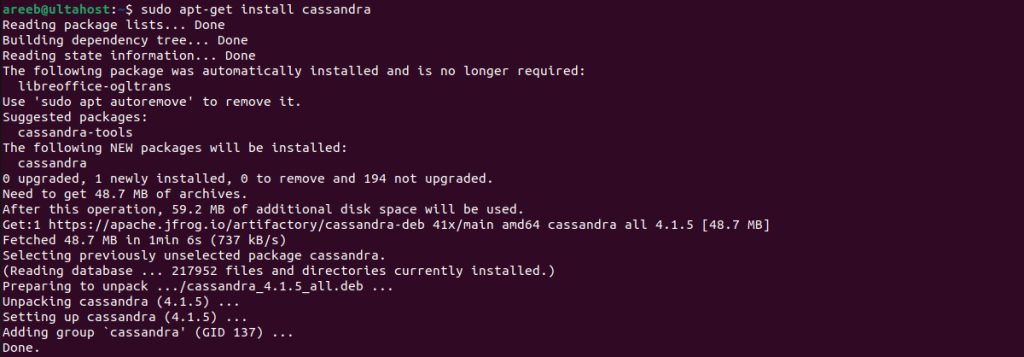
Step 4: Start the service
sudo systemctl enable cassandra
sudo systemctl start cassandra
Step 5: Check it
sudo systemctl status cassandra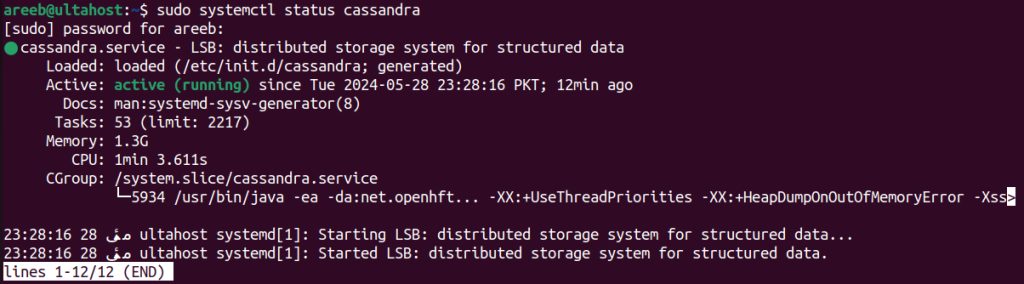
Use nodetool to see the node:
nodetool status
UN in the output means the node is Up and Normal. The first start can take a minute or two.
Configure Cassandra
The main file is /etc/cassandra/cassandra.yaml. Important settings:
- cluster_name. The name of the cluster. All nodes must use the same name.
- listen_address and rpc_address. The addresses that Cassandra uses for other nodes and for clients.
- seed_provider. The IP addresses of the seed nodes.
- data_file_directories. Where the data is stored.
Restart after a change:
sudo systemctl restart cassandraUse the shell
cqlshThen create a keyspace:
CREATE KEYSPACE test WITH replication = {'class': 'SimpleStrategy', 'replication_factor': 1};Firewall
Open port 9042 (clients) and 7000 (nodes) only where needed.
Quick recap
- Install Java, add the repository, install
cassandra. - Check with
nodetool status. - Edit
cassandra.yamlfor cluster settings.