

About ClickHouse
ClickHouse is a fast, open-source, column-oriented database for analytics. It handles large amounts of data and runs complex queries quickly.
Requirements
- OS: Ubuntu 20.04 or later.
- CPU: a modern multi-core processor with SSE 4.2 support.
- RAM: at least 2 GB (more for big data sets).
- Storage: enough disk space for your data. SSDs are best.
- Optional: clients for MySQL, PostgreSQL or Redis if you want to read from those systems, and Python for tools and libraries.
Step 1: Install the dependencies
sudo apt-get install -y apt-transport-https ca-certificates curl gnupg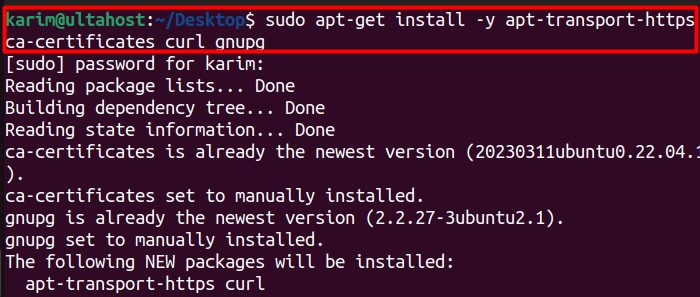
Step 2: Add the repository key
curl -fsSL 'https://packages.clickhouse.com/rpm/lts/repodata/repomd.xml.key' | sudo gpg --dearmor -o /usr/share/keyrings/clickhouse-keyring.gpg
Step 3: Add the repository
echo "deb [signed-by=/usr/share/keyrings/clickhouse-keyring.gpg] https://packages.clickhouse.com/deb stable main" | sudo tee /etc/apt/sources.list.d/clickhouse.list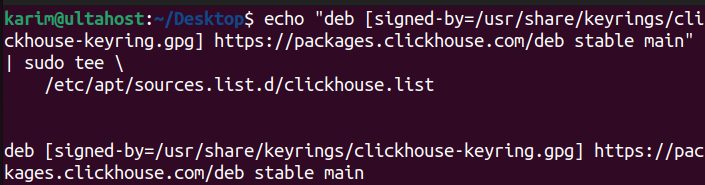
Step 4: Update the package list
sudo apt-get update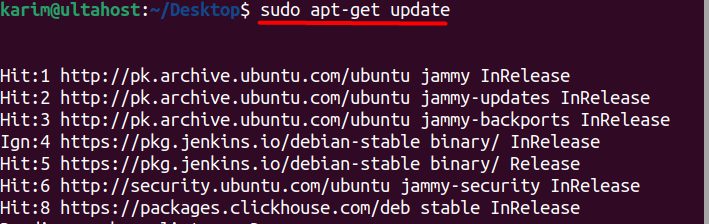
Step 5: Install the server and the client
sudo apt-get install -y clickhouse-server clickhouse-client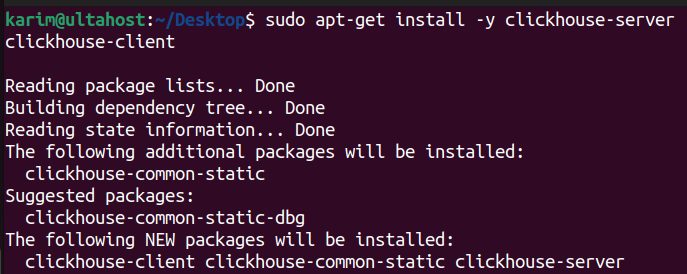
During the install, you are asked for a password for the default user. Choose a strong one.
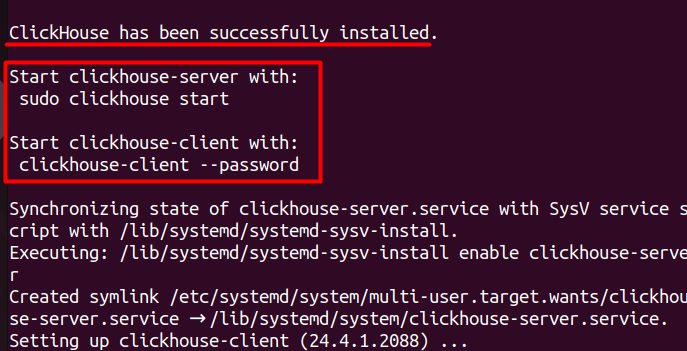
Step 6: Start the server and the client
sudo clickhouse start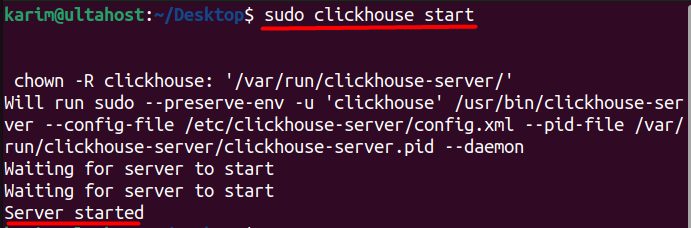
(You can also use sudo service clickhouse-server start.)
Connect with the client and enter your password:
clickhouse-client --password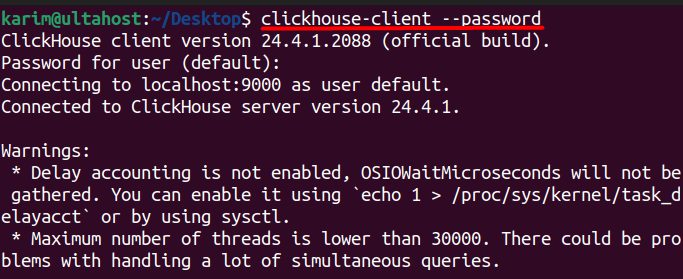
Try a first query:
SELECT version();After the install
- Configuration. The main files are
/etc/clickhouse-server/config.xmland/etc/clickhouse-server/users.xml. Put your own changes in theconfig.dandusers.dfolders. - Security. Set a strong password for the
defaultuser, create users with limited rights, and use TLS (set it inconfig.xml). - Firewall. Do not open ports 8123 (HTTP) and 9000 (native) to the whole internet.
- Updates. Update the package often for security fixes.
Quick recap
- Add the ClickHouse repository and key.
sudo apt-get install -y clickhouse-server clickhouse-client.- Start with
sudo clickhouse startand connect withclickhouse-client --password.