


Method 1: The APT repository
Step 1: Import the PGP key
wget -qO - https://artifacts.elastic.co/GPG-KEY-elasticsearch | sudo gpg --dearmor -o /usr/share/keyrings/elasticsearch-keyring.gpg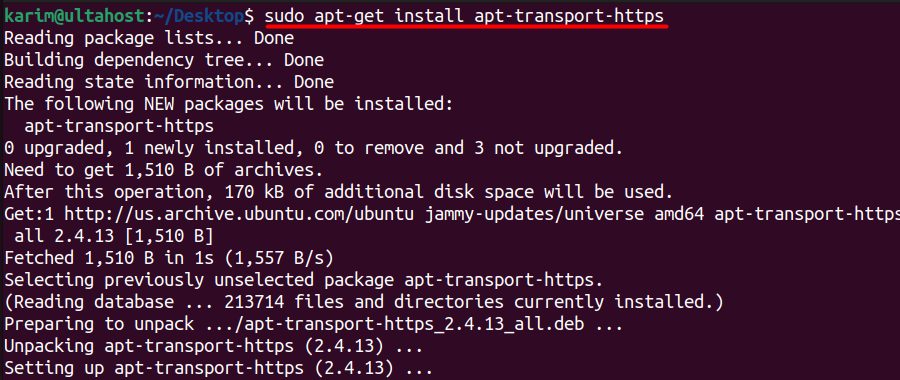
This downloads the public key of Elastic and stores it in a keyring, so APT can check the packages.
Step 2: Install the HTTPS transport
sudo apt-get install apt-transport-https
Step 3: Add the repository
echo "deb [signed-by=/usr/share/keyrings/elasticsearch-keyring.gpg] https://artifacts.elastic.co/packages/8.x/apt stable main" | sudo tee /etc/apt/sources.list.d/elastic-8.x.listsigned-by points to the keyring, and tee saves the line in the sources file.
Step 4: Update and install
sudo apt-get update && sudo apt-get install elasticsearch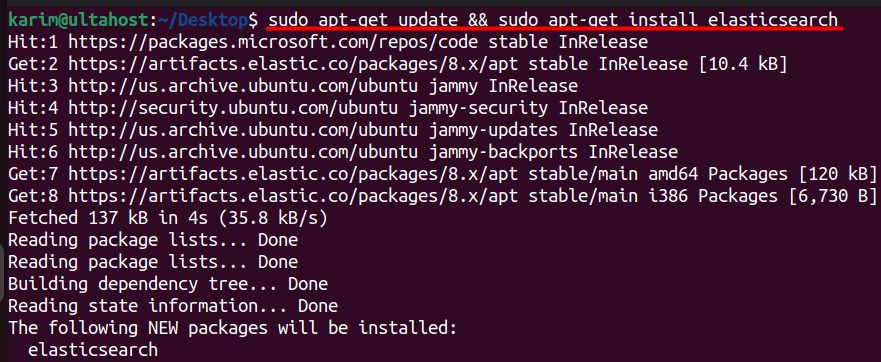
At the end of the install, the output shows a **generated password for the elastic user**. Copy it and keep it safe.
Step 5: Start the service
sudo systemctl daemon-reload
sudo systemctl enable elasticsearch.service
sudo systemctl start elasticsearch.service
Step 6: Check the status
sudo systemctl status elasticsearch.service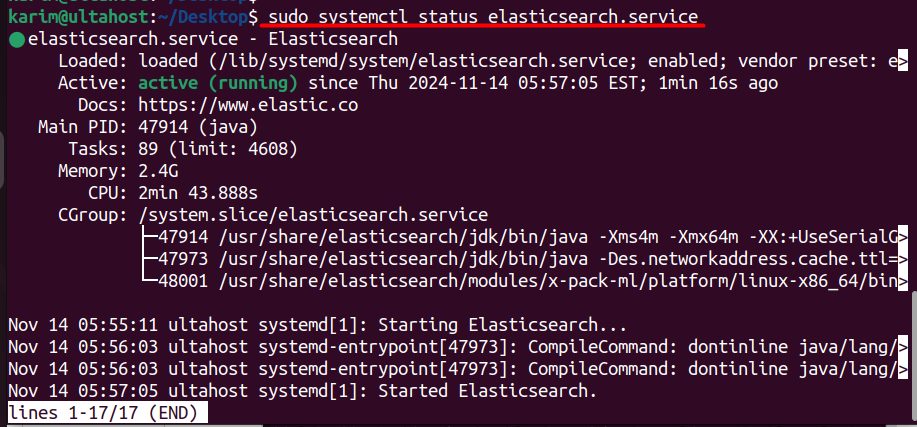
Method 2: The .deb package by hand
Step 1: Download the package
wget https://artifacts.elastic.co/downloads/elasticsearch/elasticsearch-8.16.0-amd64.deb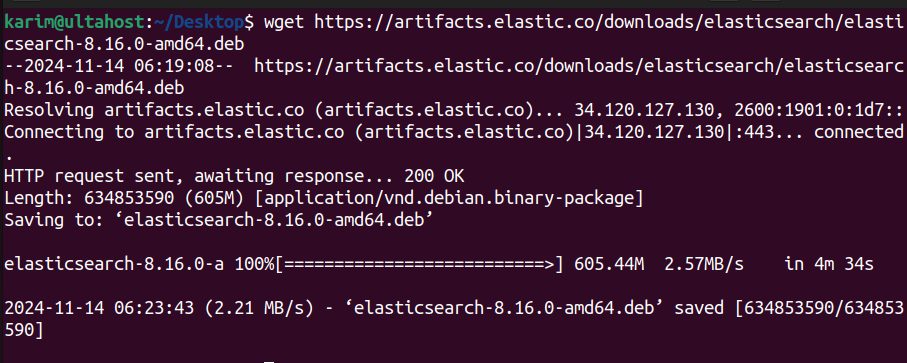
Use the current version number from the Elastic website.
Step 2: Download the checksum file
wget https://artifacts.elastic.co/downloads/elasticsearch/elasticsearch-8.16.0-amd64.deb.sha512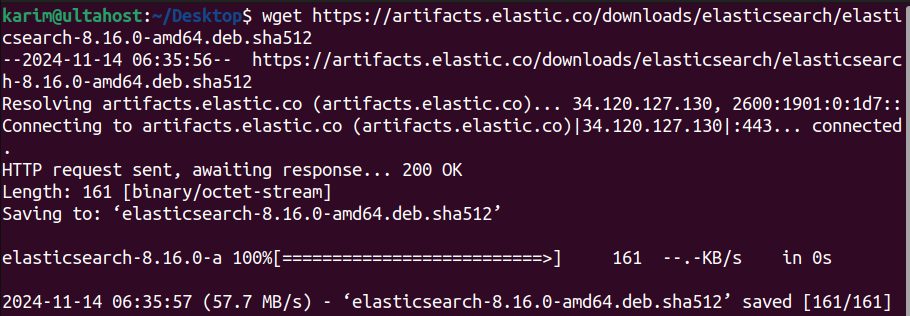
Step 3: Check the package
shasum -a 512 -c elasticsearch-8.16.0-amd64.deb.sha512
You should see OK.
Step 4: Install
sudo dpkg -i elasticsearch-8.16.0-amd64.deb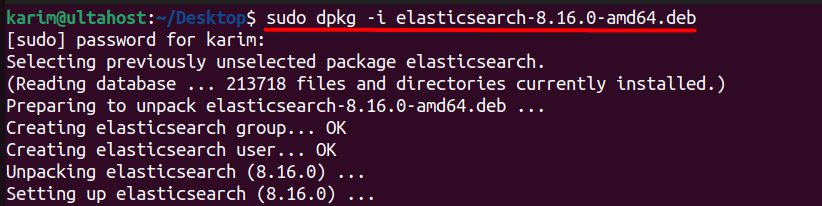
Then start the service as in Method 1.
Test it
Elasticsearch 8 uses HTTPS and a login by default:
curl --cacert /etc/elasticsearch/certs/http_ca.crt -u elastic https://localhost:9200Enter the elastic password. You get a JSON answer with the name of the node and the version.
To reset the password later:
sudo /usr/share/elasticsearch/bin/elasticsearch-reset-password -u elasticMain configuration
The file is /etc/elasticsearch/elasticsearch.yml. Common settings are cluster.name, node.name, network.host and discovery.seed_hosts. Memory is set in /etc/elasticsearch/jvm.options.d/. Keep network.host on localhost unless you need remote access, and then protect the port 9200 with a firewall.
Features of Elasticsearch
- Fast search.
- Scalability across many nodes.
- Full-text search.
- Real-time data analysis.
- Integrations with Kibana, Logstash and Beats.
Quick recap
- Add the Elastic APT repository and install
elasticsearch. - Save the generated
elasticpassword. - Start the service and test with
curl.