

Note: Oracle SQL Developer is a client tool for working with Oracle databases. It is not the database server itself. To run an Oracle database server on Linux, use Oracle Database Free or XE (from Oracle's site, as an RPM on a supported Linux or as a container image).
Step 1: Download SQL Developer
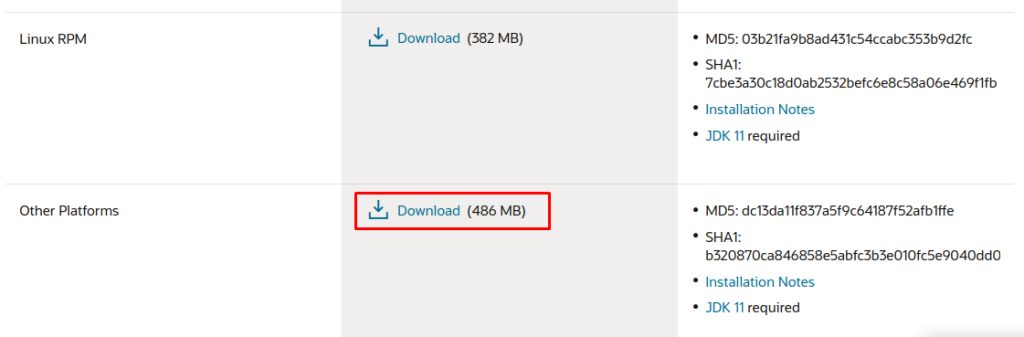
Open the Oracle website, go to the SQL Developer download page and download the version for Linux (the file with the JDK included, or the generic zip). An Oracle account is needed to download.
Step 2: Install OpenJDK 11 or newer
SQL Developer needs Java. Recent versions need JDK 17:
sudo apt install openjdk-17-jdk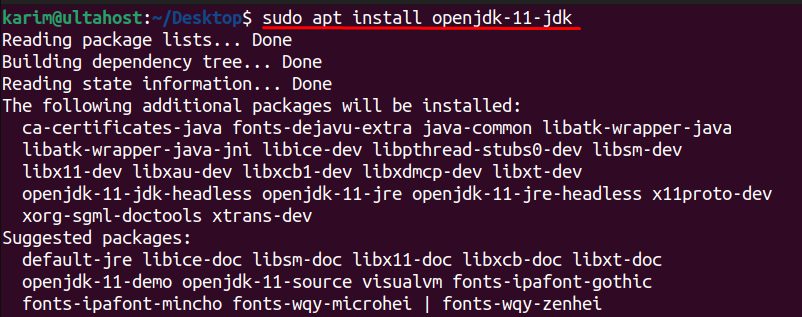
(The original guide used JDK 11. Check the release notes of the version you download.)
Step 3: Check the Java version
java -version
Step 4: Extract SQL Developer
Go to the folder of the download and unzip it:
unzip sqldeveloper-*.zip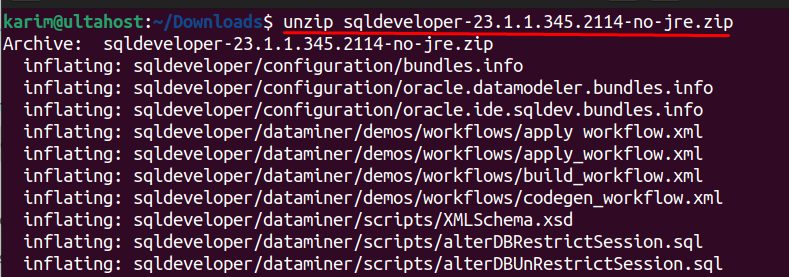
Step 5: Set the execute permission
chmod +x sqldeveloper/sqldeveloper.sh
Step 6: Start SQL Developer
sh sqldeveloper/sqldeveloper.sh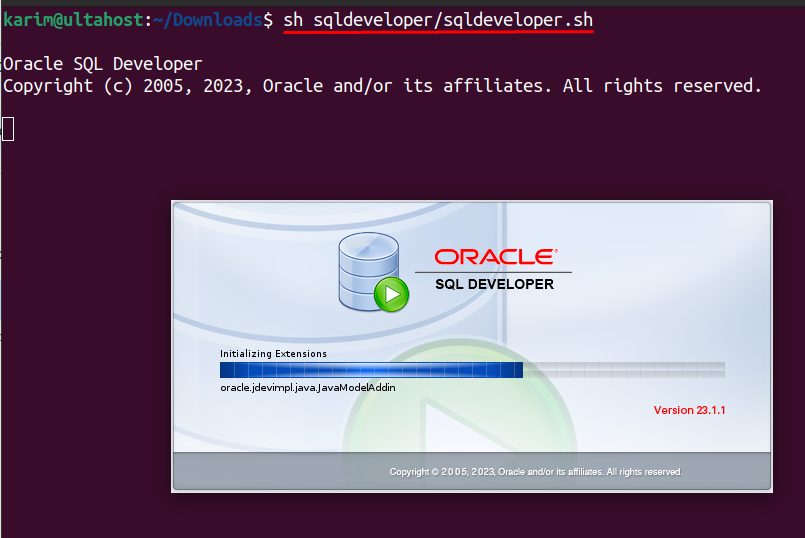
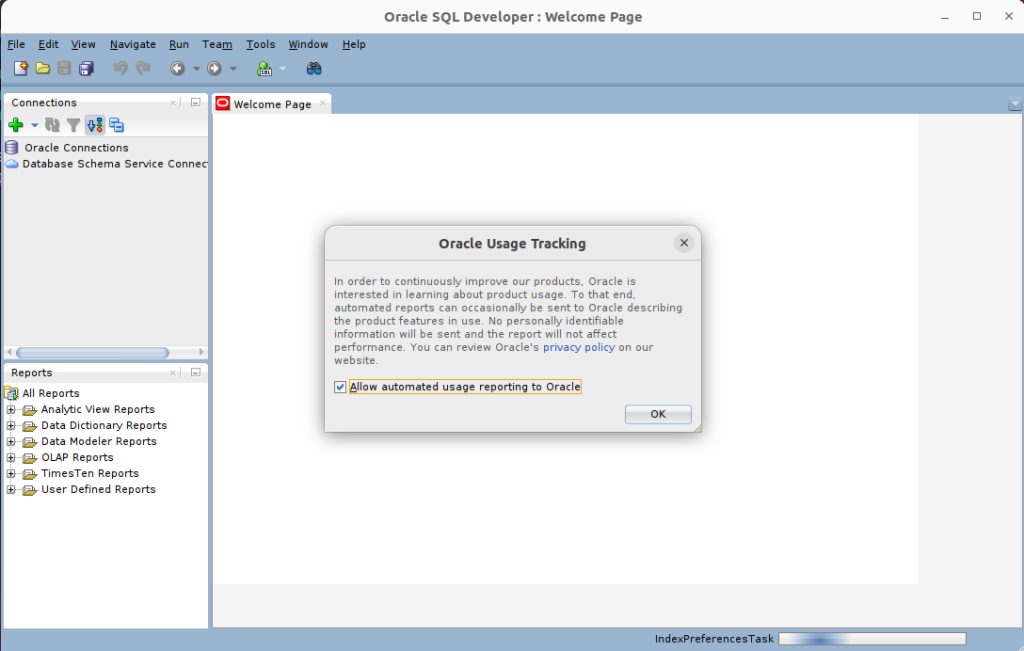
If it asks for the path of the JDK, give the folder, such as /usr/lib/jvm/java-17-openjdk-amd64. SQL Developer opens.
Connect to a database
Click the green + (New Connection). Enter a name, user name, password, host name, port (1521) and service name or SID. Click Test and then Connect.
Features of Oracle Database
- Scalability and performance.
- Data security.
- Data warehousing.
- Real-time analytics.
- Multi-platform support.
- Support for many programming languages.
Benefits
- Better data management.
- More productivity.
- Better decisions.
- Lower costs for big systems.
- A better customer experience.
Quick recap
- Install Java, extract SQL Developer and make
sqldeveloper.shexecutable. - Run it and create a connection.
- A database server is a separate install.