

Note: phpPgAdmin is an older project and does not always work with the newest PHP and PostgreSQL versions. If you have problems, try pgAdmin 4 (web mode) as a modern alternative.
Step 1: Update the system
sudo apt-get update -y && sudo apt-get upgrade -y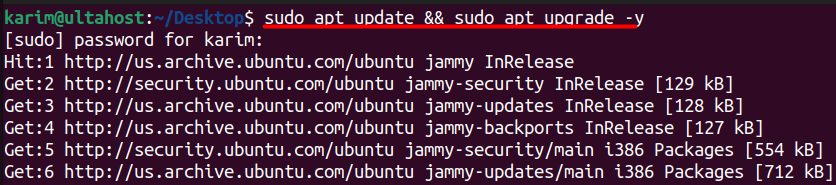
Step 2: Install Apache
sudo apt install apache2 -y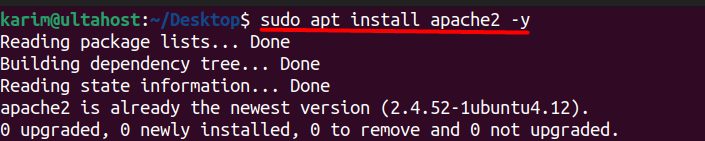
sudo systemctl enable apache2.service && sudo systemctl start apache2.service
sudo systemctl status apache2.service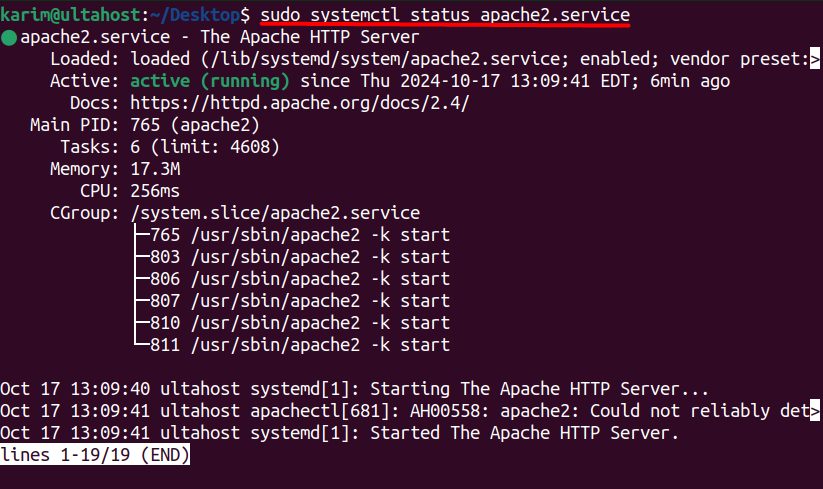
Step 3: Install PHP and the extensions
Ubuntu 24.04 ships PHP 8.3. Use the version that your system has:
sudo apt install php php-cli php-common php-xml php-zip php-mbstring php-curl libapache2-mod-php -y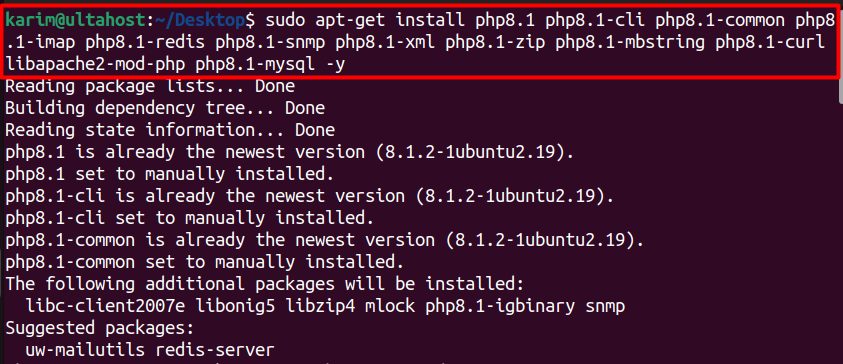
php -v
Step 4: Install PostgreSQL
sudo apt install postgresql postgresql-client -y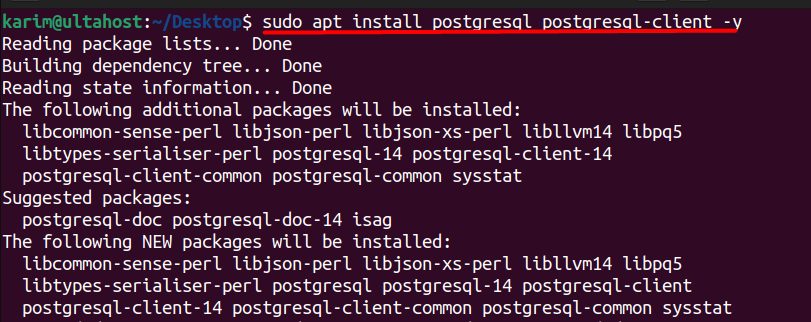
sudo systemctl enable postgresql.service && sudo systemctl start postgresql.service
sudo systemctl status postgresql.service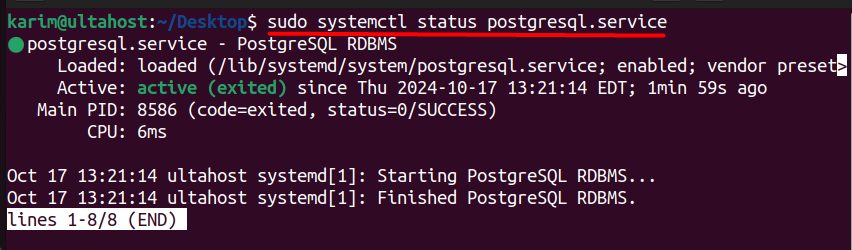
Step 5: Install phpPgAdmin
sudo apt install phppgadmin php-pgsql -y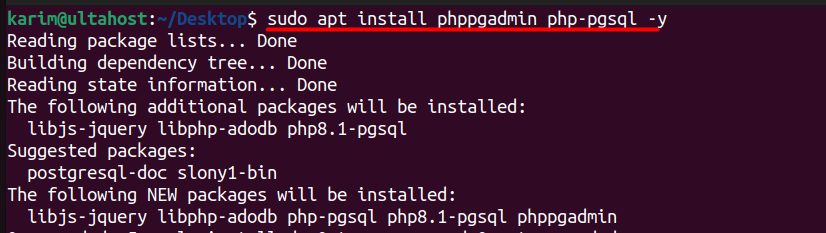
Open its configuration file (/etc/phppgadmin/config.inc.php) and set:
$conf['extra_login_security'] = true;
$conf['owned_only'] = true;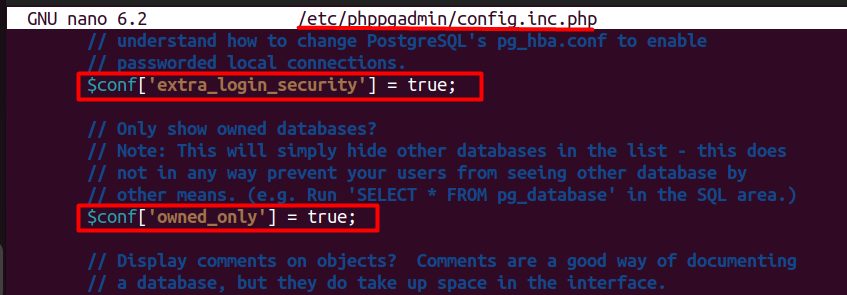
extra_login_securityblocks logins of users without a password and some default accounts such aspostgres.owned_onlyshows only the databases that the user owns.
To use the postgres account in phpPgAdmin, set a password for a normal user with CREATE ROLE, and log in with that user.
Step 6: Configure Apache for phpPgAdmin
The package normally adds /etc/apache2/conf-available/phppgadmin.conf. Enable it:
sudo a2enconf phppgadmin
sudo systemctl reload apache2
If you need to restrict access, edit the file and use Require ip YOUR_IP inside the <Directory /usr/share/phppgadmin> block. By default, phpPgAdmin may allow localhost only.
Step 7: Open phpPgAdmin
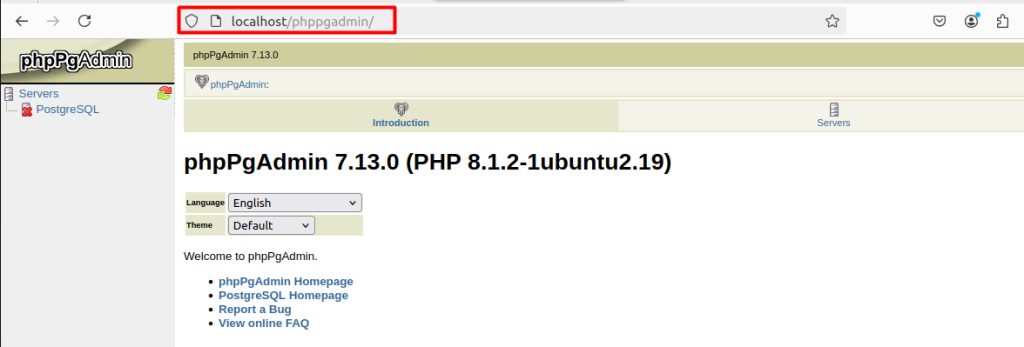
Go to http://your_server_ip/phppgadmin in your browser, and log in with a PostgreSQL user.
What you can do
- Manage database objects: create, change and delete databases, tables and views.
- Run SQL in the query tool.
- Back up and restore databases.
- Manage users and roles.
- Use PostgreSQL extensions.
- Use many languages.
Warning: Do not leave phpPgAdmin open to the whole internet. Restrict it by IP address, use HTTPS and strong passwords.
Quick recap
- Install Apache, PHP, PostgreSQL and
phppgadmin. - Enable
extra_login_securityandowned_only. - Open
/phppgadmin.