

Install SQLite
Step 1: Update the package index
sudo apt update && sudo apt upgrade -y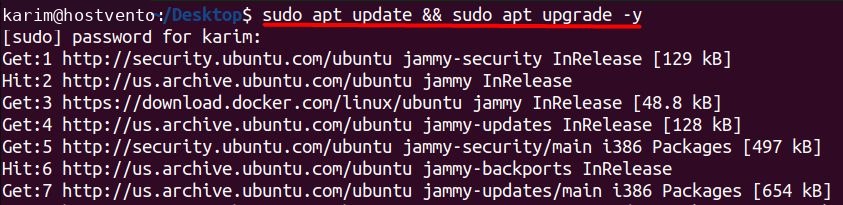
Step 2: Install SQLite
sudo apt install sqlite3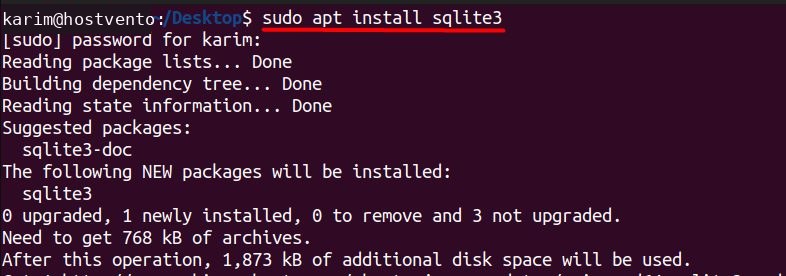
Step 3: Check the installation
sqlite3 --version
Use SQLite
Create a database
sqlite3 mydatabase.db
If the file already exists, SQLite opens it instead of creating a new one.
Create a table
CREATE TABLE users (
    id INTEGER PRIMARY KEY,
    name TEXT NOT NULL,
    email TEXT NOT NULL
);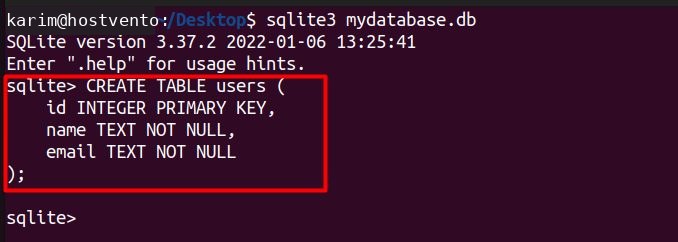
CREATE TABLEmakes a new table.usersis the table name.id INTEGER PRIMARY KEYis a unique number for each row.name TEXT NOT NULLandemail TEXT NOT NULLare text columns that cannot be empty.
Insert data
INSERT INTO users (name, email) VALUES ('John Doe', 'john@example.com');
Read data
SELECT * FROM users;
SELECT reads data, * means all columns, and FROM users names the table.
Leave the shell
.quit
Main features of SQLite
- No setup. There is nothing to configure.
- Serverless. No separate server process runs.
- One file. The whole database is a single file that is easy to copy.
- ACID transactions. Updates are safe even after a crash.
- Standard SQL. Most common SQL works.
- Small and fast. It suits apps, tools and small sites.
- Public domain. It is free to use.
Quick recap
- Install with
sudo apt install sqlite3. - Open or create a database with
sqlite3 name.db. - Use normal SQL, and type
.quitto leave.