

The short answer
USE YourDatabaseName;Where MySQL runs
You may use a local server on Linux or Windows, or a remote server. The command is the same in both cases.
Before you start
On Windows, check that the MySQL service runs. Open Command Prompt as administrator and go to the MySQL bin folder:
sc query MySQL80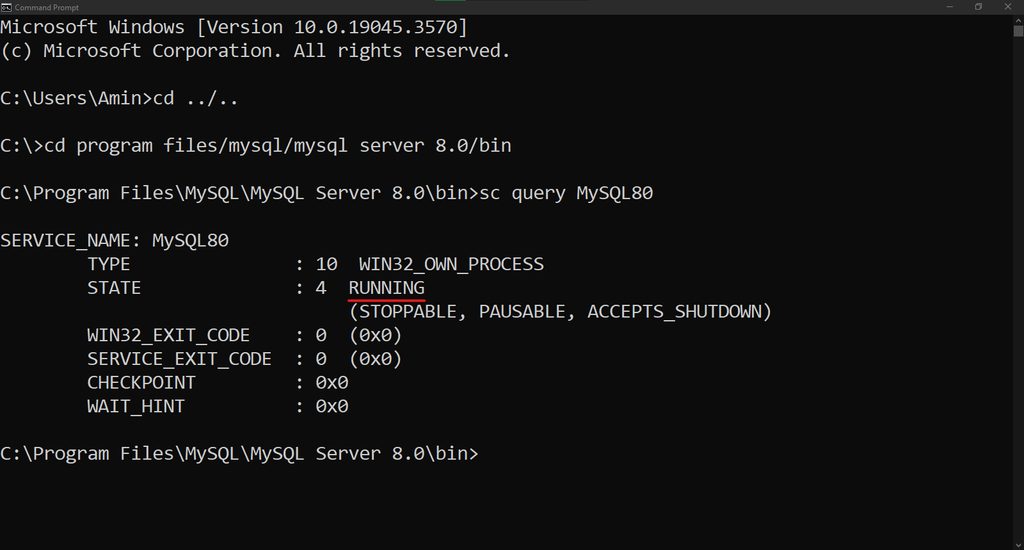
(The service name depends on the version; MySQL80 is for 8.0.)
Log in
mysql -u YourUserName -p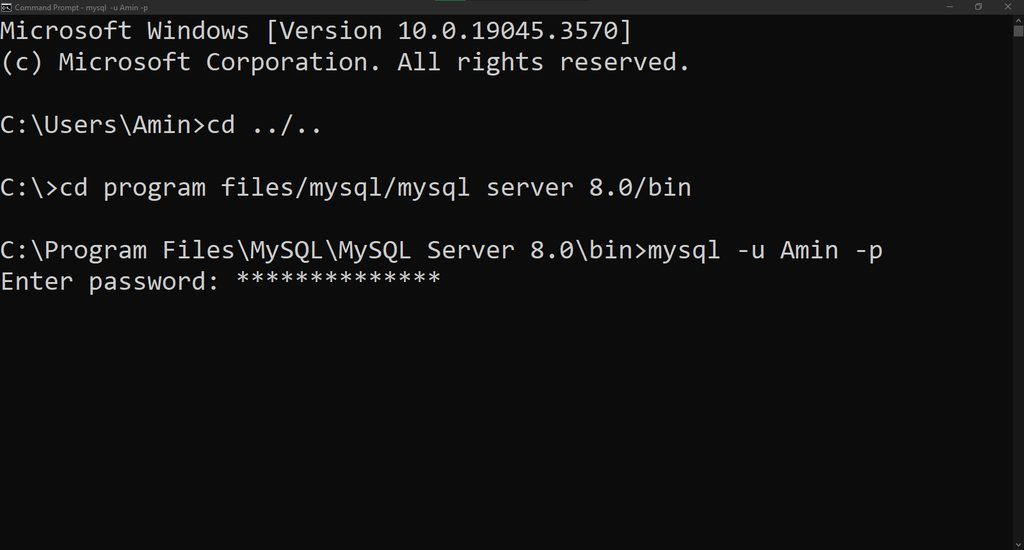
Enter your password when asked.
List the databases
SHOW DATABASES;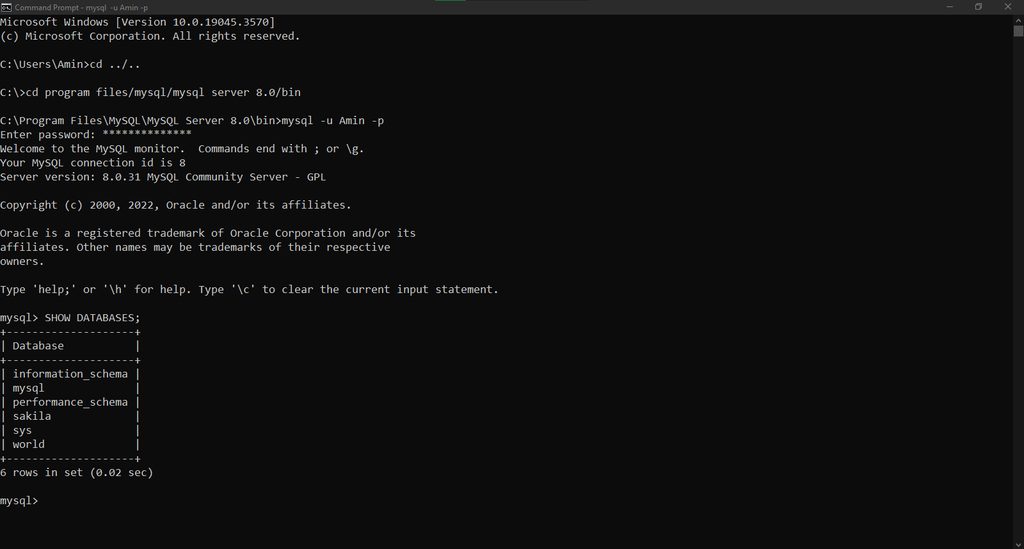
Select a database
USE YourDatabaseName;Example:
USE world;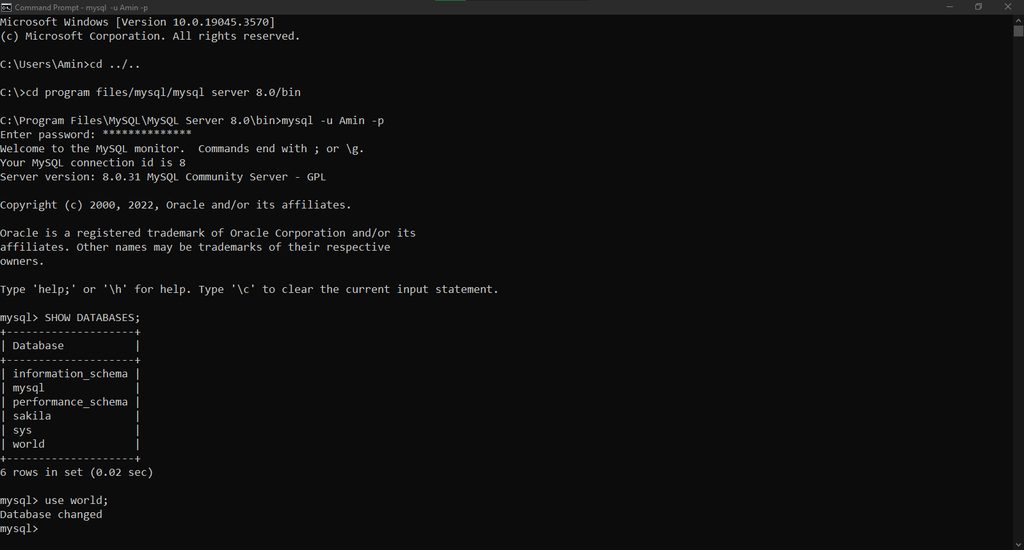
MySQL answers Database changed. From now on, queries run on that database. Check the current one:
SELECT DATABASE();Select a database when you log in
You can choose the host, the port and the database in one command:
mysql -h ServerNameOrIP -P PortNumber -u UserName -p -D DatabaseNameExample:
mysql -h localhost -P 3306 -u Amin -p -D world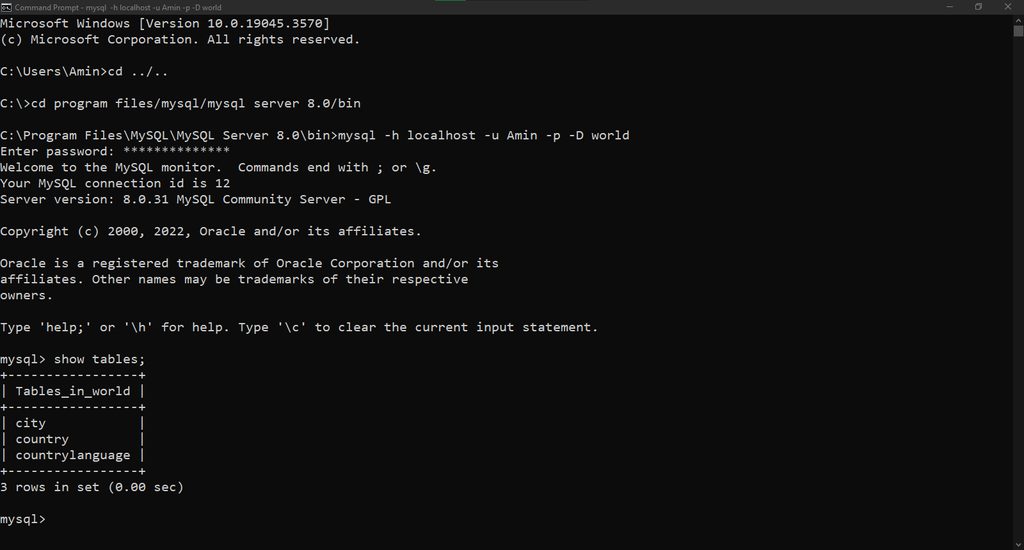
Tips
- Names on Linux are case-sensitive for databases and tables.
- If you get
Unknown database, check the spelling withSHOW DATABASES;. - If you get
Access denied, the user has no rights on that database.
Quick recap
mysql -u user -p, thenSHOW DATABASES;andUSE name;.