

What is webmail?
Webmail is an email program that runs on a web page. You open it in a browser, like a website. Your mail stays on the server, so you can reach it from any computer. Hostvento servers on DirectAdmin often offer Roundcube or SquirrelMail as webmail. Which ones you get depends on the server.
What you need
You need an email account on your domain, such as info@yourdomain.com. If you have none, create one first in DirectAdmin under E-Mail Manager, then E-Mail Accounts.
Option 1: Direct address
- Open your browser.
- Type
https://yourdomain.com/webmailin the address bar. Use your own domain name. - Press Enter.
- Type your full email address as the user name.
- Type your email password. This is the password of the email account.
- Click Login.
If your server shows a choice of webmail programs, click the one you like.
Option 2: From inside DirectAdmin
- Log in to DirectAdmin. Your welcome email has the address and your details.
- Open E-Mail Manager.
- Click E-Mail Accounts.
- Look for a webmail link or button, for example Login to Webmail, next to your address.

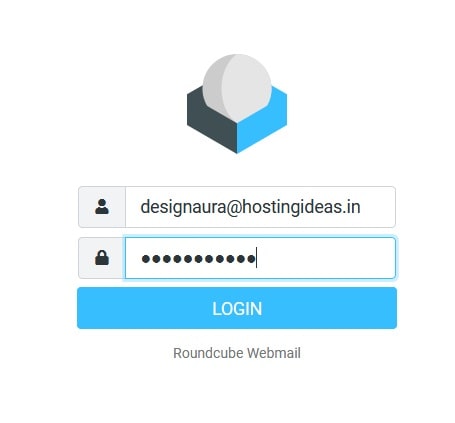
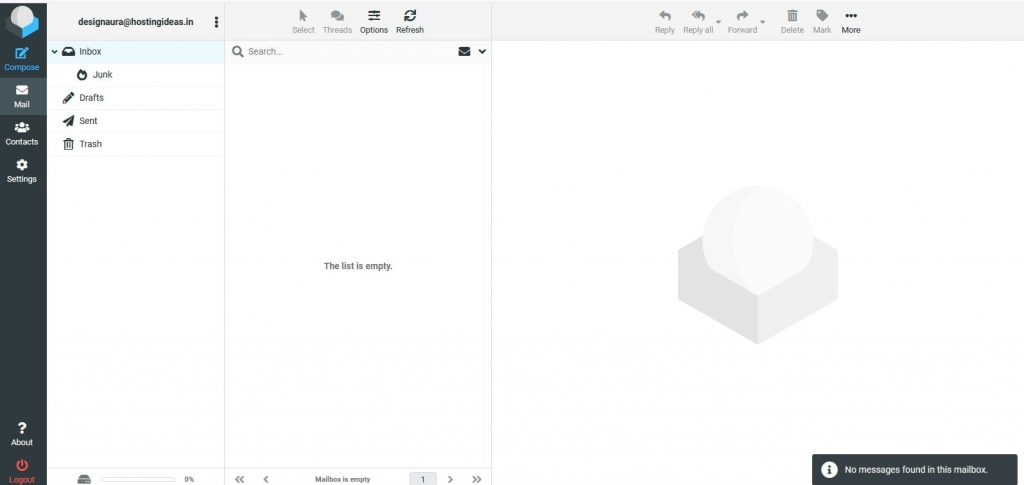
- Click it. A new tab opens and logs you in, or asks for your password.
If it does not work
- Check that you used the full email address, not only the part before the @.
- Passwords are case sensitive.
- If the domain is new, wait. Its address may not have spread over the internet yet.
- If you forgot the password, set a new one in DirectAdmin: E-Mail Accounts, then change the password for that account.
Tip: Use Log out when you finish on a shared computer.
Need more help? Open a ticket at https://secure.hostvento.com/submitticket.php.
Quick recap
- Webmail lets you use email in a browser.
- Go to
https://yourdomain.com/webmail. - Log in with your full email address and its password.
- You can also open it from E-Mail Accounts in DirectAdmin.