

What are DNS records?
DNS is like a phone book for the internet. It turns a website name into a number that computers understand. DNS records are the lines in that book. Each line says where something for your domain goes. Here are the common types.
| Type | What it does |
|---|---|
| A | Points a name to an IP address (the number address of a server) |
| CNAME | Makes one name an alias of another name |
| MX | Says which server takes in your email |
| TXT | Holds text notes, often for email checks and proof of ownership |
These records only work if your domain uses the nameservers of this hosting. If it uses other nameservers, change the records where those are managed.
Add a record
- Log in to DirectAdmin.
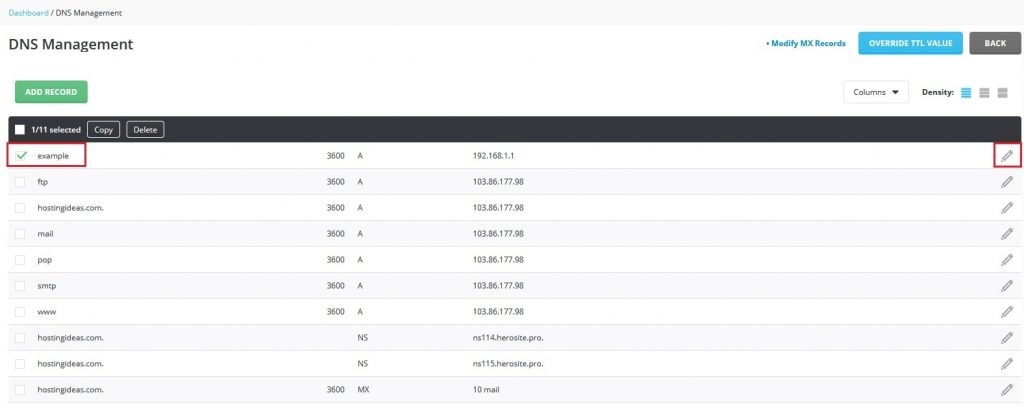
- Open DNS Management. It is under Account Manager or in the main list. Use the search box if needed.

- Pick your domain if the panel asks.
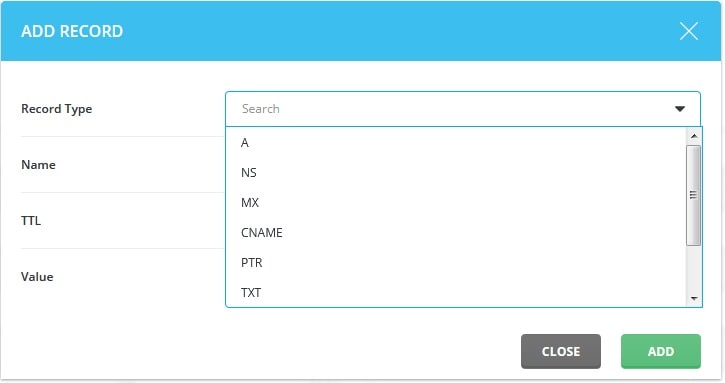
- Find the form to add a record. Pick the type: A, CNAME, MX or TXT.

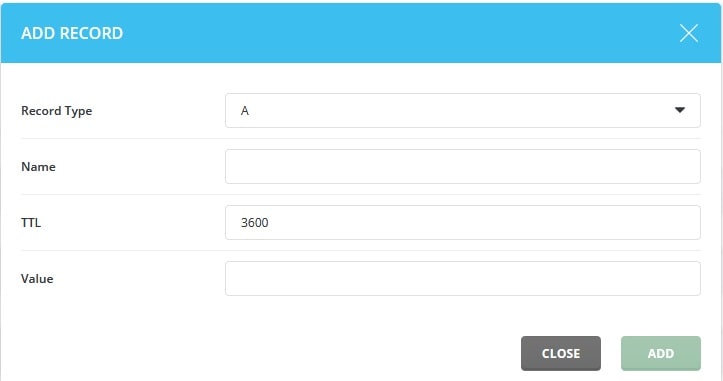
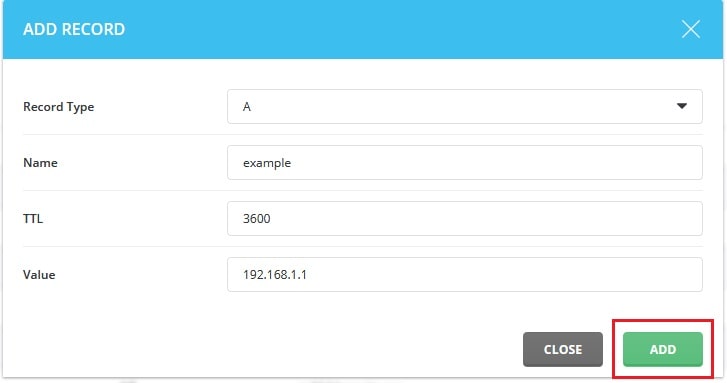
- Fill in the name. For the main domain, use the domain name or
@as shown. For a subdomain likeblog, typeblog. - Fill in the value. Use the exact value you were given. For an A record this is an IP address.
- Click Add.
Change or delete a record
- Open DNS Management for the domain.
- Find the record in the list.

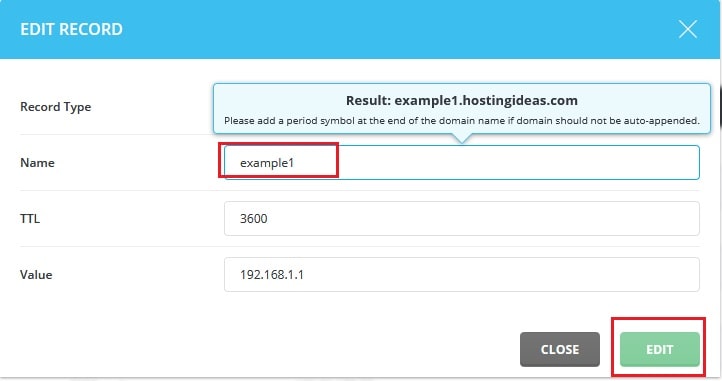
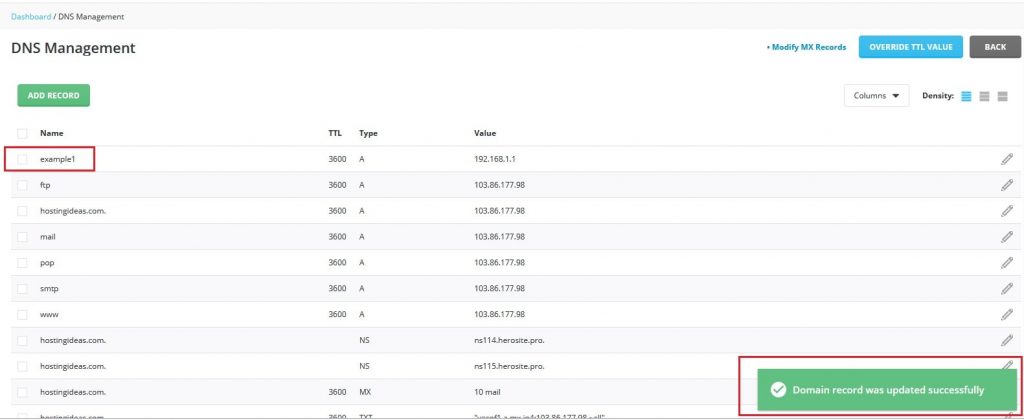
- To change it, edit the value and save.
- To remove it, tick the box beside the record and click Delete Selected.
Warning: A wrong or deleted record can take your website or email offline. Take a screenshot of the list before you change anything. Then you can put it back.
After the change
DNS changes can take time to spread. This can take a few minutes up to a day. The time is set by a number called TTL, which means how long others may keep the old answer.
Not sure about a value? Open a ticket at https://secure.hostvento.com/submitticket.php.
Quick recap
- DNS records say where your site and email go.
- Use DNS Management in DirectAdmin.
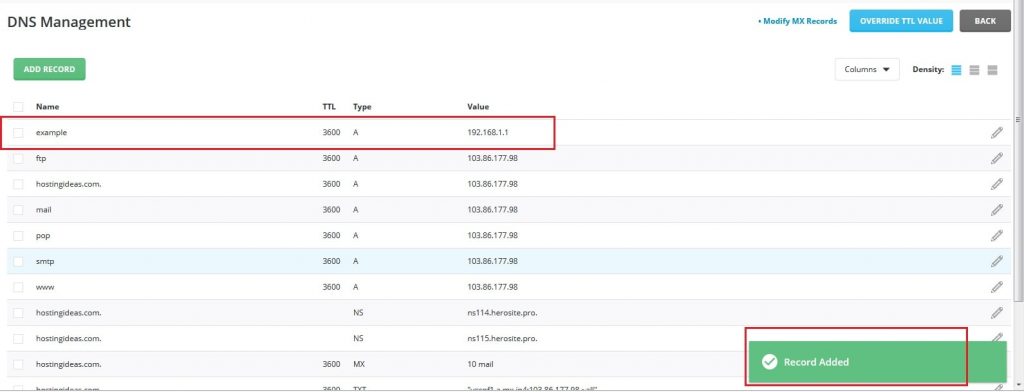
- Add, edit or delete records, then wait for DNS to spread.
- Screenshot the old records first.