

What is an FTP account?
FTP stands for File Transfer Protocol. It is a way to move files between your computer and your website. An FTP account is a username and password pair that opens that door. Programs such as FileZilla use it to upload your site files.
You should change the password if you forgot it, if a developer who had it has left, or if you think someone else knows it.
Steps
- Log in to DirectAdmin. Your welcome email has the login details.
- Open the FTP Management page. It sits in the Account Manager or Extra Features area, depending on the skin.
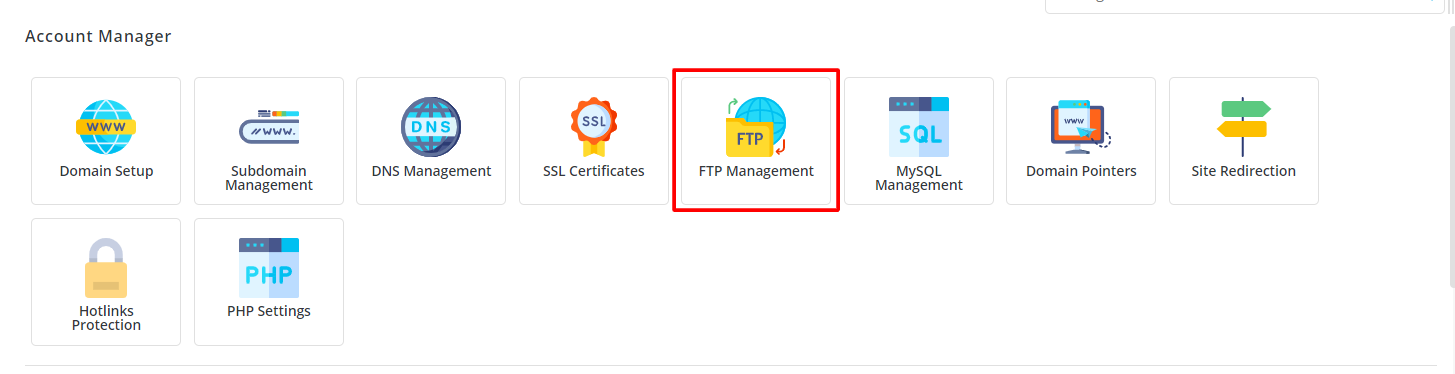
- You will see a list of FTP accounts for your domain.
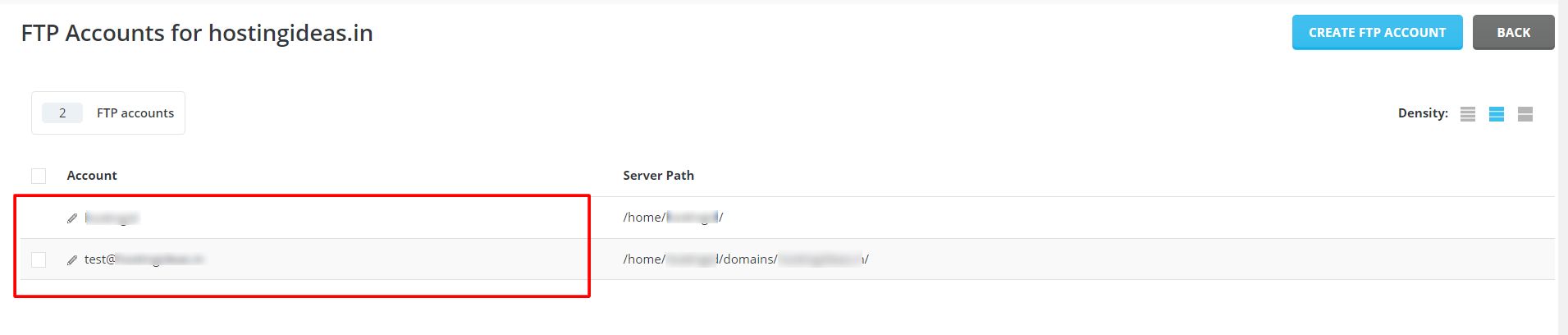
- Find the account you want to change.
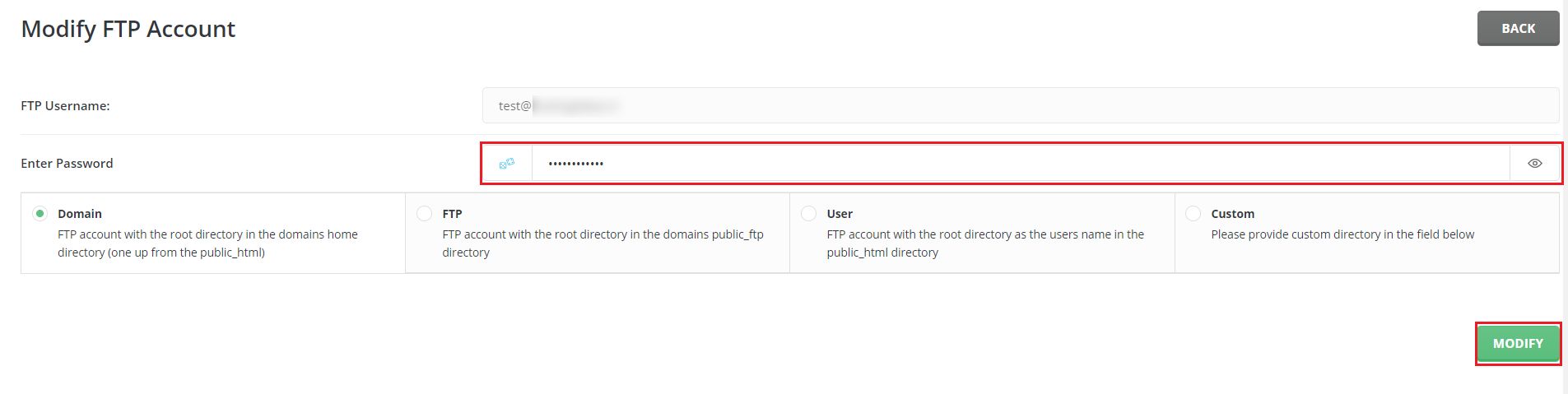
- Click Change Password next to it. In some skins, click the Modify or pencil icon.
- Type the new password in the first box.
- Type it again in the second box.
- Click Save.
The change takes effect at once.
Update your FTP program
Your FTP program still remembers the old password. It will fail to log in until you fix it.
- Open your FTP program.
- Open its saved sites list. In FileZilla this is the Site Manager.
- Select your site.
- Replace the old password with the new one.
- Click Connect to test.
What about the main FTP account?
The main account uses the same username and password as your DirectAdmin login. Changing it also changes your panel password. Use the Password Change page for that. Extra FTP accounts you made yourself are separate and safer to share.
Tip: Give each person their own FTP account. Then you can change or remove one without disturbing the others.
Tip: Choose a long password with letters, numbers and symbols. Avoid names and birthdays.
Quick recap
- FTP accounts let programs upload files to your site.
- Open FTP Management and click Change Password.
- Enter the new password twice and save.
- Update the password in FileZilla or any other program.
- Use separate FTP accounts for different people.