

What is a search slug?
A slug is a word that shows in a web address. The search slug is the word before what a visitor searched for. By default WordPress uses ?s=. A nicer slug can look cleaner. Some people like to hide it from simple bots, too.
Before you start
You will edit a theme file. A wrong edit can break your site. Take a backup first. Use a child theme if you have one. A child theme is a safe copy of your theme that keeps your changes when the main theme updates.
Steps
- Log in to DirectAdmin.
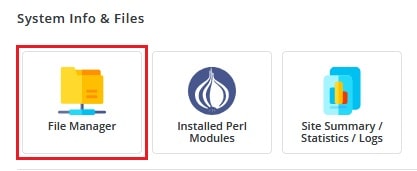
- Open File Manager.
- Go to domains, your domain, then public_html.
- Open the folder wp-content, then themes, then your theme (or child theme) folder.
- Open the file
functions.phpwith the Edit button.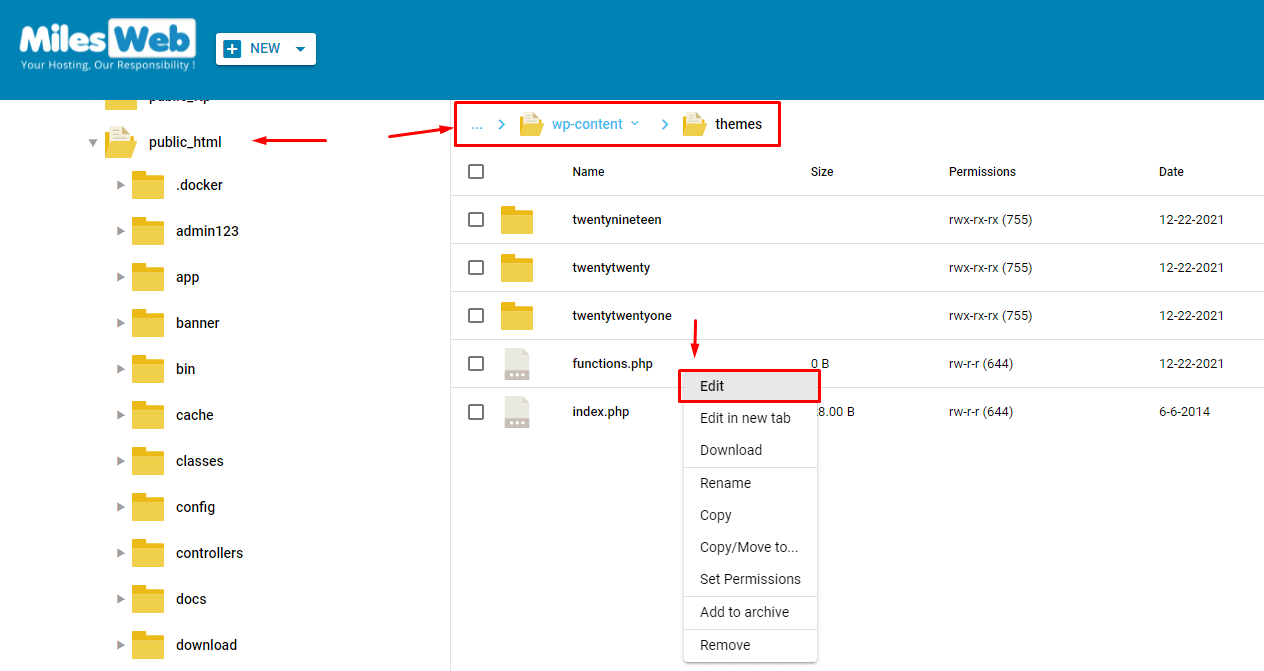
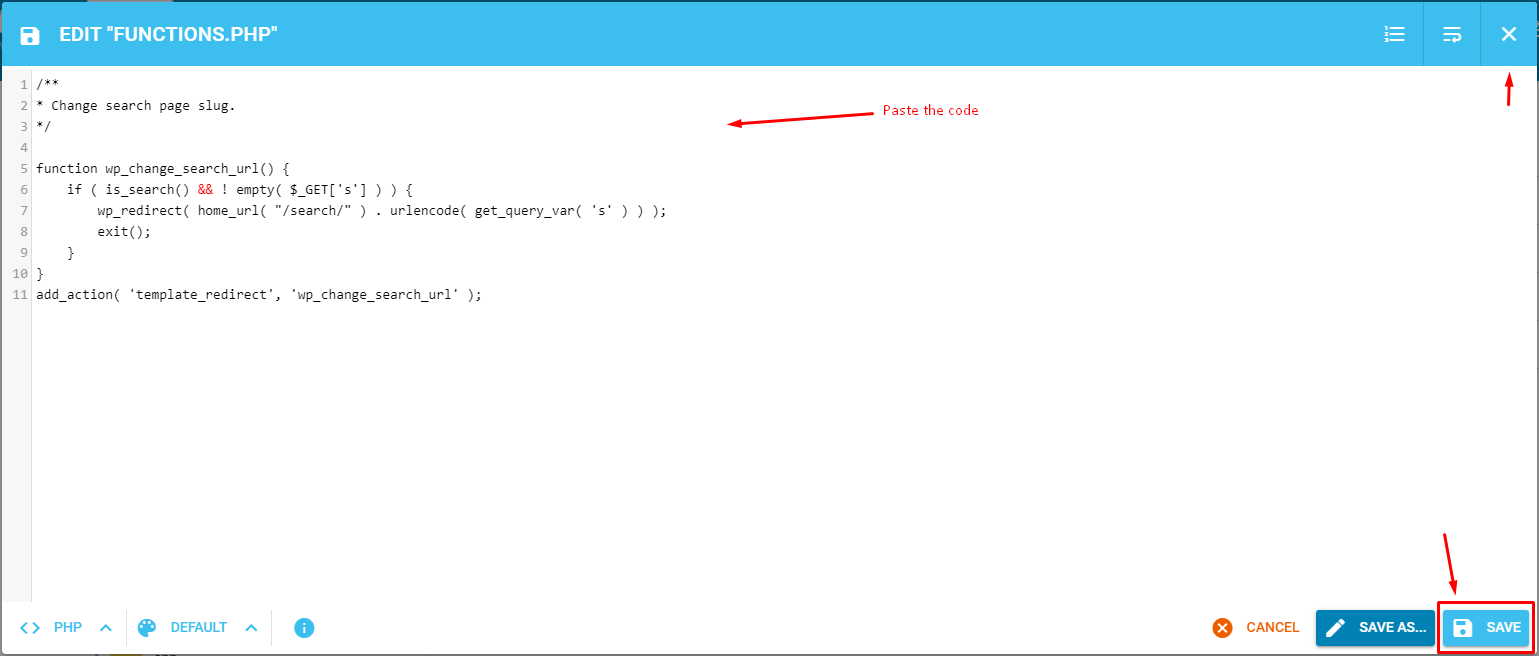
- Scroll to the very end of the file. Do not put the code in the middle of other code.
- Paste this code:
function hv_search_redirect() {
    if ( is_search() && ! empty( $_GET['s'] ) ) {
        wp_redirect( home_url( '/find/' ) . urlencode( get_query_var( 's' ) ) );
        exit;
    }
}
add_action( 'template_redirect', 'hv_search_redirect' );

function hv_search_rewrite() {
    add_rewrite_rule( '^find/(.+)/?$', 'index.php?s=$matches[1]', 'top' );
}
add_action( 'init', 'hv_search_rewrite' );
The first part sends visitors to the new address. The second part tells WordPress how to read that address. You can replace find with your own word.
- Click Save.
- Log in to the WordPress dashboard.
- Go to Settings, then Permalinks, and click Save Changes. This refreshes the rules.
- Try a search on your site.
If something goes wrong
If you see a white screen, undo the edit. Open functions.php again and delete the code you pasted. Then save. Or restore your backup.
Tip: Pretty permalinks must be turned on. If your site uses the "Plain" setting, pick another one in Settings, then Permalinks.
Quick recap
- The search slug is the part of the address before the search word.
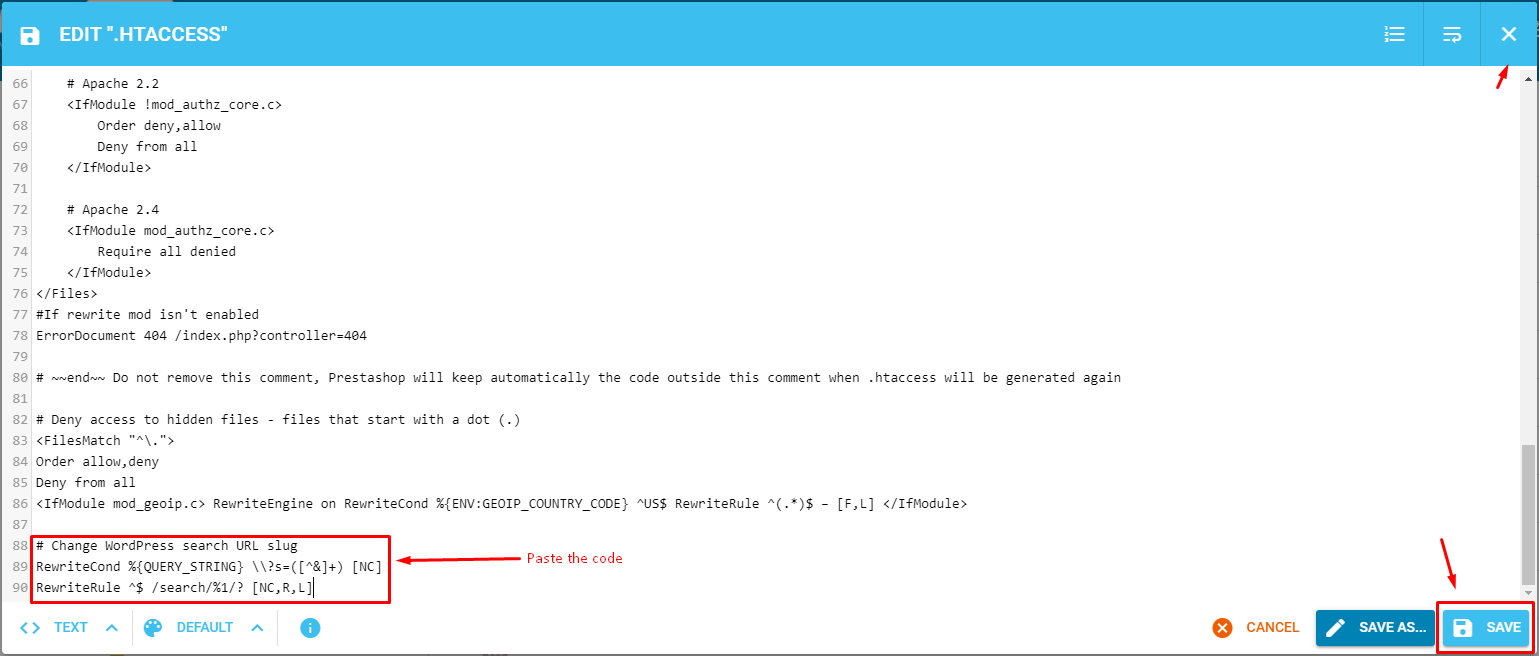
- Edit
functions.phpin File Manager and add the code at the end. - Save the Permalinks page in WordPress.
- Take a backup before editing.
- Remove the code if the site breaks.