

What is ModSecurity?
ModSecurity is a web firewall. A firewall is like a guard at the door. It checks each request to your site and blocks the ones that look like an attack. Sometimes it blocks a harmless request by mistake. This is called a false alarm. You may see a "403 Forbidden" error when it happens.
The log is a diary. It records each block, with the time, the visitor's IP address and the rule that fired.
Where is the log?
Where you can read it depends on your server and access level. Ask Hostvento support whether ModSecurity is turned on for your plan.
Steps for a user in the panel
- Log in to DirectAdmin.
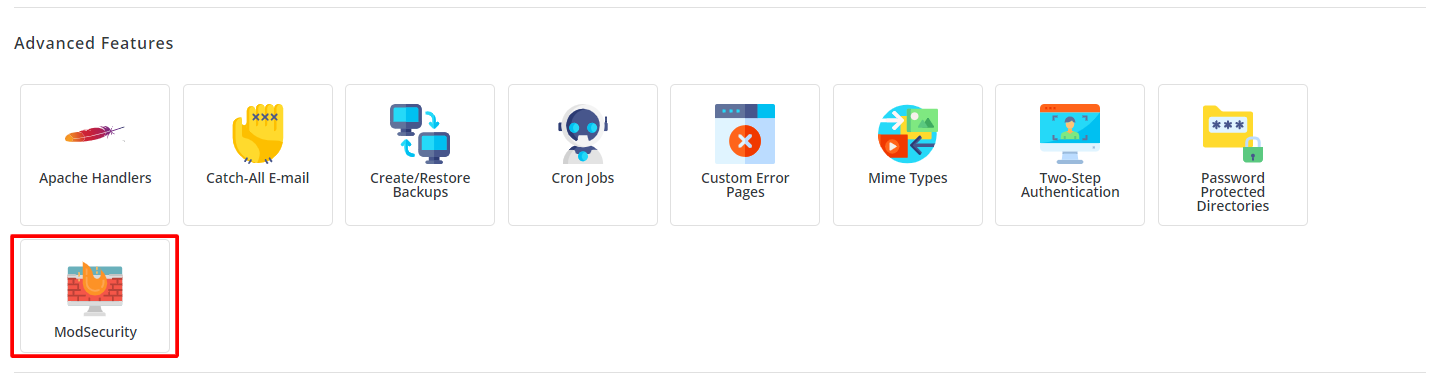
- Look for ModSecurity in the menu. It may sit under Extra Features or Security.
- If you do not see it, try Site Summary / Statistics / Logs. Open the error log there.
- Look for lines with the word
ModSecurity.
Steps for the admin on a VPS or dedicated server
This needs root access. Connect over SSH, which is a safe way to type commands on a server.
- Log in to your server as root.
- Show the last lines of the log:
tail -n 50 /var/log/httpd/modsec_audit.logThis prints the last 50 lines of the ModSecurity audit log. The path may differ on your server, for example on Nginx or OpenLiteSpeed setups. Ask support if the file is missing.
- Search for one visitor's IP address:
grep "203.0.113.5" /var/log/httpd/modsec_audit.logReplace the example number with the real IP address. This shows every line that holds it.
How to read an entry
- Time tells you when it happened.
- Client IP shows who sent the request.
- Rule id is a number for the rule that blocked it.
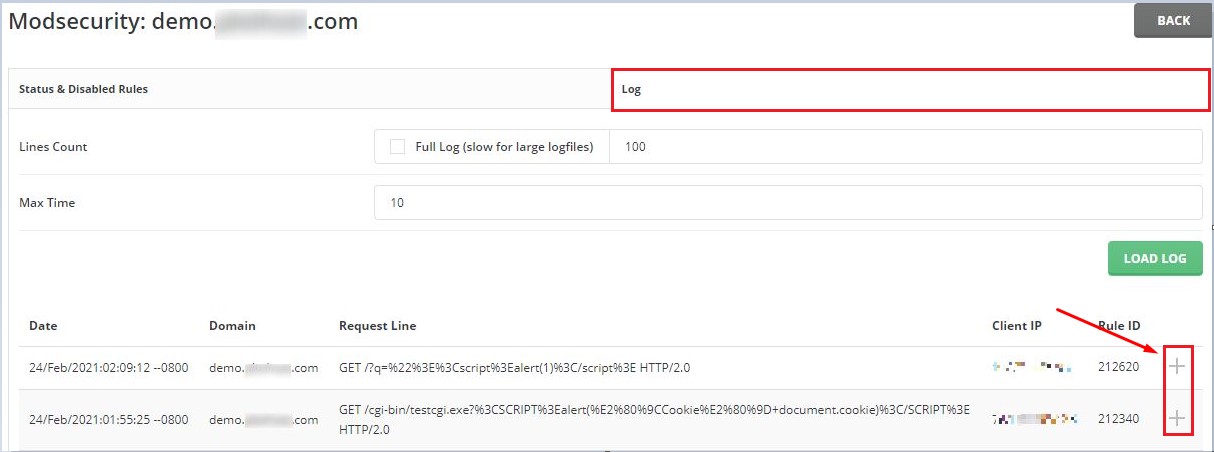
- Message explains what the rule found.
If a real action was blocked
Note the rule id and the time. Open a ticket at https://secure.hostvento.com/submitticket.php with these details. Do not turn ModSecurity off completely, because it protects your site.
Quick recap
- ModSecurity is a firewall that can block requests.
- Its log records every block.
- Look for it in the panel, or on the server over SSH.
- Read the time, IP and rule id.
- Send those to support if a good action was blocked.