

What are website statistics?
Website statistics are numbers that show how people use your site. They tell you how many people came, which pages they opened and how much data was sent. Data use is called bandwidth. It is like the water used from a tap. The more visitors, the more bandwidth.
Steps: account usage
- Log in to DirectAdmin.
- Stay on the home page after login.
- Find the box named Statistics or Account Usage.
- Read the lines for Disk Space, Bandwidth and others.
- Each line shows what you have used and what your plan allows.
Disk space is how much storage your files and emails take. Your limits come from your plan. Ask Hostvento support if you want to know them.
Steps: visitor reports
- In the menu, open Site Summary / Statistics / Logs. In some skins it is called Statistics / Logs.

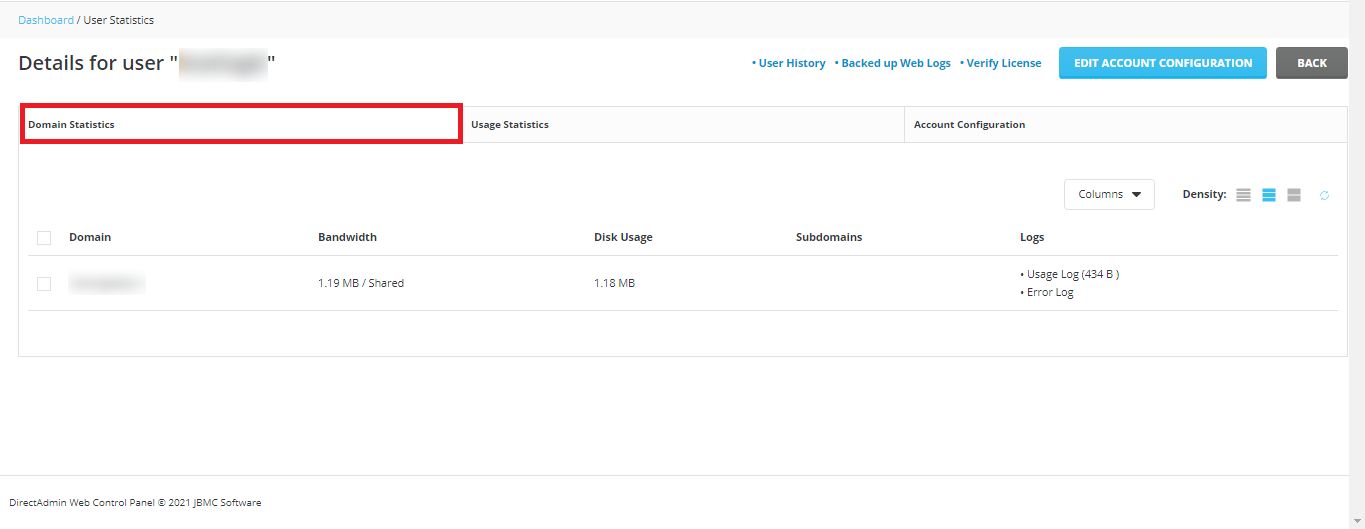
- Click the domain you want to see.
- Choose a report. Common ones are Webalizer, AWStats or Analog. Each is a tool that turns raw logs into charts and tables. Your server may have only some of them.
- Pick a month if the tool asks.
- Read the report.
Useful numbers to look at
| Number | What it means |
|---|---|
| Visits | How many times people came to your site. |
| Unique visitors | How many different people came. |
| Pages | How many pages were opened. |
| Bandwidth | How much data was sent to visitors. |
| Referrers | Where visitors came from. |
Good to know
These reports count requests to the server, and bots are counted too. So the numbers may be higher than tools like Google Analytics, which counts real people in a browser. Reports may also update only once a day. Do not worry if today's visits are not there yet.
Tip: If bandwidth rises fast and you do not know why, check the report for a single address making many requests. Contact support if you are worried.
Quick recap
- The home page of DirectAdmin shows disk space and bandwidth use.
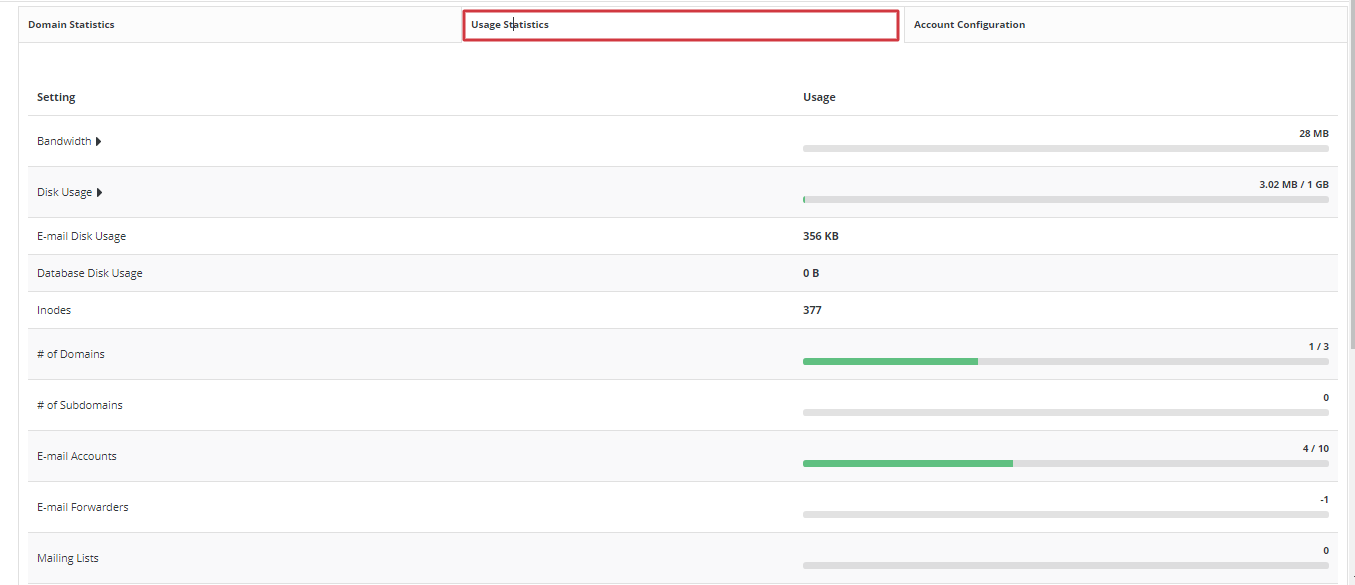
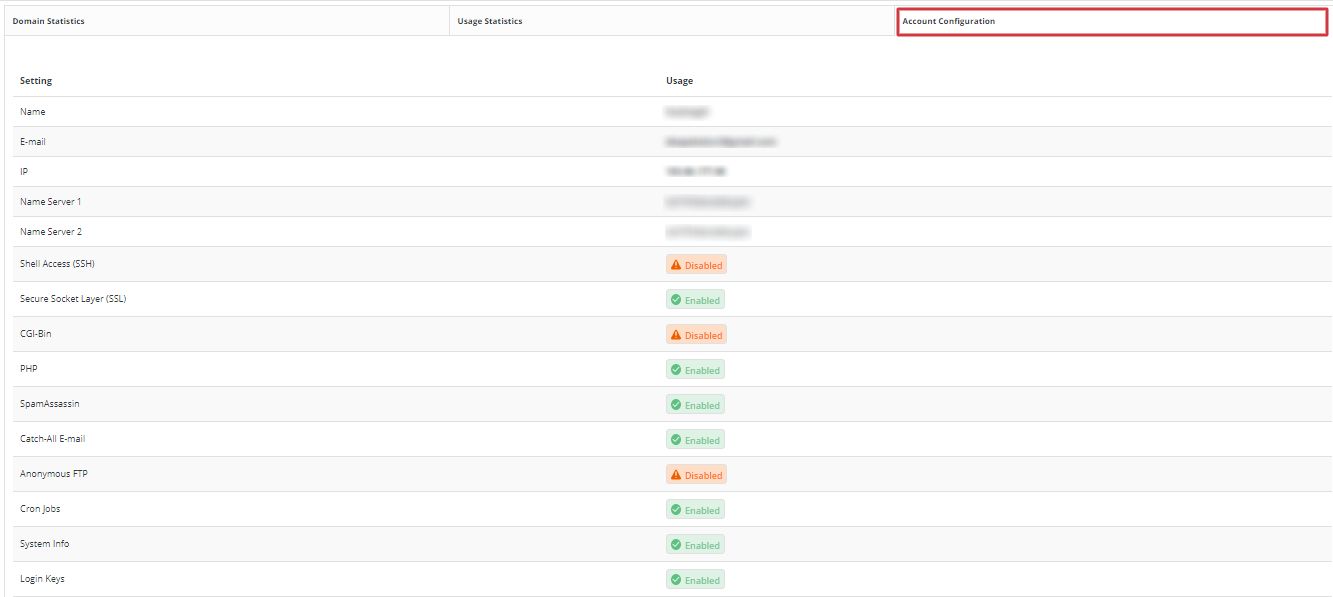
- Open Site Summary / Statistics / Logs for visitor reports.
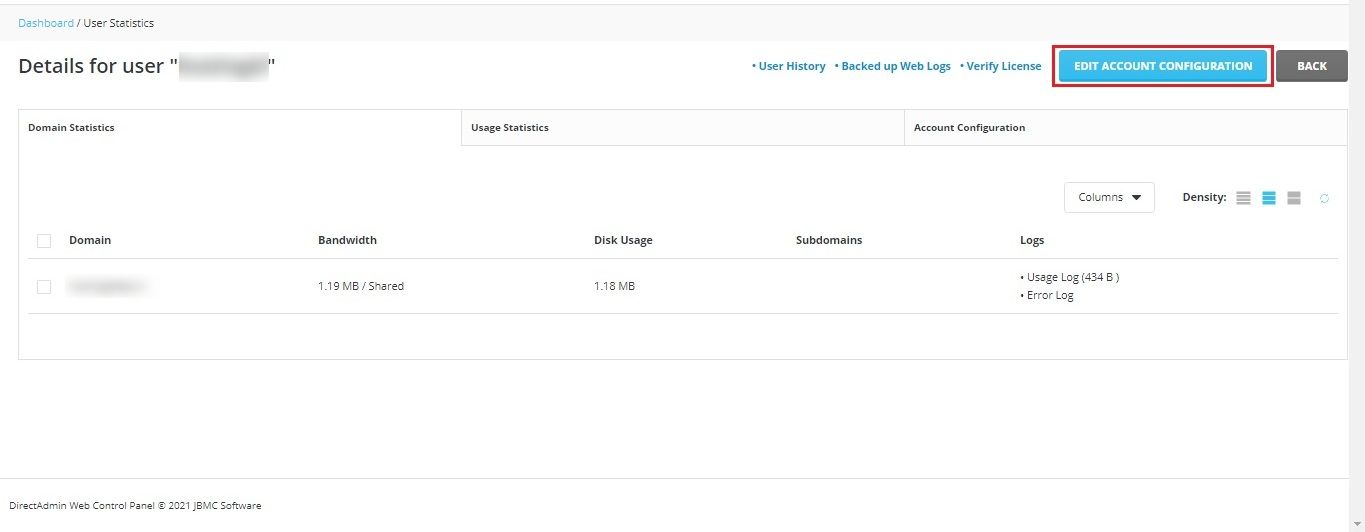
- Webalizer and AWStats are two common report tools.
- Reports update about once a day.
- Ask support about your plan limits.