What is a user package?
Think of a package like a meal combo. Instead of choosing every item each time, you pick one combo. A user package sets limits such as disk space (storage for your files), bandwidth (how much data visitors can download), and how many email accounts or databases a user can have.
You need reseller or admin access to manage packages. Normal hosting users do not see this menu.
Create a package
- Log in to DirectAdmin as a reseller or admin.
- Go to Reseller Level.
- Click Manage User Packages.

- Click Add Package.

- Type a name for the package. Use simple words without spaces.
- Fill in the limits. You can choose a number or tick Unlimited where it is allowed.
- Tick the features you want users to have, such as PHP or SSL.
- Click Save.
Edit a package
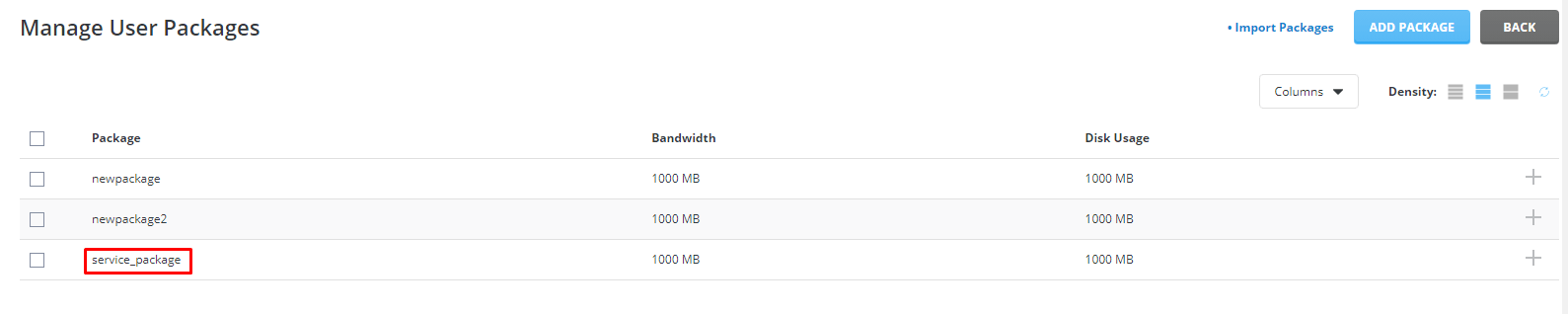
- Open Manage User Packages again.
- Click the name of the package.
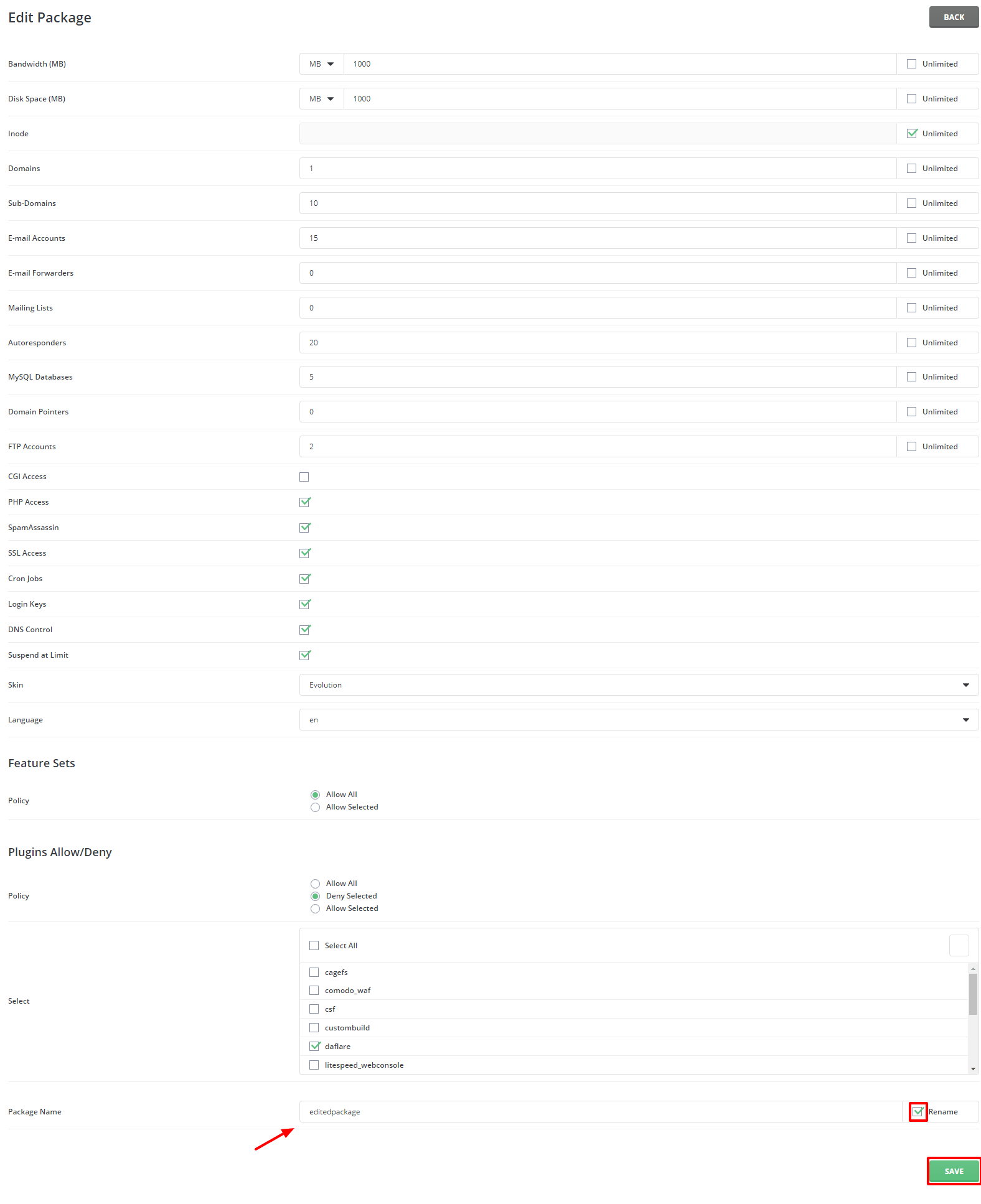
- Change the limits you want.
- Click Save.
Editing a package may change the limits of users already on it. Check the screen to see if there is a box for this.
Delete a package
Warning: make sure no user needs this package. Move users to another package first.
- Open Manage User Packages.
- Tick the box next to the package.
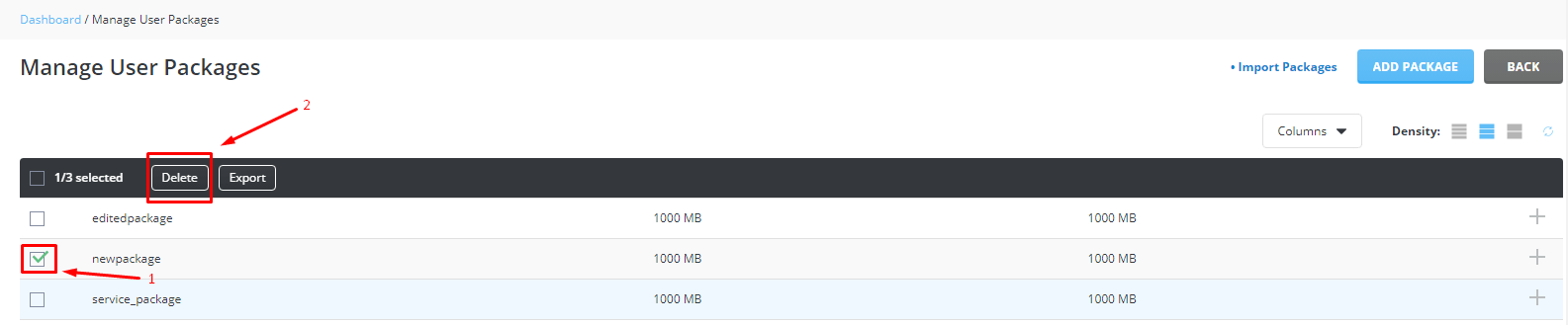
- Click Delete.
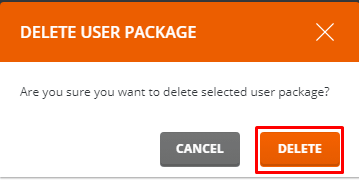
- Confirm the choice.
Tip: Deleting a package usually does not delete the users in it. Still, take a backup before big changes.
If you cannot find the menu, ask Hostvento support whether your plan includes reseller features.
Quick recap
- A package is a saved set of limits and features.
- Find it under Reseller Level, then Manage User Packages.
- Use Add Package to create, click a name to edit.
- Delete only after moving users away.