

What is a cron job?
A cron job is like an alarm clock for your website. When the time comes, it runs a command or a script (a small program) by itself. People use cron jobs to clear old files, send reports or run a website's regular tasks.
Understand the time boxes
DirectAdmin gives you five boxes for the time. Each one is a part of the schedule.
| Box | What it means | Allowed values |
|---|---|---|
| Minute | Minute of the hour | 0 to 59 |
| Hour | Hour of the day | 0 to 23 |
| Day of month | Date in the month | 1 to 31 |
| Month | Month of the year | 1 to 12 |
| Day of week | Weekday | 0 to 7 (0 and 7 mean Sunday) |
A star * means "every". So 30 2 * * * means every day at 2:30 in the morning.
Steps
- Log in to DirectAdmin.
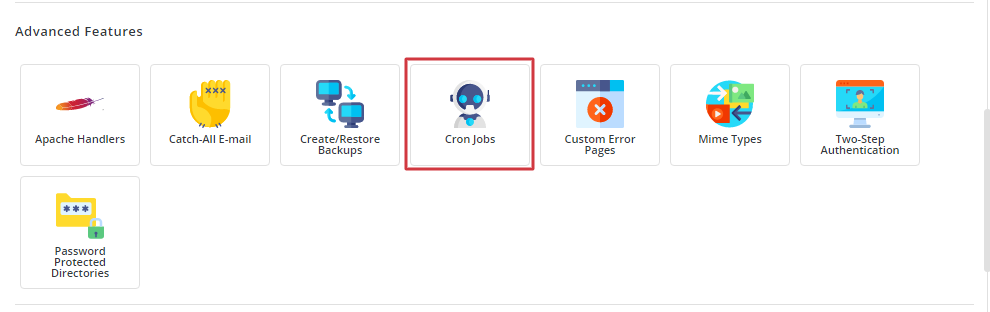
- Open Advanced Features and click Cron Jobs.
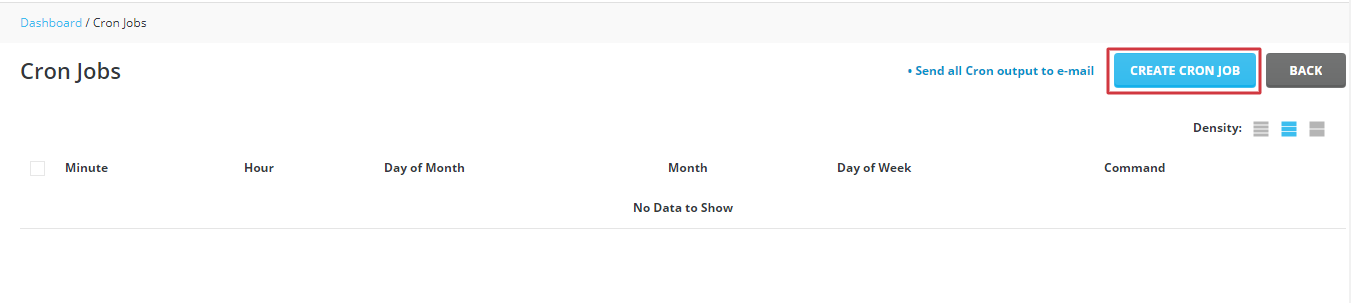
- Click Create Cron Job, or find the form on the page.
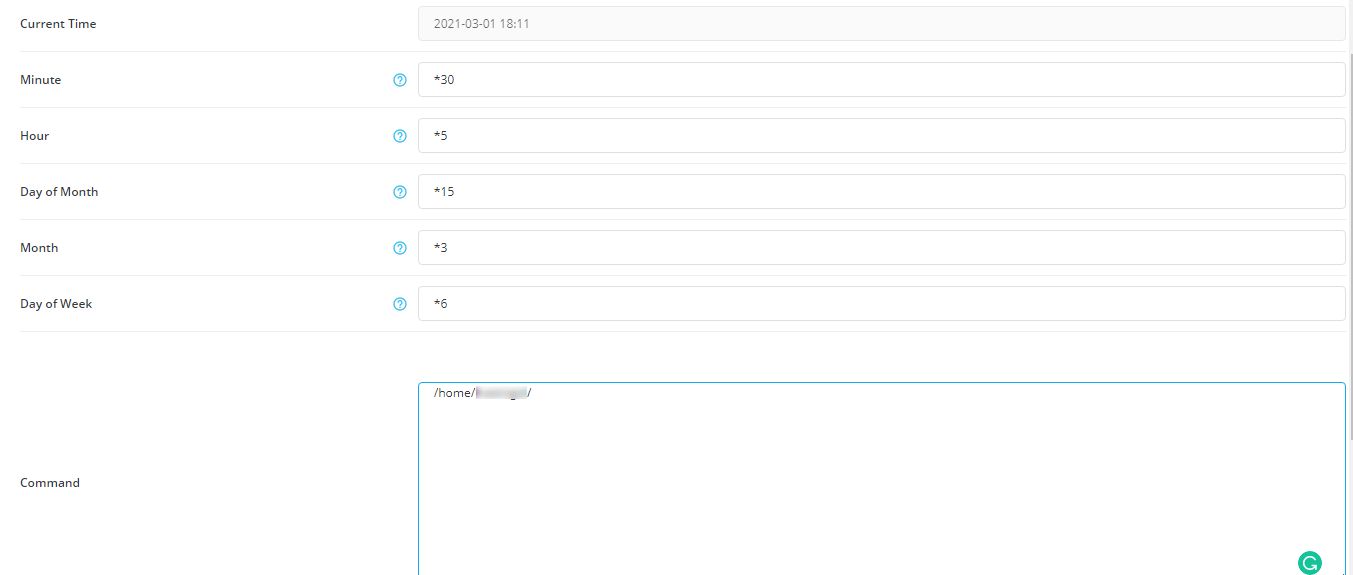
- Fill in the five time boxes.
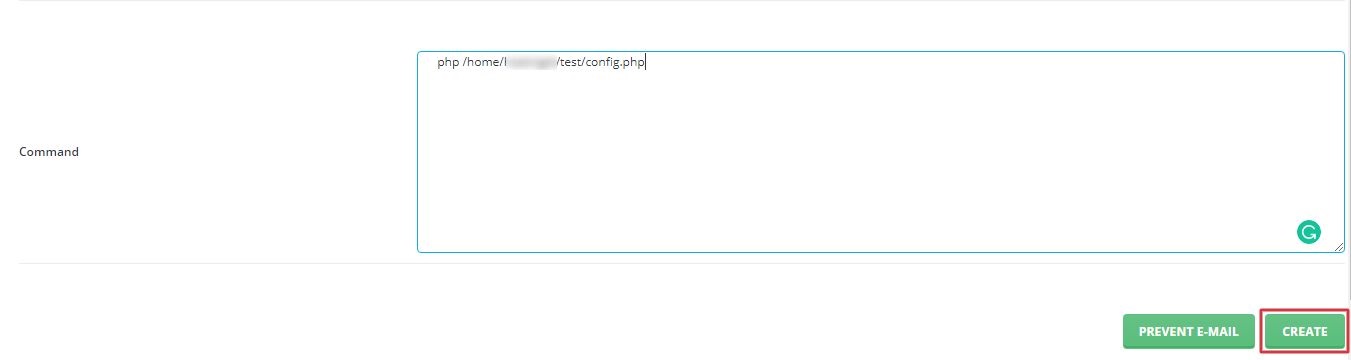
- In the Command box, type what should run. Example:
php /home/username/domains/example.com/public_html/task.phpThis line runs a PHP file. Replace username, the domain and the file name with your own.
- Click Create.
Edit or delete a cron job
Go back to Cron Jobs. Use the edit link beside a job to change it, or the delete link to remove it. Warning: a wrong command can break a site, so test it carefully.
Get emails about results
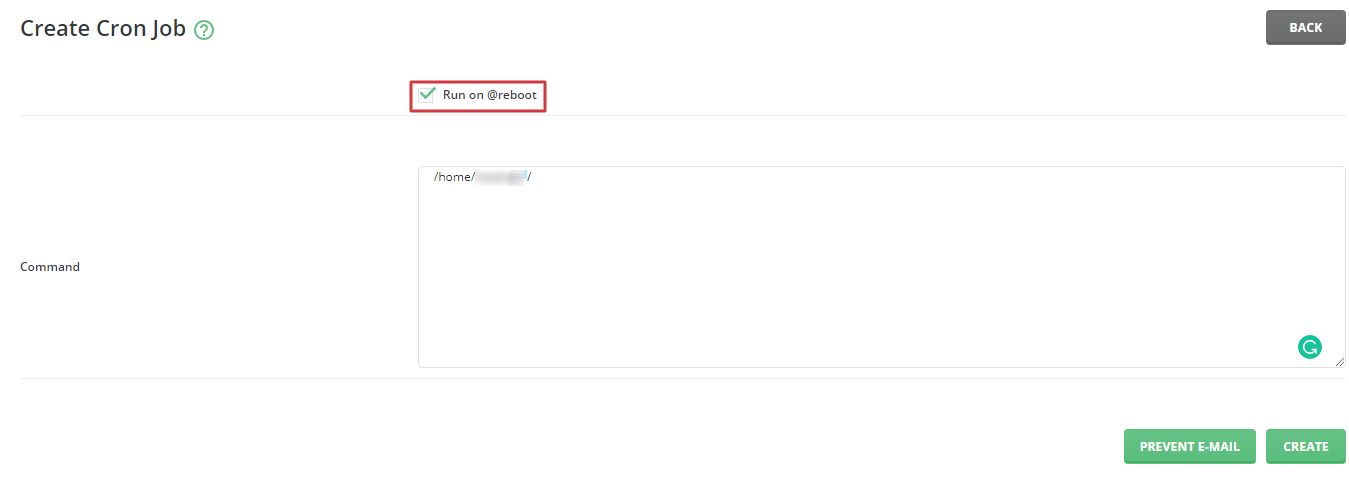
Some versions have a box for an email address. The server sends the output of each run there. This helps you see if a job fails. Add > /dev/null 2>&1 at the end of the command to stop these emails.
Quick recap
- A cron job runs a command on a schedule.
- Open Advanced Features, then Cron Jobs.
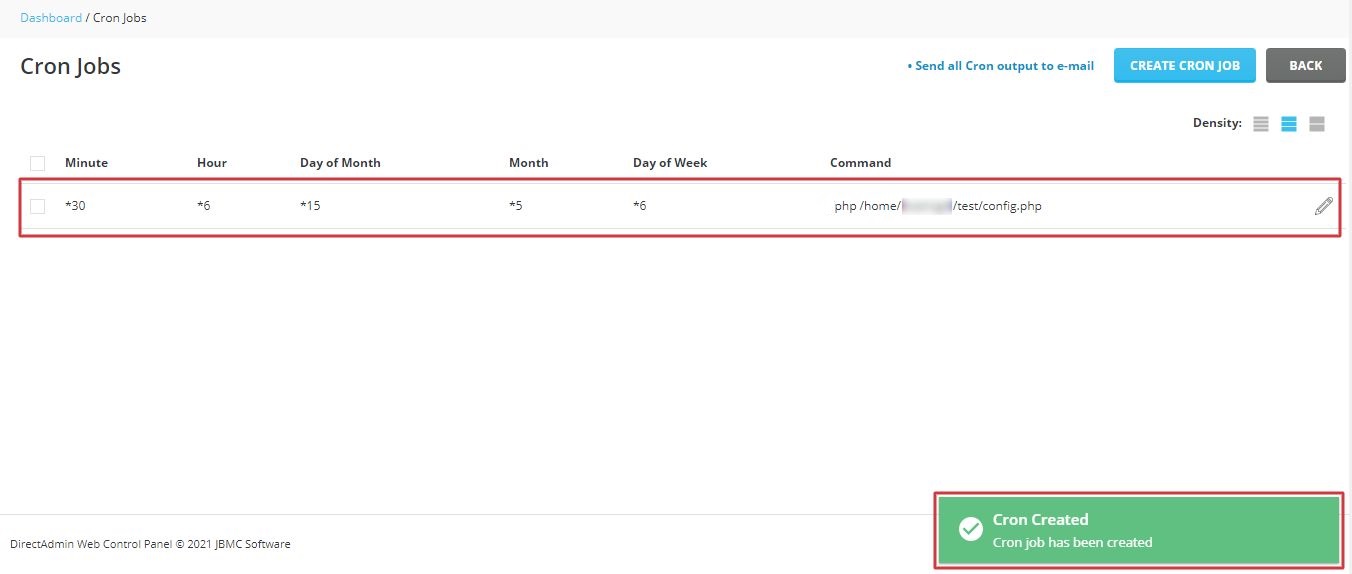
- Set minute, hour, day, month and weekday, then add the command.
- A star means "every".
- Test your command before relying on it.