

What is SSL?
SSL is a lock for the data that travels between your visitor and your website. It is why you see a padlock and the word https in the address bar. Without SSL, the address starts with http and the data is not hidden.
Warning: turning SSL off makes your site less safe. Browsers may show a "Not secure" warning to your visitors. Do this only if you have a good reason, such as fixing a problem for a short time.
Steps
- Log in to DirectAdmin.
- Open Account Manager and click Domain Setup.

- Click the name of the domain.
- Find the option called Secure SSL.
- Untick it. This stops the domain from using its own secure folder.
- Click Save.
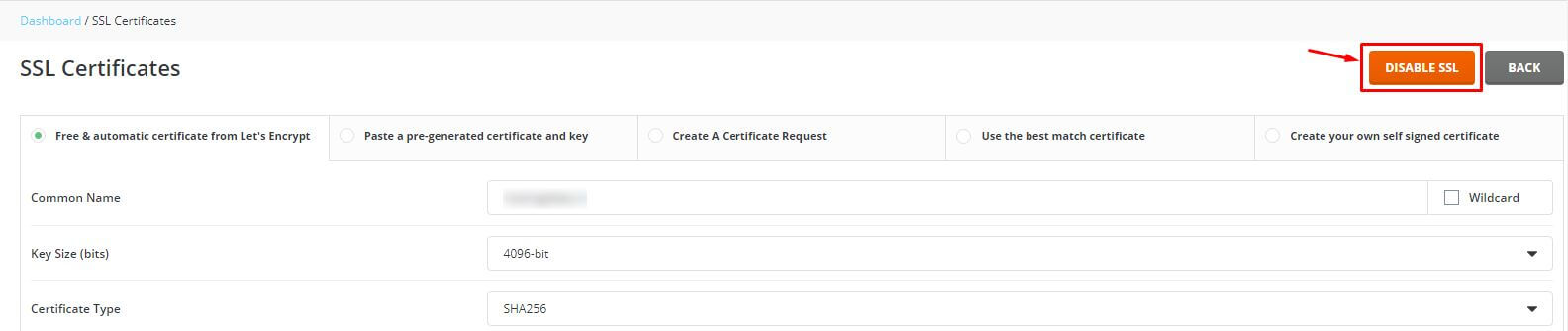
If your version does not show this option, look under SSL Certificates in the same menu.
Remove forced redirects
Your site may also send all visitors to https using a rule in .htaccess. If so, the site may fail after SSL is off. To fix this:
- Open File Manager and go to
public_html. - Make a backup copy of
.htaccess. - Open the file with Edit.
- Find lines that mention
httpsorRewriteCond %{HTTPS} off. - Remove them or put a
#at the start of each line to turn it off. - Click Save.
Some website programs, like WordPress, also keep an https address in their own settings. Change it back to http there.
Test the site
- Open a private browser window.
- Visit the
httpversion of your domain. - Check that the pages load.
Need help? Open a ticket at the support page.
Quick recap
- SSL protects data between visitors and your site.
- Untick Secure SSL in Domain Setup to disable it.
- Remove https redirects from
.htaccess. - Turning SSL off is not safe for long.