

What is directory listing?
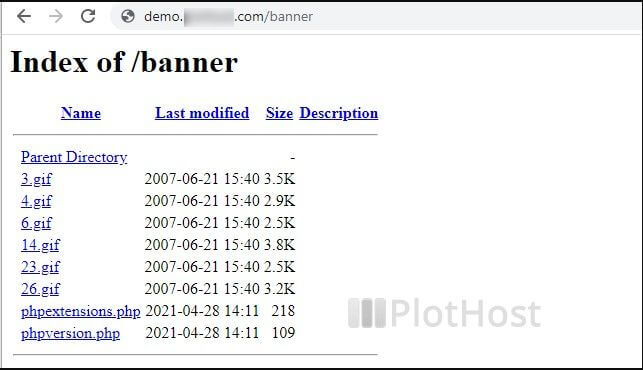
A directory is another word for a folder. Normally a folder on your site has a main page, often named index.html or index.php. If it does not, the web server may show a plain list of every file in the folder. That is directory listing.
This is risky. Visitors can see file names you did not mean to share. For most sites it is best to keep it off. For a download area, you may want it on.
What is .htaccess?
The .htaccess file is a small settings file used by the Apache web server. Rules in it apply to the folder it sits in and to every folder inside it.
Warning: a wrong line can break your site. Make a backup copy of the file first.
Disable directory listing
- Log in to DirectAdmin.
- Open File Manager.
- Go to the folder you want to protect. For the whole site, use
public_html. - Find
.htaccess. If it does not exist, click Create New File and name it.htaccess. - Click the file, then click Edit.
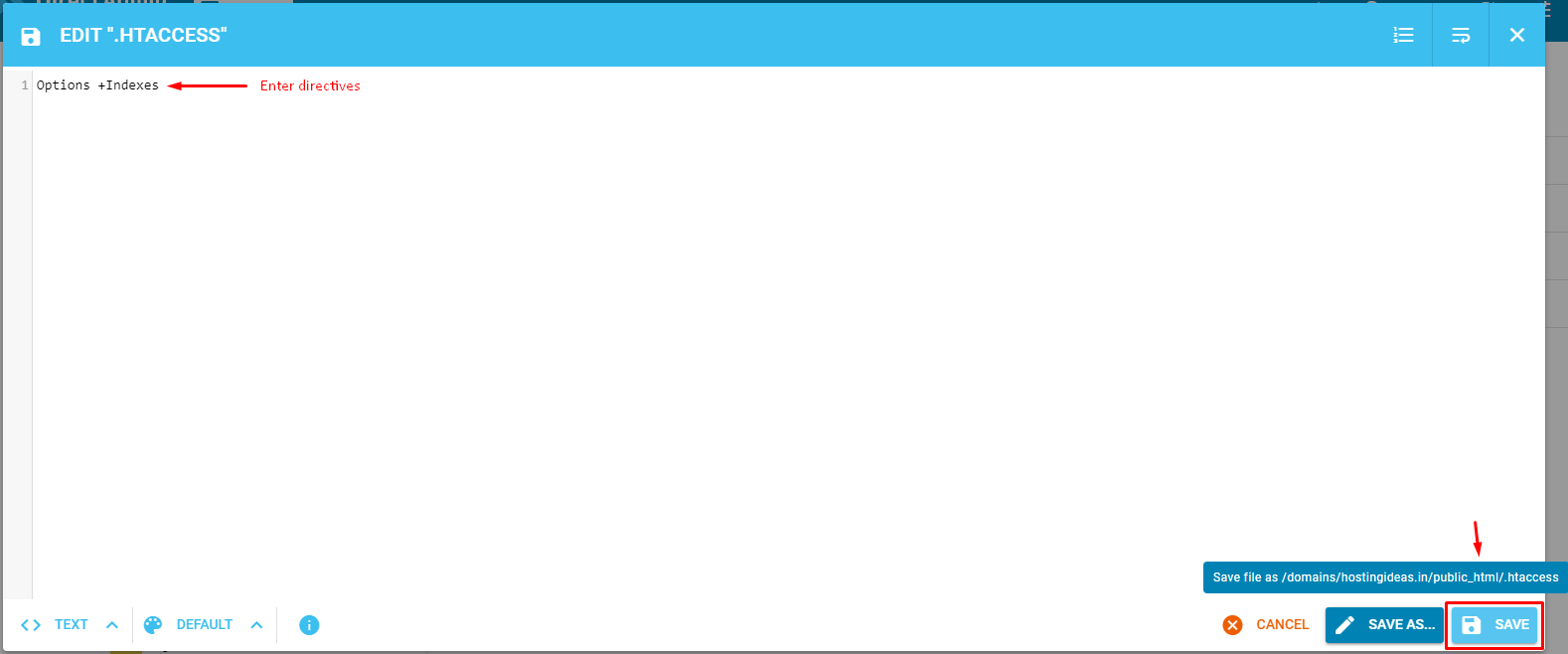
- Add this line:
Options -IndexesThe minus sign turns off the file list. Visitors will see a 403 Forbidden error instead.
- Click Save.
Enable directory listing
- Open the
.htaccessfile in the folder where you want a list. - Add or change the line to:
Options +IndexesThe plus sign turns the file list on for that folder.
- Click Save.
Test it
- Open the folder address in your browser, like
yourdomain.com/downloads/. - Check that you see either the file list or an error, as you wanted.
Quick recap
- Directory listing shows the files in a folder with no index page.
Options -Indexesturns it off.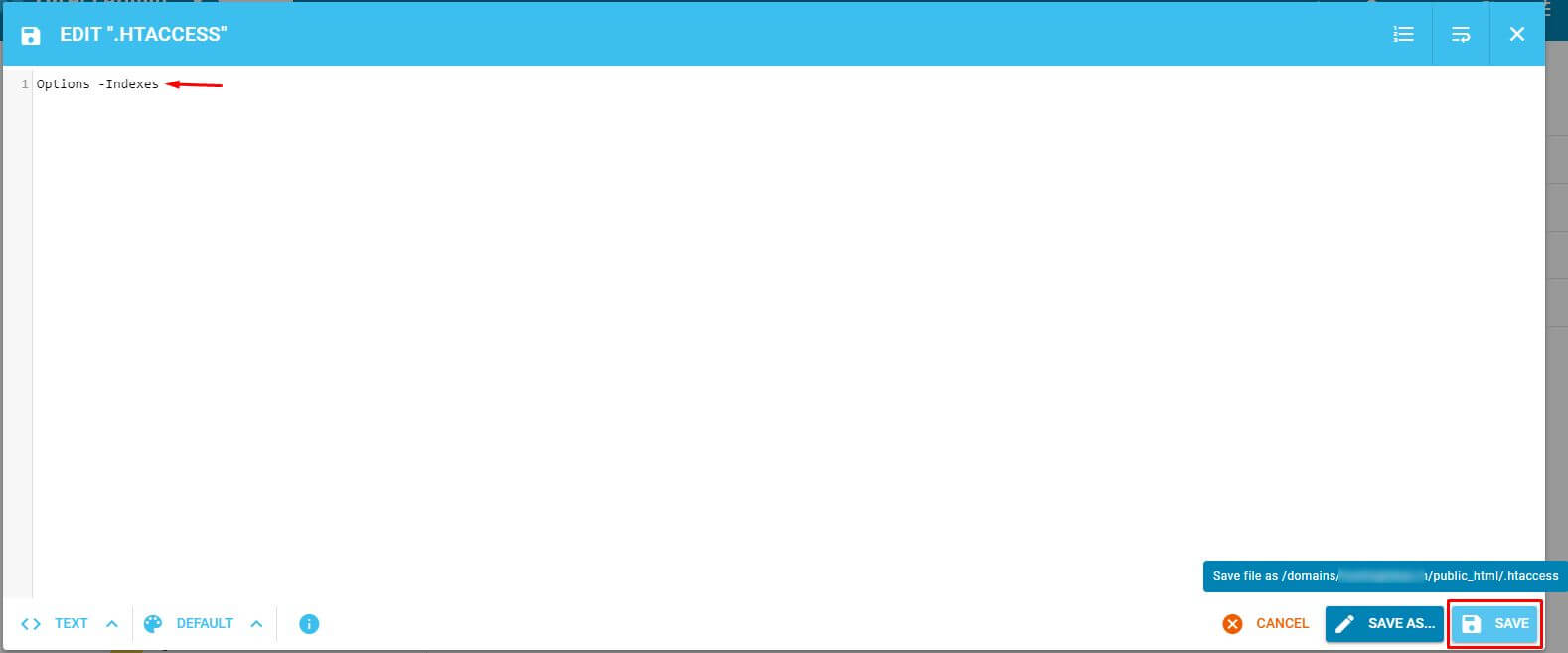
Options +Indexesturns it on.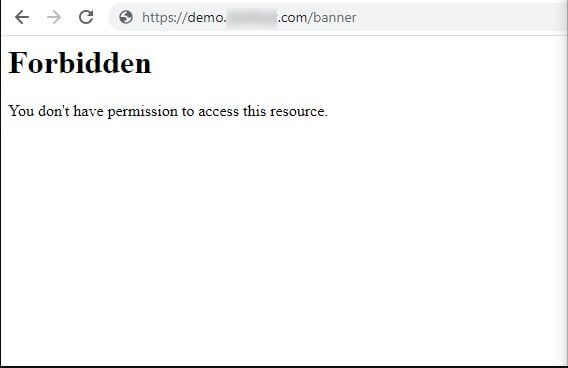
- Edit .htaccess in File Manager and back it up first.