

What is ModSecurity?
ModSecurity is a security guard for your website. It sits in front of your site and checks each request. If a request looks like an attack, it blocks it. A web application firewall, or WAF, is the general name for this kind of guard.
The guard follows rules. Each rule has a number called an ID. Sometimes a rule blocks a real visitor by mistake. This is called a false alarm. You might then see a 403 Forbidden error when saving a post or uploading a file.
Warning: turning off protection makes your site easier to attack. Only turn off the single rule that causes trouble.
Find which rule blocked you
- Log in to DirectAdmin.
- Open the error log. Look under Site Summary / Statistics / Logs and click Error Log.
- Look for lines that mention
ModSecurity.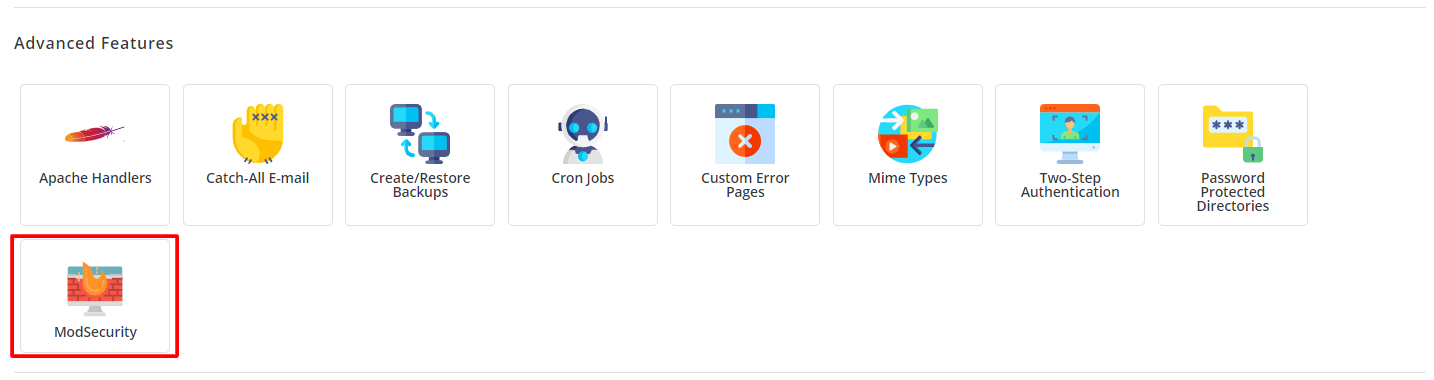
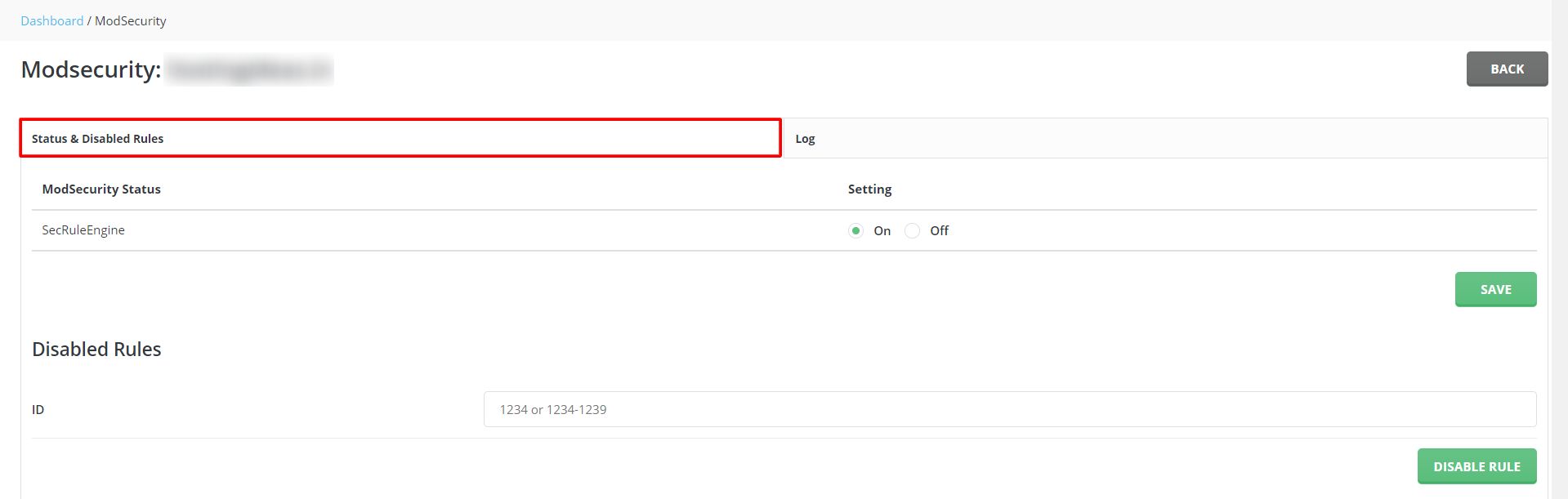
- Find the text
[id "123456"]. The number is the rule ID.
Turn off one rule for your site
- Open File Manager and go to
public_html. - Make a backup copy of
.htaccess. - Edit the file and add:
<IfModule mod_security2.c>
    SecRuleRemoveById 123456
</IfModule>
Replace 123456 with your own rule ID. This removes only that rule for your site. Some servers do not allow this in .htaccess. If so, ask support.
- Click Save and test again.

Turn ModSecurity off for a whole site
Use this only for a short test:
<IfModule mod_security2.c>
    SecRuleEngine Off
</IfModule>
This switches the guard off for that folder. Remove the lines when you finish.
For server owners
This needs root access. ModSecurity is installed with CustomBuild, the server software tool of DirectAdmin:


cd /usr/local/directadmin/custombuild
./build set modsecurity yes
./build modsecurity
The first line sets the option to yes. The second installs it. Use no in the first line to turn it off, then run the build again. Plans may add rule sets, so check what you use.
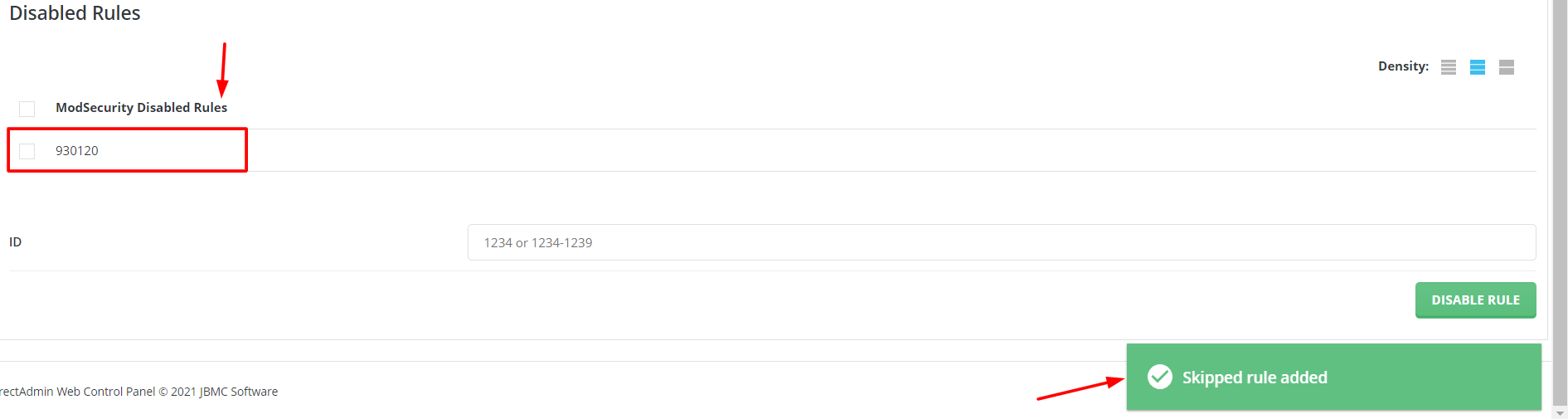
Quick recap
- ModSecurity guards your site with numbered rules.
- Find the rule ID in the error log.

- Disable one rule with
SecRuleRemoveByIdin .htaccess.
- Turn the whole guard off only for short tests.