

What are these two places?
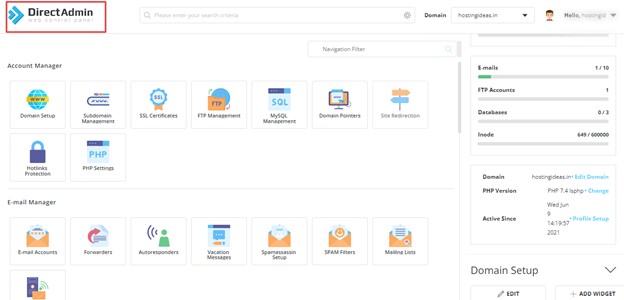
The client area is your account page with Hostvento. You see your services, domains, invoices and support tickets there. DirectAdmin is the control panel. A control panel is the web page where you manage your hosting. You add email accounts, upload files and install apps.
They are two different logins. The client area is like the front desk of a hotel. DirectAdmin is your room.
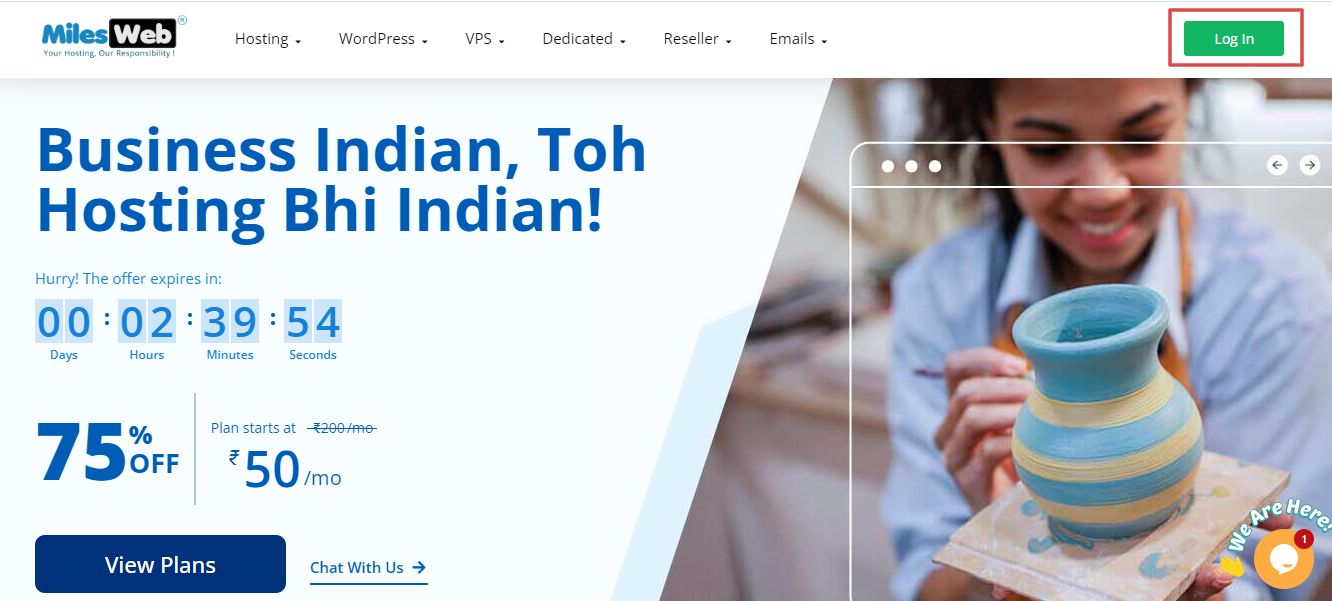
Steps
- Go to https://secure.hostvento.com/clientarea.php.
- Type your email address and password.
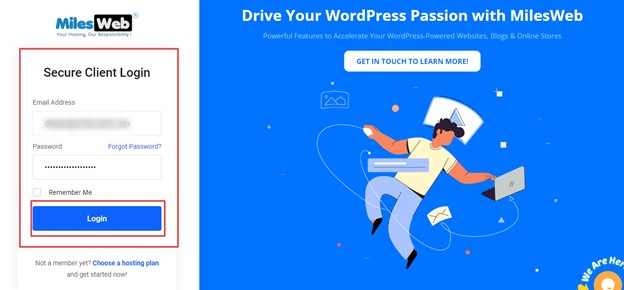
- Click Login.
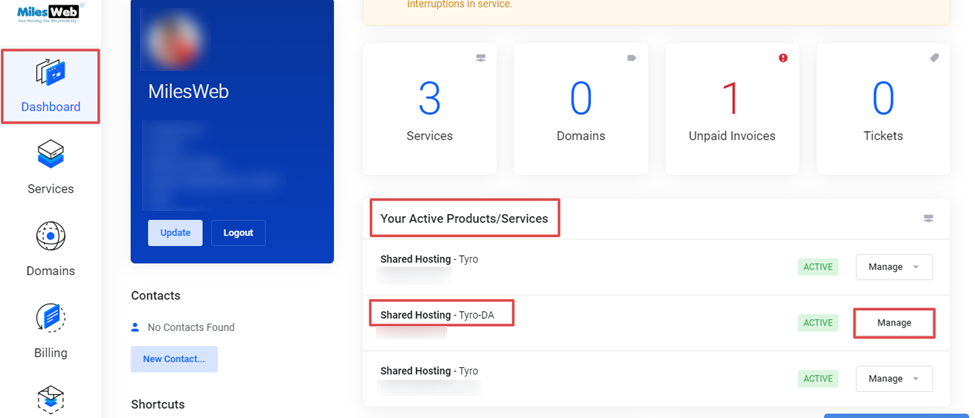
- Click Services in the top menu, then My Services.
- Click the hosting plan you want to open.
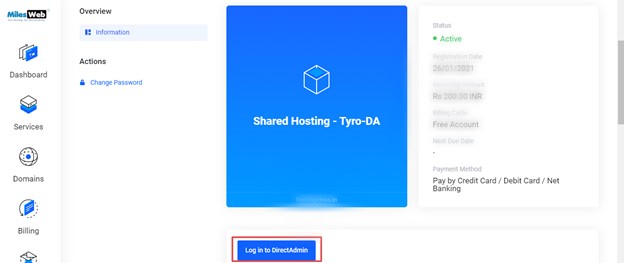
- Look for a button such as Login to DirectAdmin, Login to Control Panel or a similar link. It is often on the service page or in the left menu.
- Click it. A new tab opens, and you are signed in to DirectAdmin.
The exact wording depends on how your service is set up.
If there is no login button
You can sign in by hand.
- Find your welcome email. It has your DirectAdmin address, username and password.
- Open the address in your browser.
- Type your username and password.
- Click Login.
Tip: Bookmark your DirectAdmin address so you can return fast. Never share your password with others.
Problems and fixes
- Forgot the client area password: Use the forgot password link on the login page.
- Forgot the DirectAdmin password: Look for a reset option in the service page, or ask support.
- Page does not open: Clear your browser cache or try another browser.
- Service shows suspended or pending: Check your invoices under Billing, or contact support.
Still stuck? Open a support ticket.
Quick recap
- Log in to the client area first.
- Open Services, then your hosting plan.
- Use the DirectAdmin login button.
- If missing, use the details in your welcome email.