

What is this about?
Softaculous is an auto-installer. It works like an app store in your hosting panel. After you install an app, Softaculous remembers it. It keeps a list of your apps and can sign you in to each one. This saves you from typing a password every time.
If you do not see Softaculous, ask Hostvento support if it is part of your plan.
Steps
- Log in to DirectAdmin.
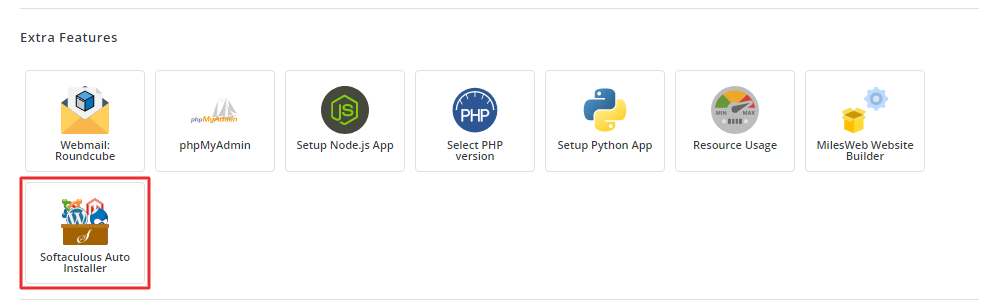
- Click Softaculous Auto Installer.
- In the top bar, click the icon named All Installations. It may look like a list. You can also click your app name in the left menu, such as WordPress, then Installations.
- Find your site in the list.
- Click the small Admin icon, or a link like Login to admin panel, at the start of the row.
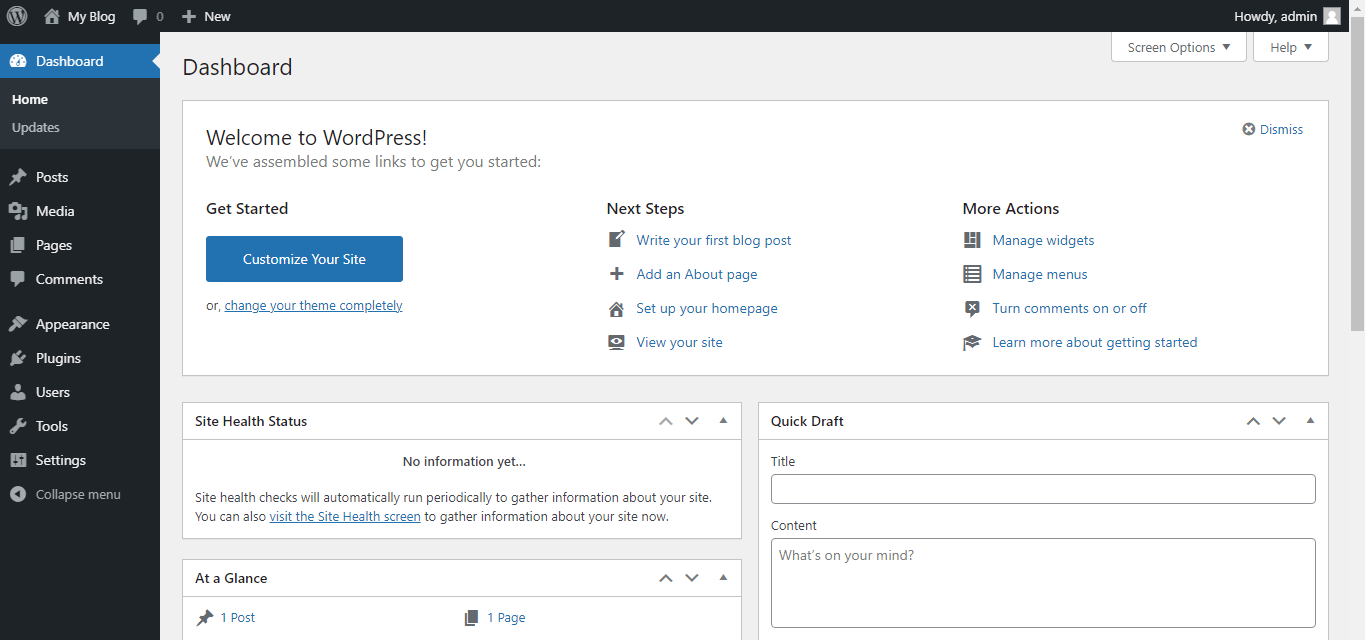
- A new tab opens. You are signed in to the app's admin area.
If the icon is not there, hover over the icons on the row. Each one has a small label.
What else can you do on that page?
- See which version of the app you have.
- Update the app if there is a new version.
- Back up the install.
- Remove the install.
Warning: The remove button can delete the site and its database. Take a backup before using it.
If the quick login does not work
- Open the site address with the admin path added. For WordPress, use
yourdomain.com/wp-admin.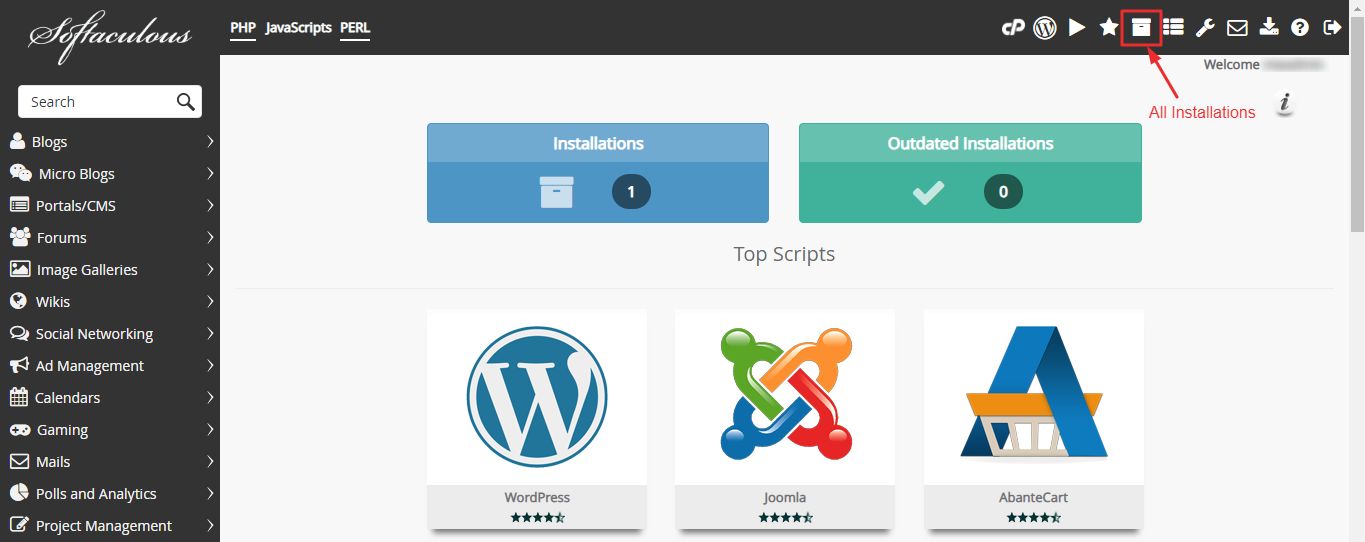
- Type the username and password you chose during install.
- If you forgot them, use the "lost password" link on that login page.
- If a plugin or security tool blocks the quick login, sign in by hand.
Import an app you installed by hand
Softaculous only lists apps it installed. It can often find others. Look for an Import option in the top bar.
Need more help? Open a support ticket.
Quick recap
- Open Softaculous in DirectAdmin and go to All Installations.
- Click the admin icon beside your site.
- If it fails, use the app's own login page.
- Back up before removing anything.