

What are these terms?
An MX record is a line in a domain's DNS settings. It tells the world which mail server receives email for that domain. DNS is like a phone book for the internet. An MX record is the mail entry in that book.
MX Route here means an outside email service that handles your mail instead of your own server. It is a third-party service. It gives you its own mail server names. Hostvento does not set these names. Find them in your account at that mail service.
A template is a pattern. DirectAdmin copies it every time you add a new domain. So if you put the outside mail servers into the template, each new domain gets them at once.
Warning: a template changes only domains you create after the change. It does not change domains that already exist. A wrong MX record stops email from arriving, so double-check the names.
Steps
- Collect the mail server names and their priority numbers from your mail service. Priority is the order of use. A lower number goes first.
- Log in to the server over SSH as root.
- Go to the DirectAdmin templates folder.
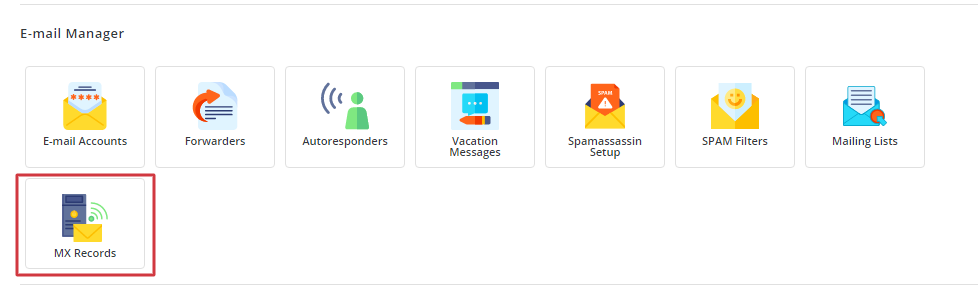
cd /usr/local/directadmin/data/templates- Make a safe place for your own copy. DirectAdmin reads files from the
customfolder first, and updates will not erase them.
mkdir -p custom
cp dns_mx.conf custom/dns_mx.conf
This copies the default MX template into your custom folder.
- Open the copy with
nano custom/dns_mx.conf. - Look at the format of the existing line. Replace the mail server name with the one your mail service gave you. Keep the same layout. Add one line for each mail server.
- Save the file.
- Create a test domain in DirectAdmin.
- Open DNS Management for that domain and check the MX records.
Do not forget the mail setting
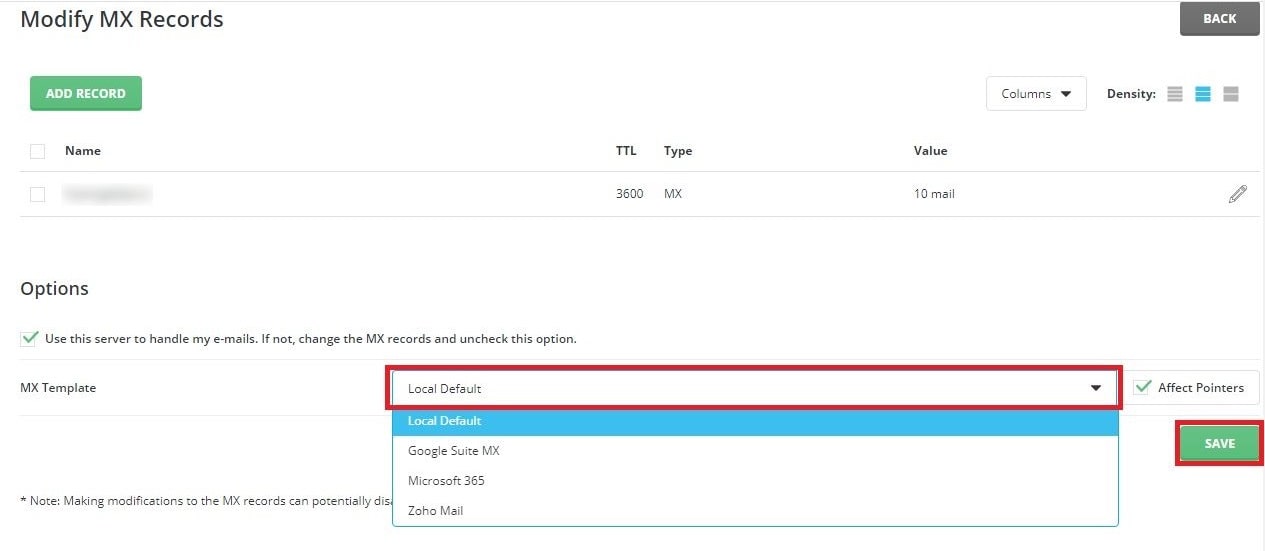
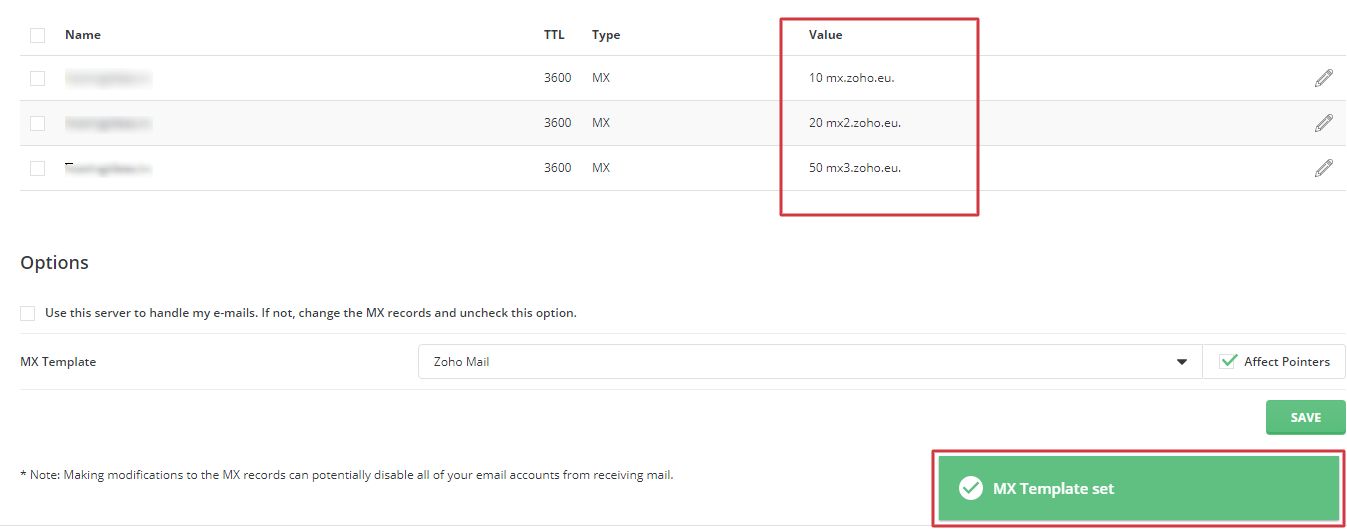
For each domain, you should also tell the server not to deliver mail locally. In DirectAdmin this is done under MX Records, with the option for a remote mail server. Otherwise the server may keep mail for itself.
Quick recap
- An MX record says which server receives a domain's email.
- A template gives that record to every new domain.
- Copy dns_mx.conf into the custom folder and edit the copy.
- Only new domains are affected. Test with a new domain.