Why do this?
To a person both addresses show the same site. But search engines may treat them as two sites. This can split your ranking. A redirect is a signpost that sends visitors from one address to another. Pick one version and send everything there.
The .htaccess file is a small settings file for the Apache web server. The dot at the start means it is hidden. It affects the folder it lives in.
Steps
- Log in to DirectAdmin.
- Open File Manager under System Info and Files.
- Go to your site's folder, usually
domains/example.com/public_html. - Look for
.htaccess. If you cannot see it, enable the option to show hidden files. - Make a backup. Copy the file and name it
.htaccess-backup. - Click the
.htaccessfile and choose Edit. If there is no file, create a new one with that name.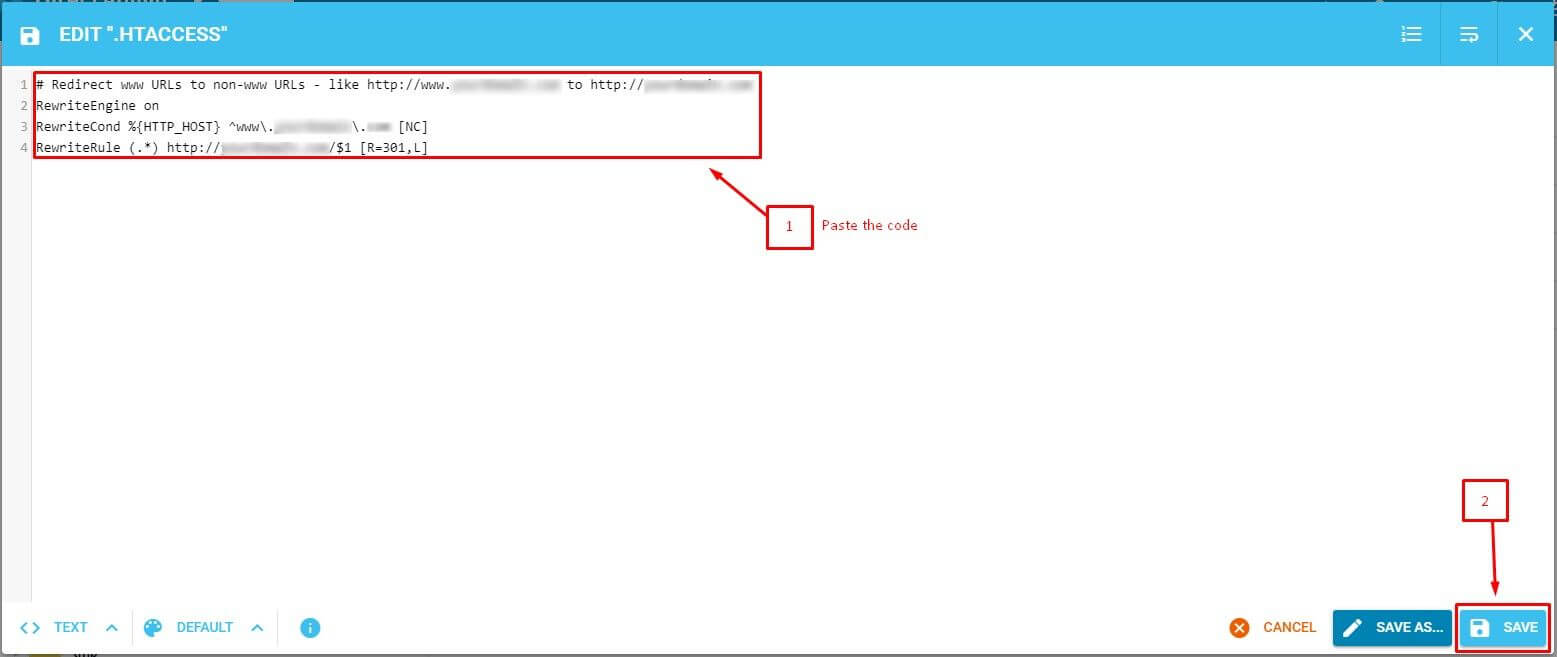
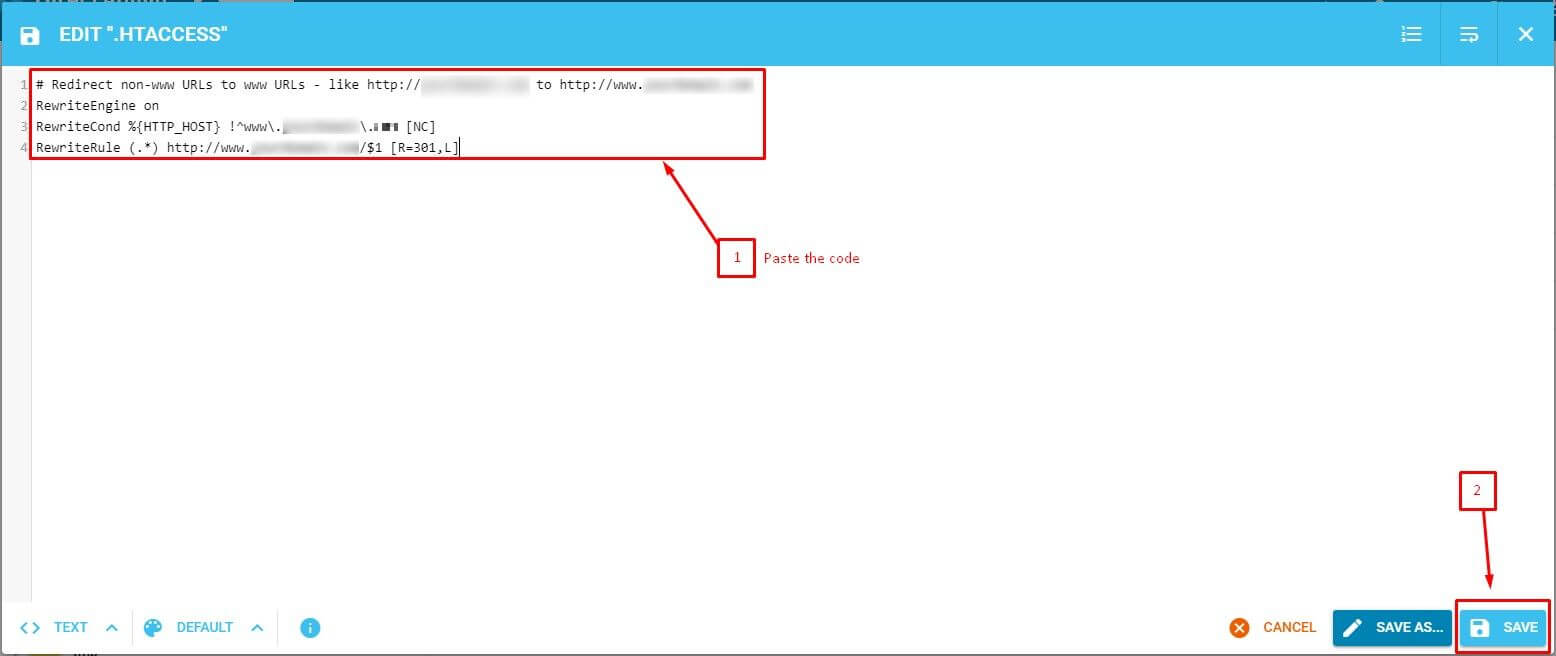
- Add one of the blocks below at the very top. Do not remove existing lines.
- Click Save.
Send non-www to www
RewriteEngine On
RewriteCond %{HTTP_HOST} ^example\.com$ [NC]
RewriteRule ^(.*)$ https://www.example.com/$1 [R=301,L]
This sends visitors of example.com to www.example.com.
Send www to non-www
RewriteEngine On
RewriteCond %{HTTP_HOST} ^www\.example\.com$ [NC]
RewriteRule ^(.*)$ https://example.com/$1 [R=301,L]
This does the reverse. Replace example.com with your own domain in each line.
Test it
- Clear your browser cache, or use a private window.
- Type the address you want to redirect.
- Check that the browser bar changes to the other version.
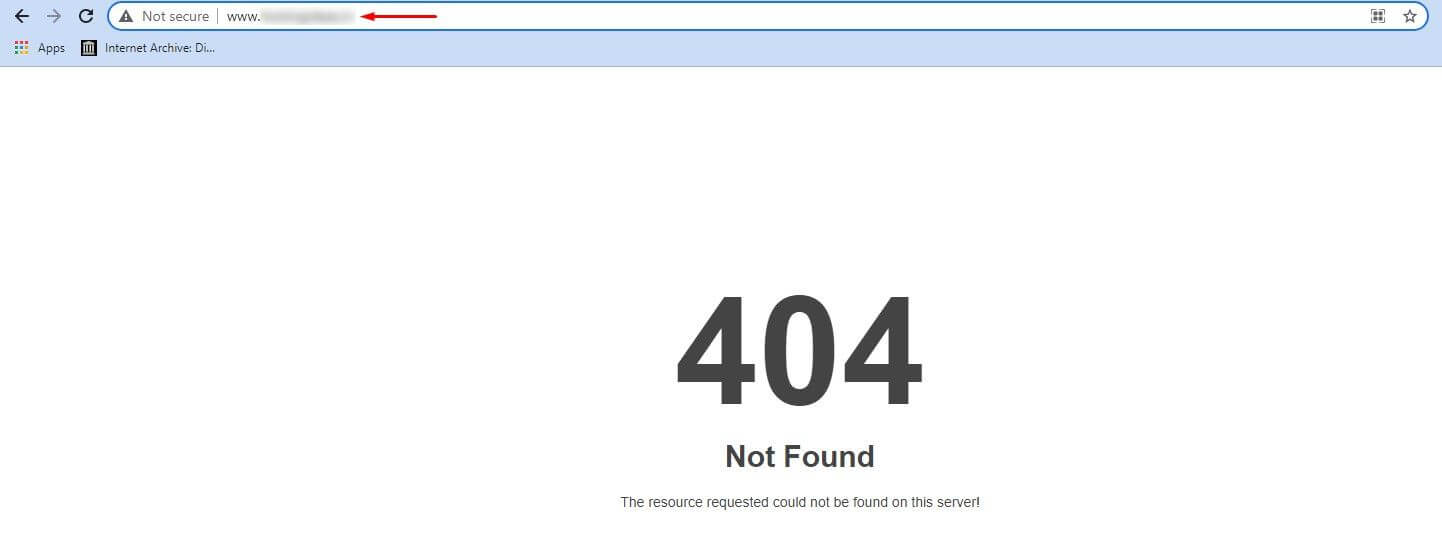
If you see a 500 error, restore the backup. A typo is the usual cause. If you see "too many redirects", your site or WordPress may be forcing the opposite version. Make the site address in WordPress match your choice.
Tip: The code uses https. Your site needs an SSL certificate first. SSL is the padlock that scrambles data. If you do not have one, use
http in the rule.Quick recap
- Choose www or non-www and send everything there.
- Edit .htaccess in File Manager after backing it up.

- Paste the right block and swap in your domain.
- Test in a private window. Restore the backup if the site breaks.