

What is a password protected directory?
A directory is another word for a folder. When you protect a folder, your browser shows a small box asking for a name and password before the page opens. It is like a locked door on one room of your site.
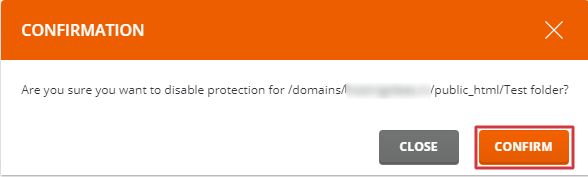
If you remove the protection, anyone who knows the address can open the folder. Make sure it holds nothing private first.
Steps
- Log in to DirectAdmin as the user.
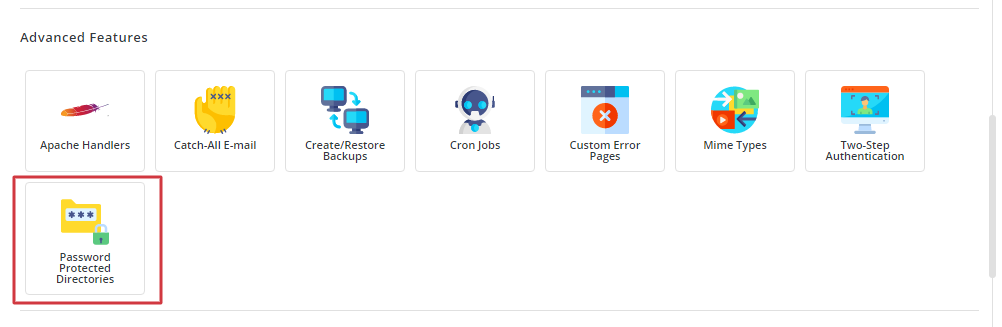
- Find Password Protected Directories. It is in the Advanced Features area or in the main menu. Use the search box if you cannot see it.
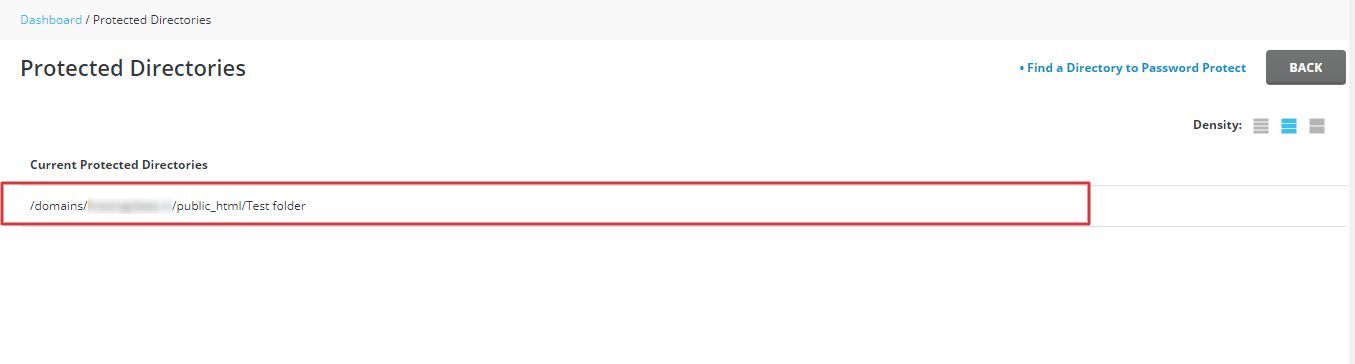
- You will see a list of folders on your site. Click the folder that is protected.
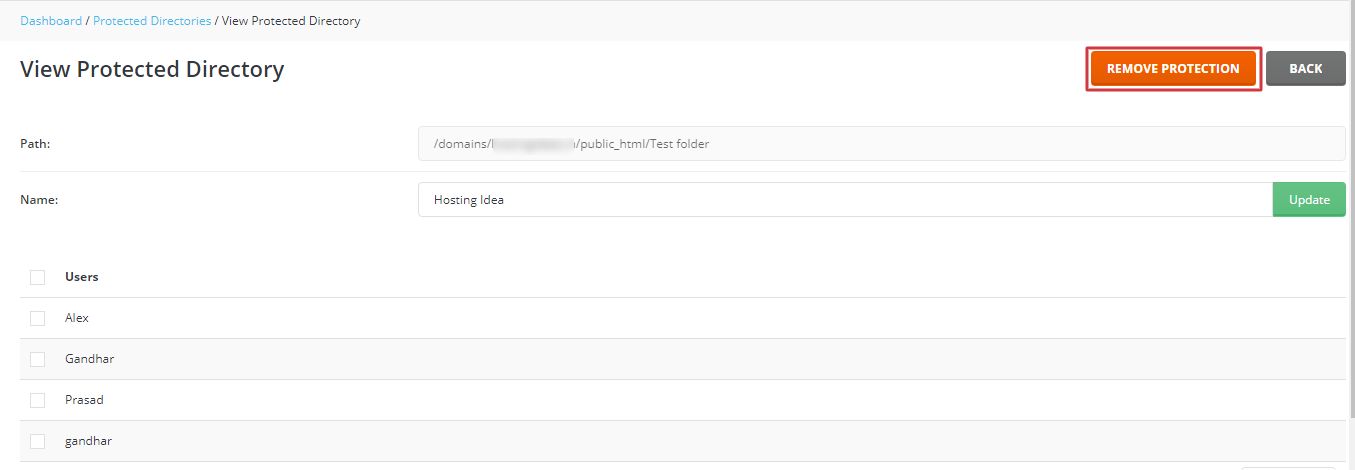
- Untick the box named Protect this directory with a password. The wording can vary a little.
- Click Save.
- Open the folder's address in a private browser window.
- Check that the password box no longer appears.
If you only want to remove one person
- Open the same folder page.
- Find the list of users who may log in.
- Tick the person you want to remove and click Delete.
Others in the list can still log in.
If the box still shows
The browser may remember the old password. Close it fully and open it again. Also check for a leftover lock in the .htaccess file in that folder. Look for lines with AuthType, AuthName, AuthUserFile and Require valid-user. If they are there after you saved, make a backup of the file, then delete those lines.
Tip: The login names and passwords for this feature are not the same as your hosting login. They only work for that folder.
Need help? Open a ticket at the support page.
Quick recap
- Open Password Protected Directories in DirectAdmin.
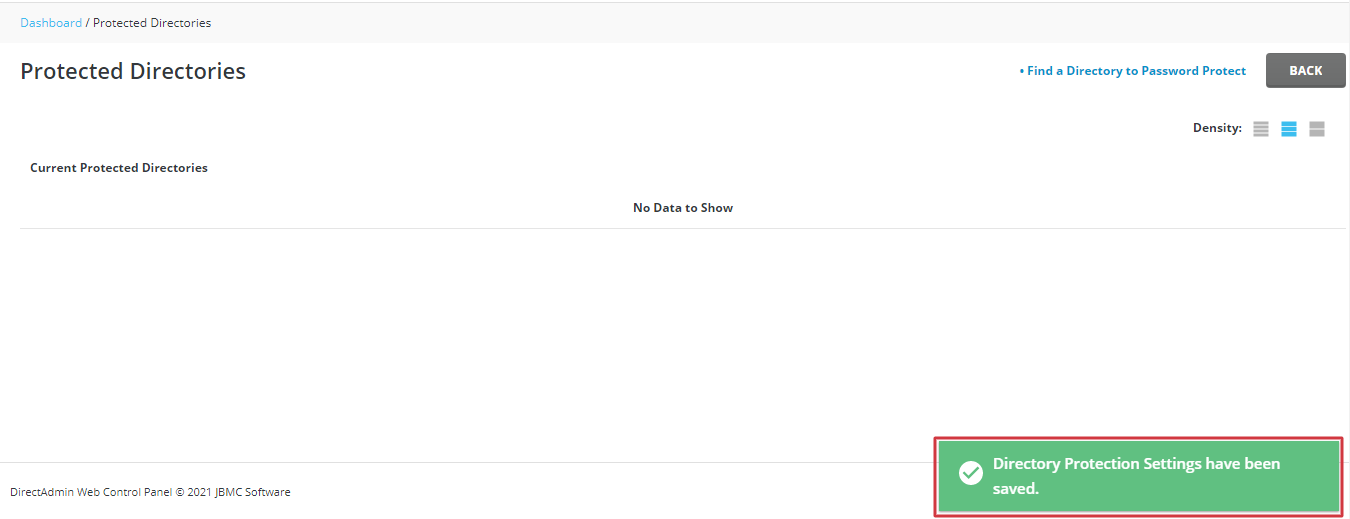
- Click the folder and untick the protection box, then Save.
- Remove a single user instead if you want to keep the lock.
- Test in a private window and check .htaccess if the box stays.