

What is Softaculous?
Softaculous is a one-click installer. It installs apps such as WordPress for you and keeps a list of them. It is a third-party tool. If you cannot see it in your panel, ask Hostvento support if it is on your plan.
The database is where WordPress stores your posts, pages and settings. The files are the program and your uploads. Removing a site deletes both.
Warning
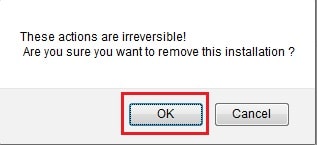
This cannot be undone. All posts, pages, images and users of that site will be lost. Make a backup first. In Softaculous you can click the backup icon on the installation. Download the backup file to your own computer.
Steps
- Log in to DirectAdmin.
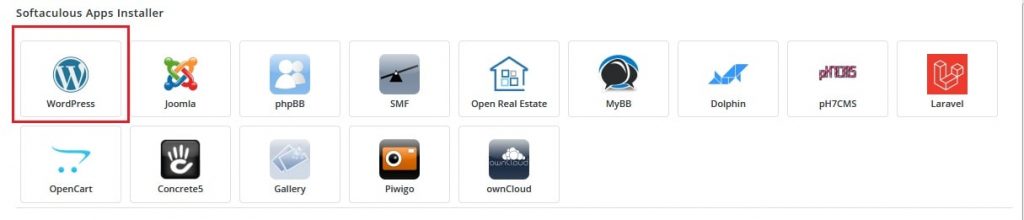
- Open Softaculous or Auto Installers. Use the panel search if you cannot see it.
- Click Installations, or the list icon at the top. You will see every app you installed.
- Find the WordPress site you want to remove. Check the address to make sure it is the right one.
- Click the red Remove icon (a cross) at the end of the row.

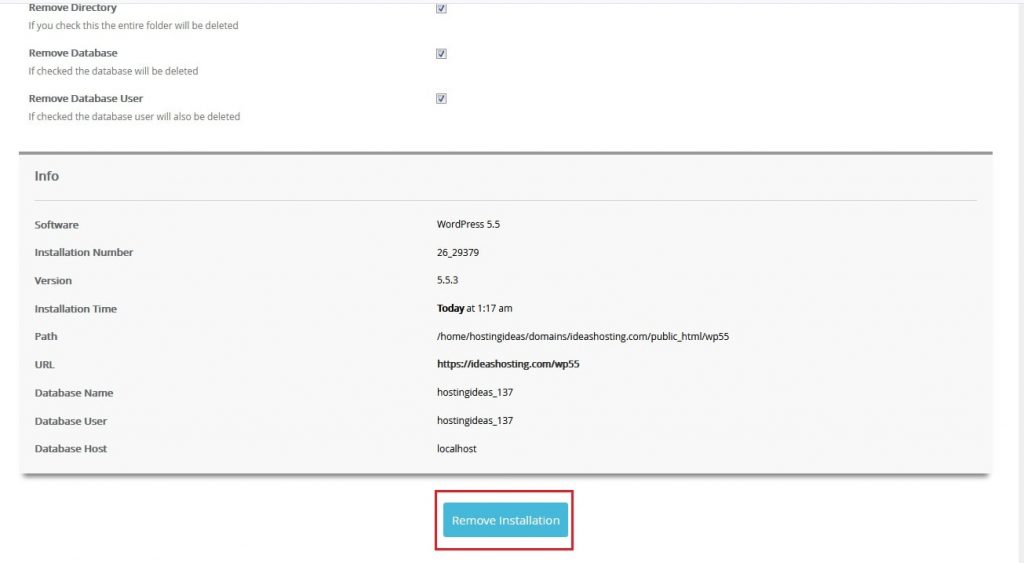
- A box shows choices:
- Remove Directory removes the files.
- Remove Database removes the data.
- Remove Database User removes the database login.
- Tick the choices you want. To remove everything, tick all of them.
- Click Remove Installation and confirm.
- Wait for the success message.
Check it is gone
- Visit the site address. You should see an error or an empty page.
- Open File Manager and check the folder is empty or gone.
- Open the MySQL area and check the database is gone.
If the site was installed by hand and not by Softaculous, it will not appear in the list. You would need to delete its files and database yourself.
Tip: If the site sits in the main public_html folder, Softaculous may leave other files there. Look through that folder before you delete anything extra.
Quick recap
- Back up first. Removal cannot be undone.

- Open Softaculous, then Installations.
- Click the red remove icon and choose files, database and user.
- Check File Manager and the databases to confirm everything is gone.