

What is an email signature?
An email signature is a small block of text at the end of each email. It is like signing a letter. It often has your name, job title, website and phone number. Webmail is a way to read and send email in a web browser. cPanel is the control panel of your hosting account.
Steps in Roundcube
Roundcube is the webmail program most people use in cPanel. The steps are below.
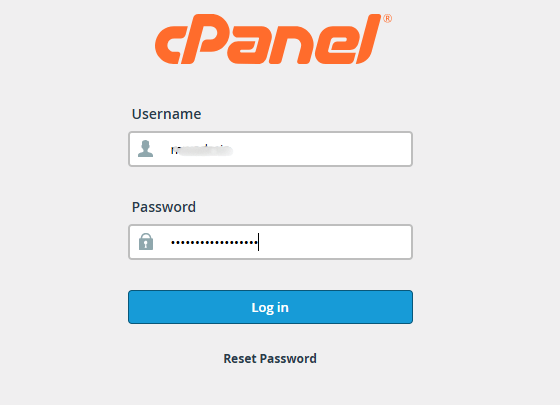
- Log in to cPanel. You can reach it from the Services menu in your client area.
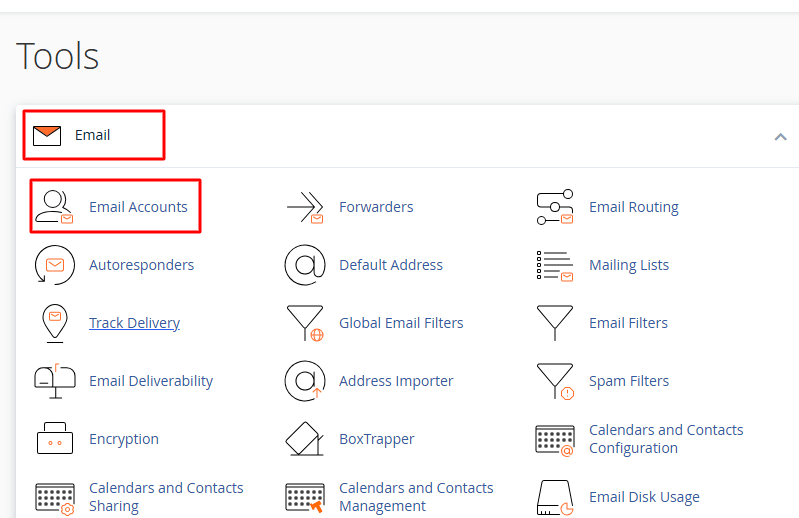
- Open Email Accounts in the Email section.
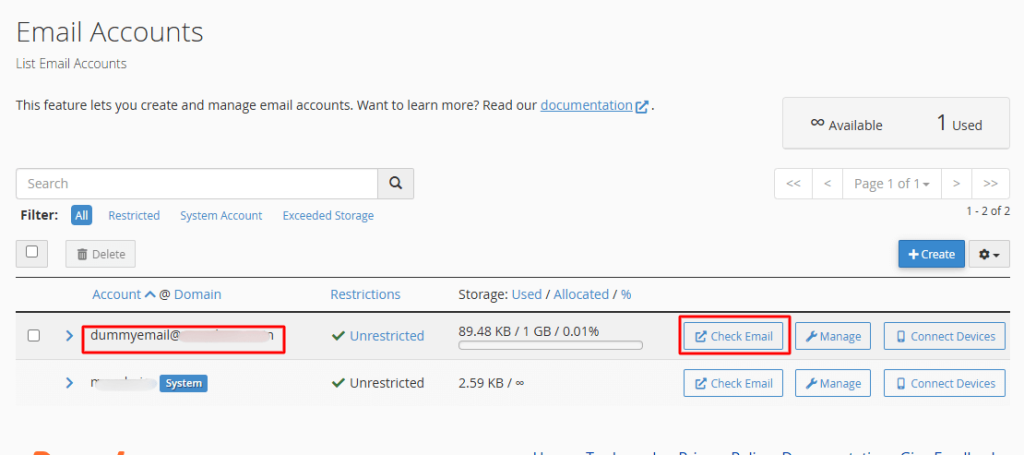
- Click Check Email next to your address.
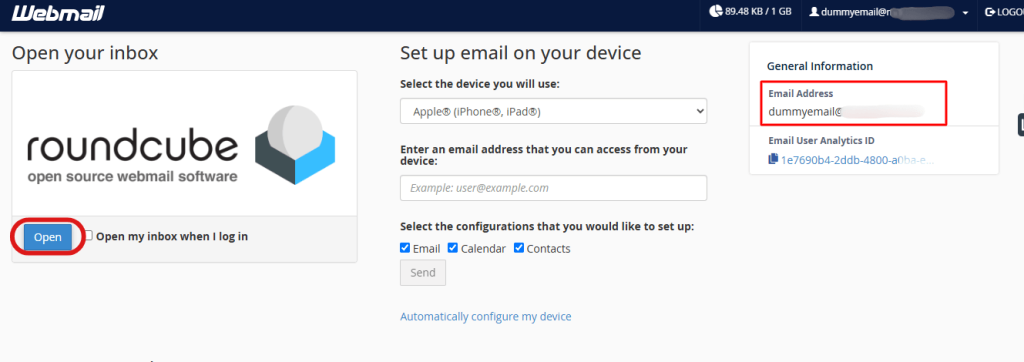
- Choose Roundcube if asked.
- Click Settings in the left menu.
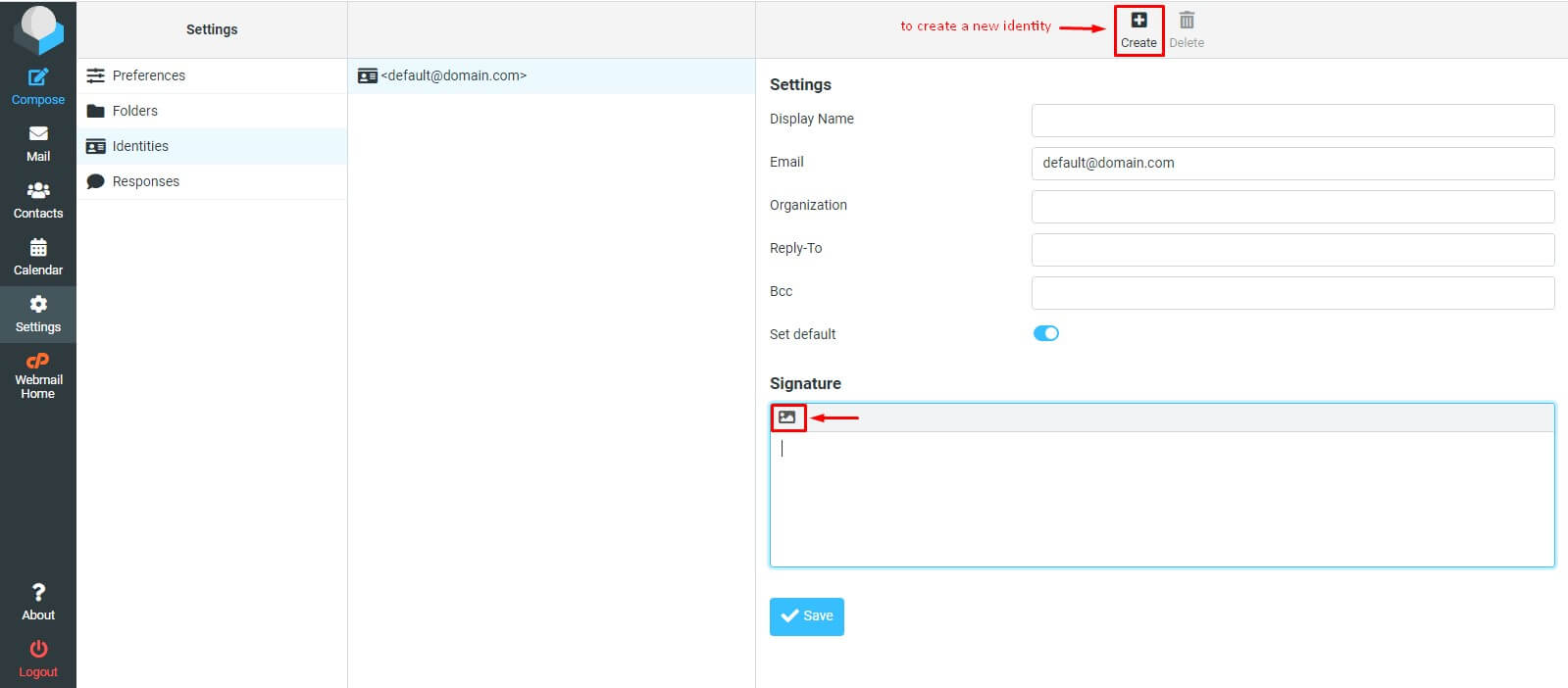
- Click Identities.
- Click your email address in the list.
- Find the Signature box.
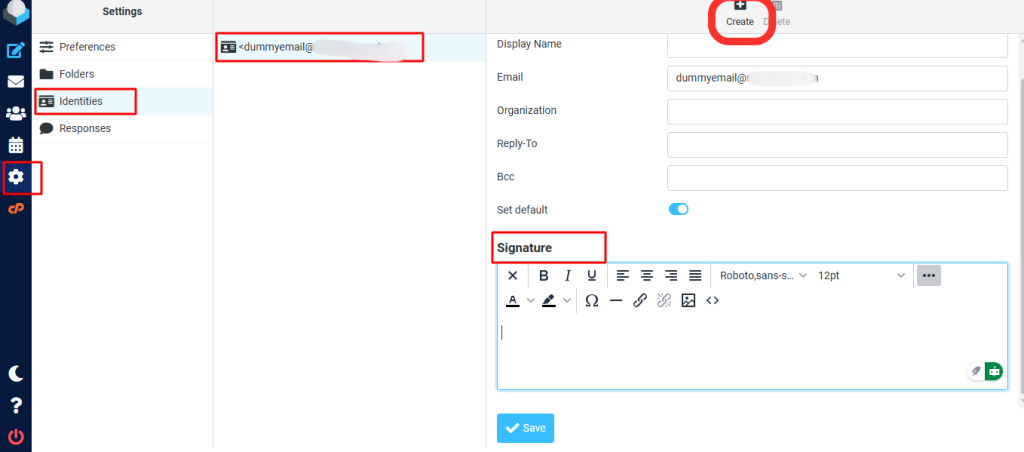
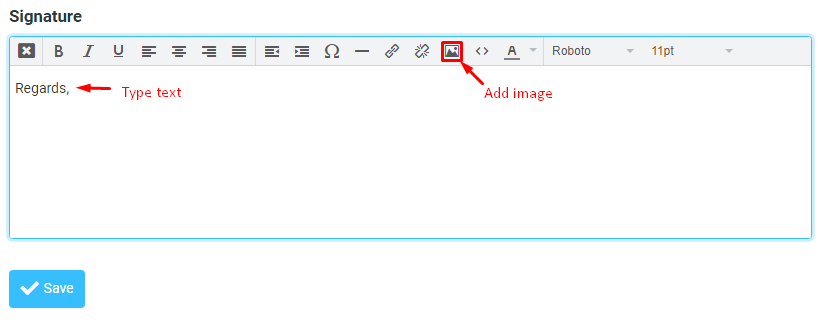
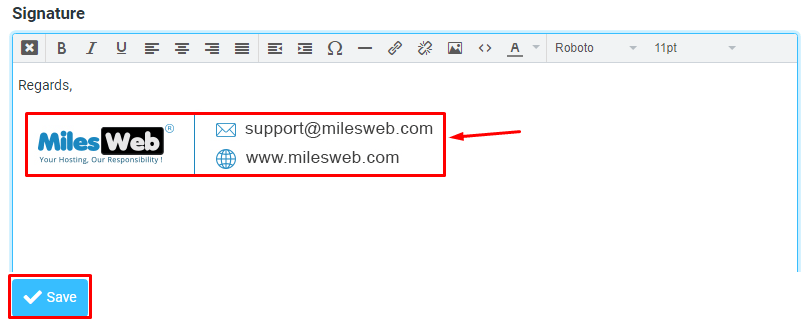
- Type your signature. For example, your name, role and website.
- Click the HTML signature option if you want bold text or links. Otherwise leave it as plain text.
- Click Save.
Make it appear automatically
- Click Settings again, then Preferences.
- Click Composing Messages.
- Find Automatically add signature.
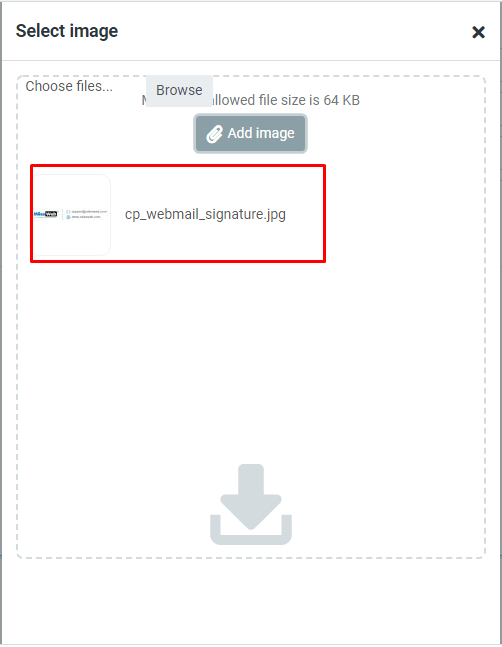
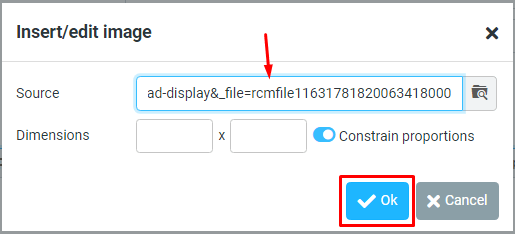
- Pick always to add it to every email. Pick never to add it by hand.
- Click Save.
Sample signature
Sam Taylor
Support Assistant
www.example.com
This is just a sample. Change it to your own details.
Test it
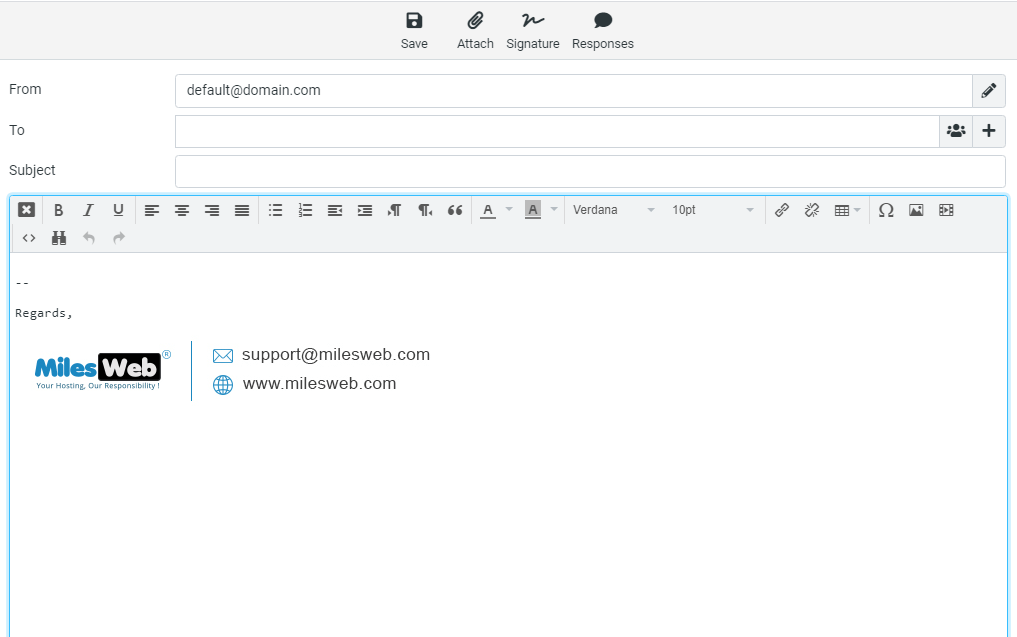
- Click Compose.
- Check that the signature is in the new message.
- Send a test to yourself.
Tip: Keep it short. Three or four lines is enough. Big pictures can make mail slow or land in spam.
If you cannot find the settings, open a support ticket.
Quick recap
- A signature is text added at the end of each email.
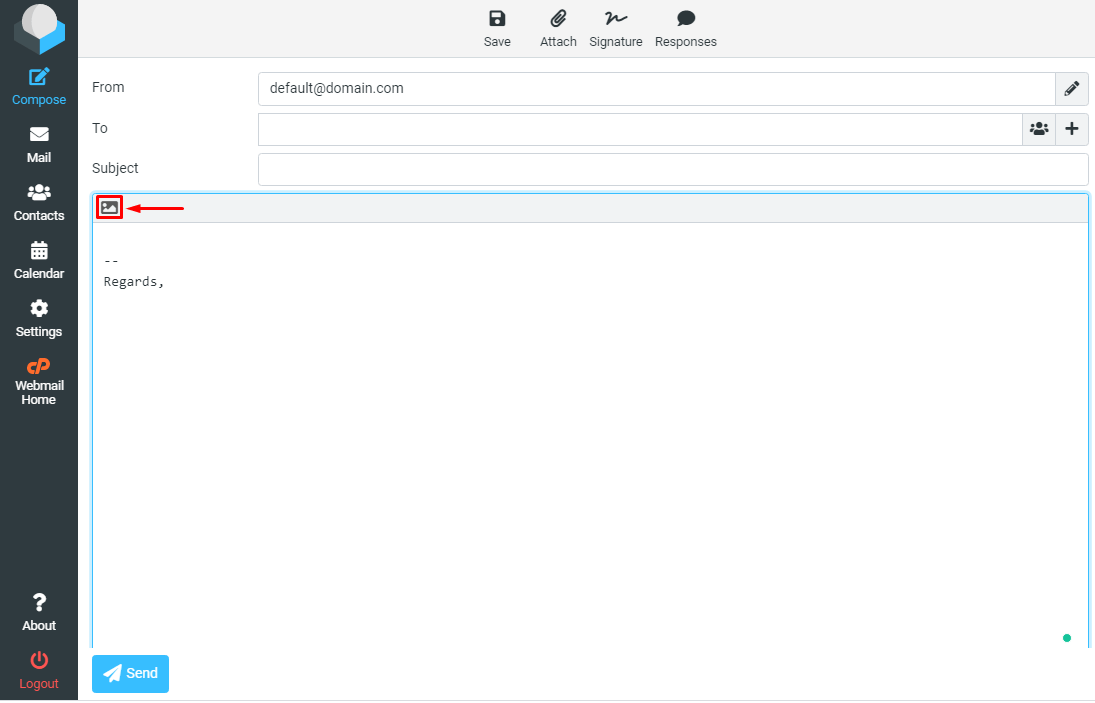
- In Roundcube, use Settings then Identities.
- Type your signature and save.
- Choose to add it automatically in Composing Messages.