

What is a contact form?
A contact form is a box on your website. A visitor types a message, clicks send, and you get the message in your inbox. Behind the scenes, your website must send an email for you.
PHP mail and SMTP
PHP is the language many websites are built with. PHP mail is a built-in way to send email straight from the web server. It is quick to set up. But some mail services may mark these emails as spam.
SMTP is the system that carries email from one place to another. Think of it as a post office. With SMTP, your form logs in to a real mailbox and sends the message from there. This is more trusted, so messages usually reach the inbox.
Option 1: Use PHP mail
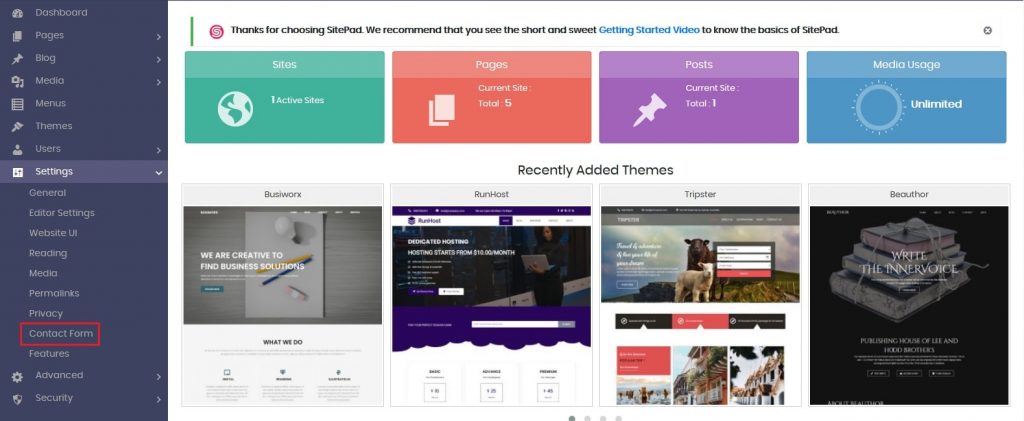
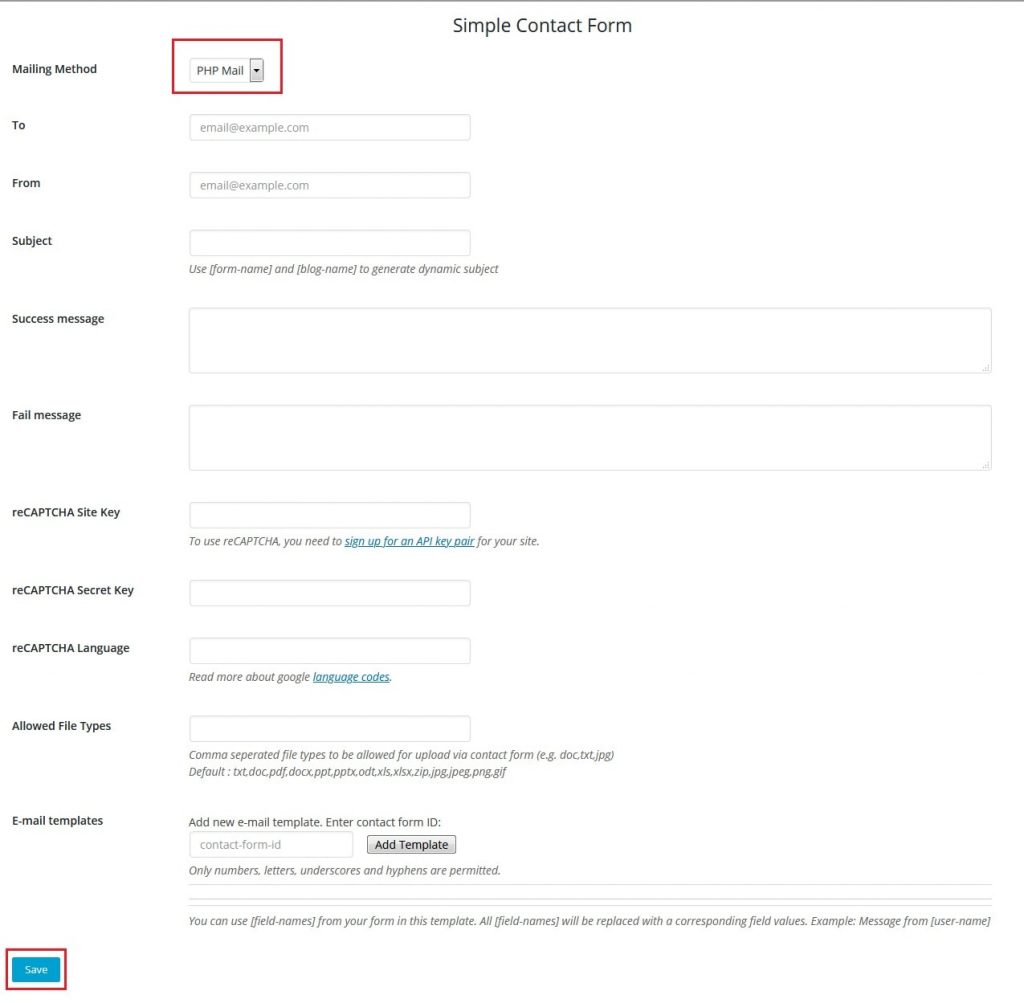
- Open your form settings. In WordPress form plugins, look for Settings or Mail.
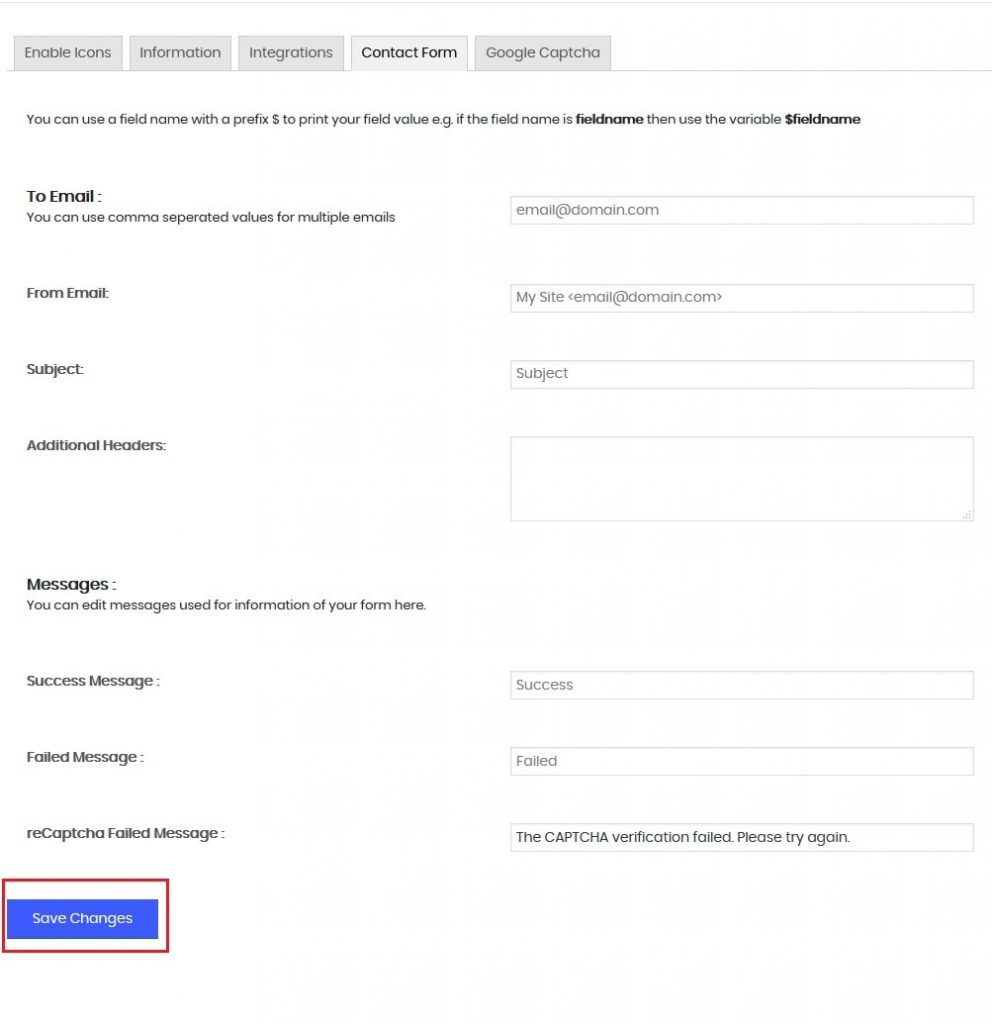
- Set To to the address that should get the messages.
- Set From to an address on your own domain, such as
info@yourdomain.com. Do not use a Gmail or Yahoo address here. - Save the form and send a test message.
Option 2: Use SMTP
First, create an email account for your website in cPanel, such as noreply@yourdomain.com. Then connect your form to it.
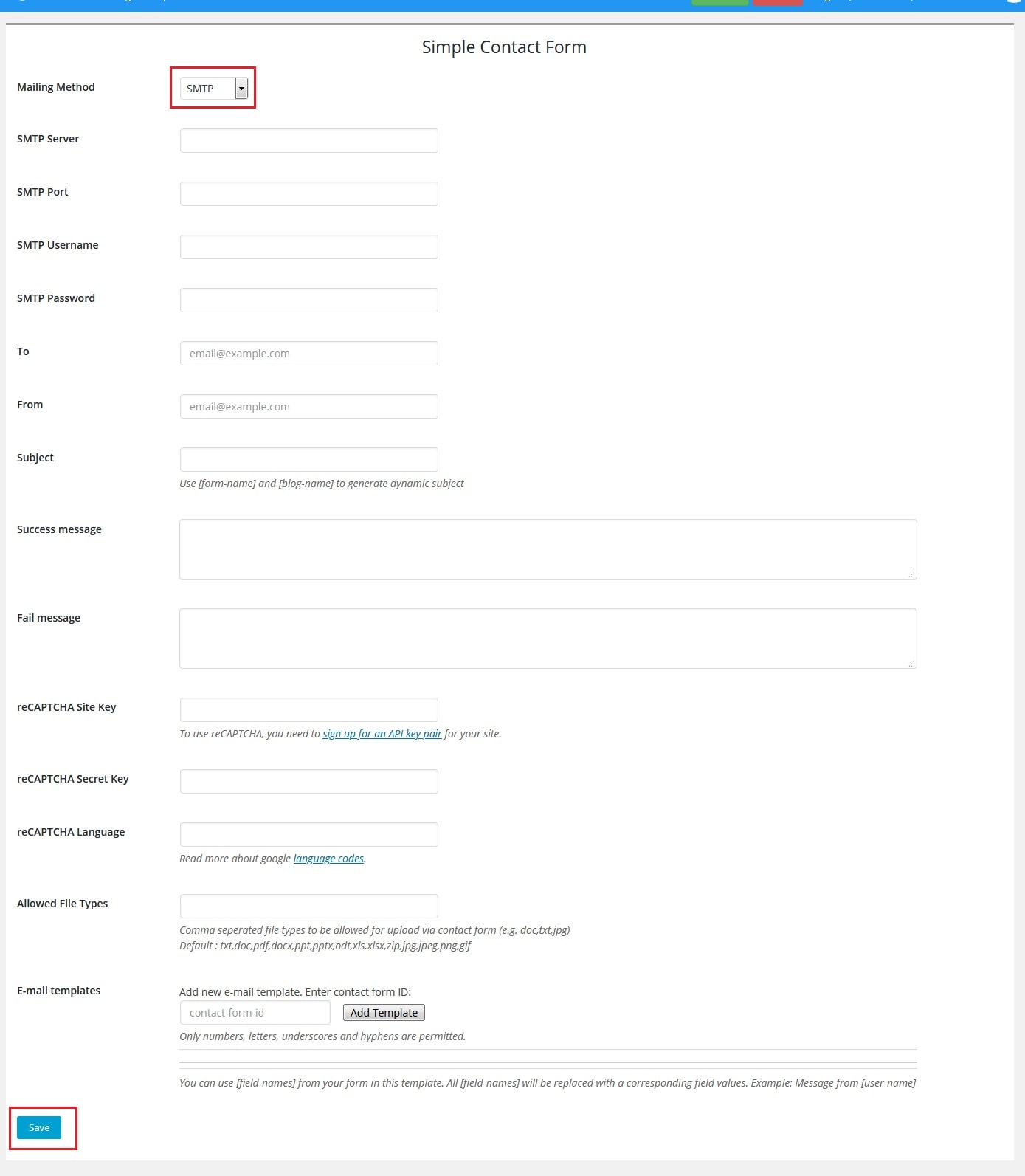
- Find the mail server name, port and login for this mailbox. Your welcome email lists them. In cPanel, open Email Accounts and click Connect Devices next to the account.
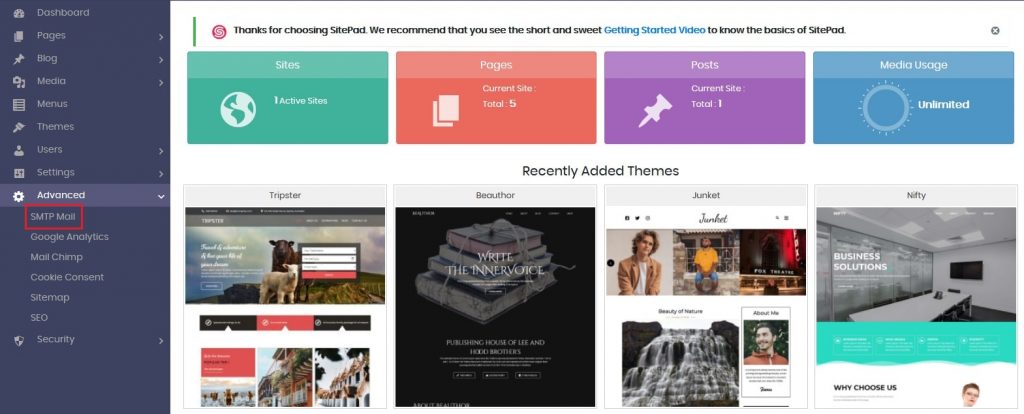
- In WordPress, install an SMTP plugin such as WP Mail SMTP or Post SMTP.
- Open the plugin settings.
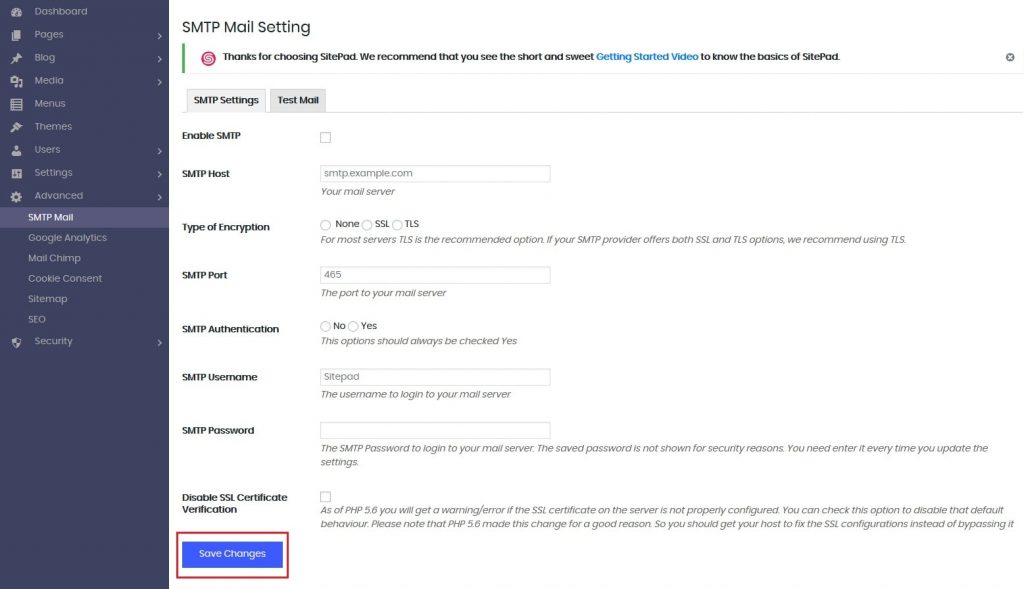
- Type your mail server name in the SMTP Host box.
- Choose SSL for encryption and port
465, or TLS and port587. Use the values shown for your account. - Turn on Authentication.
- Type the full email address as the username, and the mailbox password.
- Set the From Email to the same mailbox.
- Save, then use the plugin's Send a test email option.
If emails do not arrive
- Check the spam folder.
- Check that the password and port are right.
- Make sure the From address belongs to your domain.
Still stuck? Open a ticket at https://secure.hostvento.com/submitticket.php.
Quick recap
- A contact form needs a way to send email.
- PHP mail is simple but may land in spam.
- SMTP logs in to a real mailbox and is more reliable.
- Use an address from your own domain as the sender.
- Always send a test message after saving.