

Steps
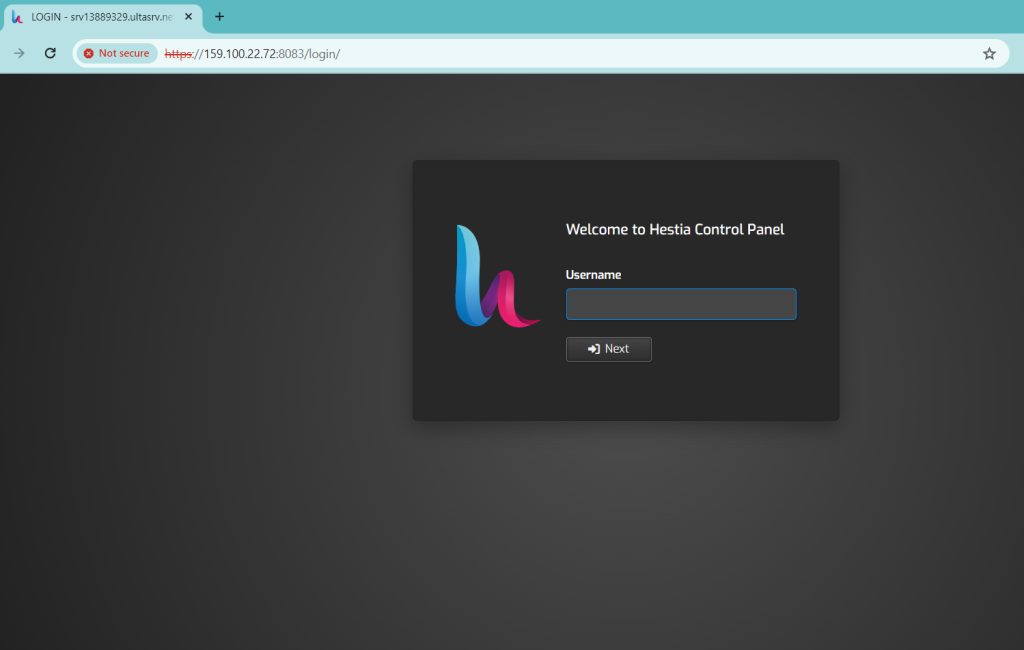
- Log in to HestiaCP.
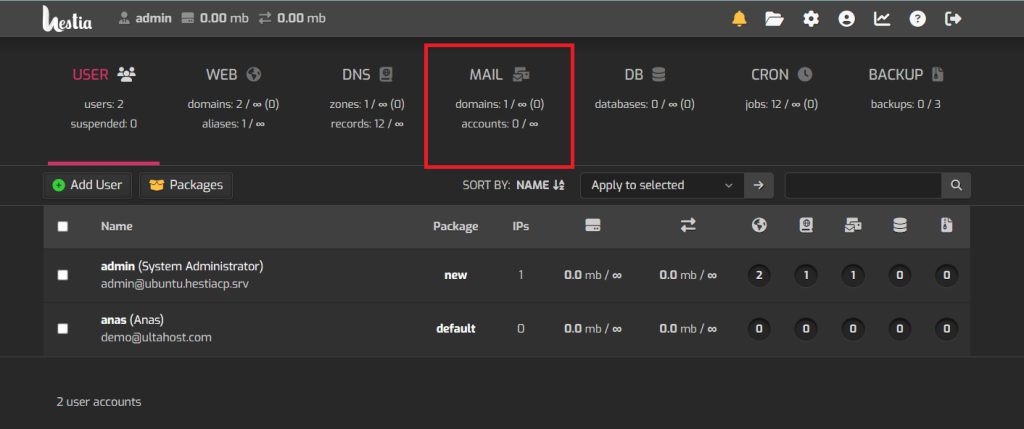
- Click Mail in the top menu.
- If you have several domains, choose the one for the new mailbox.
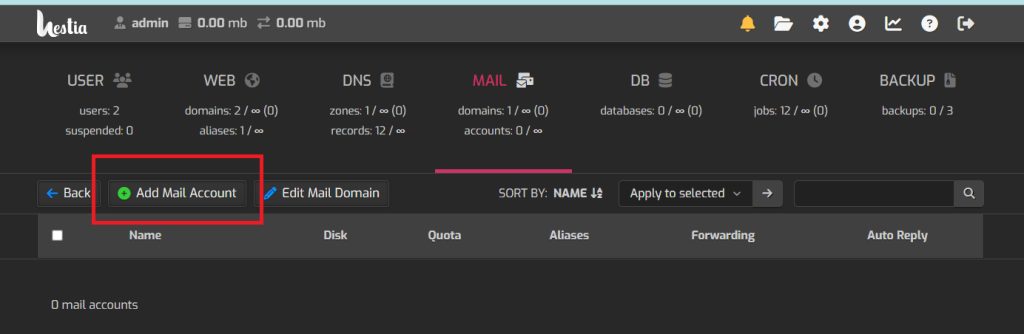
- Click Add Mail Account.
- Enter the account name and a strong password. You can also set the mailbox size and an auto-reply.
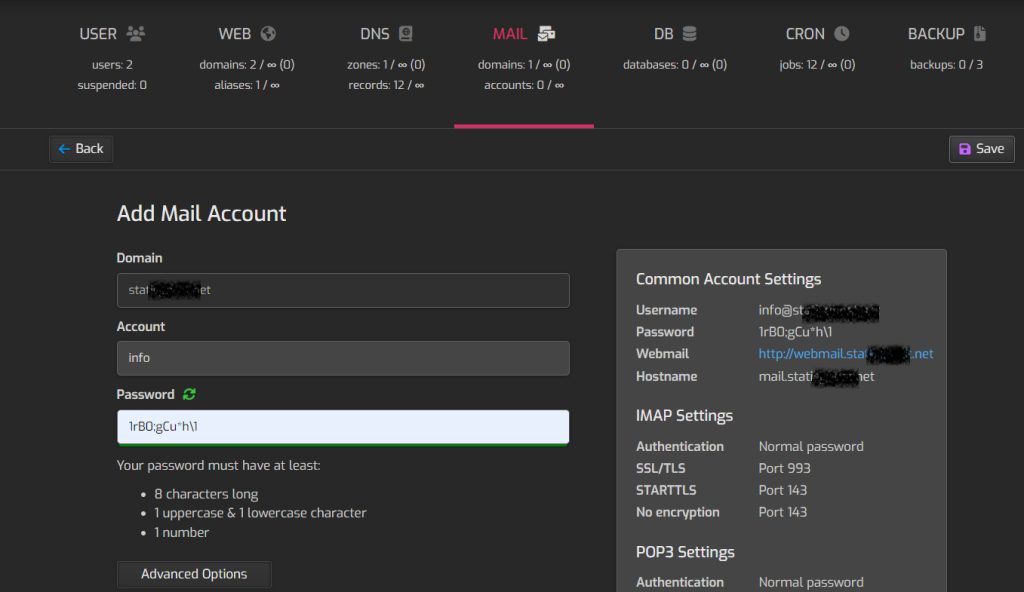
- Click Advanced Options if you need more settings.
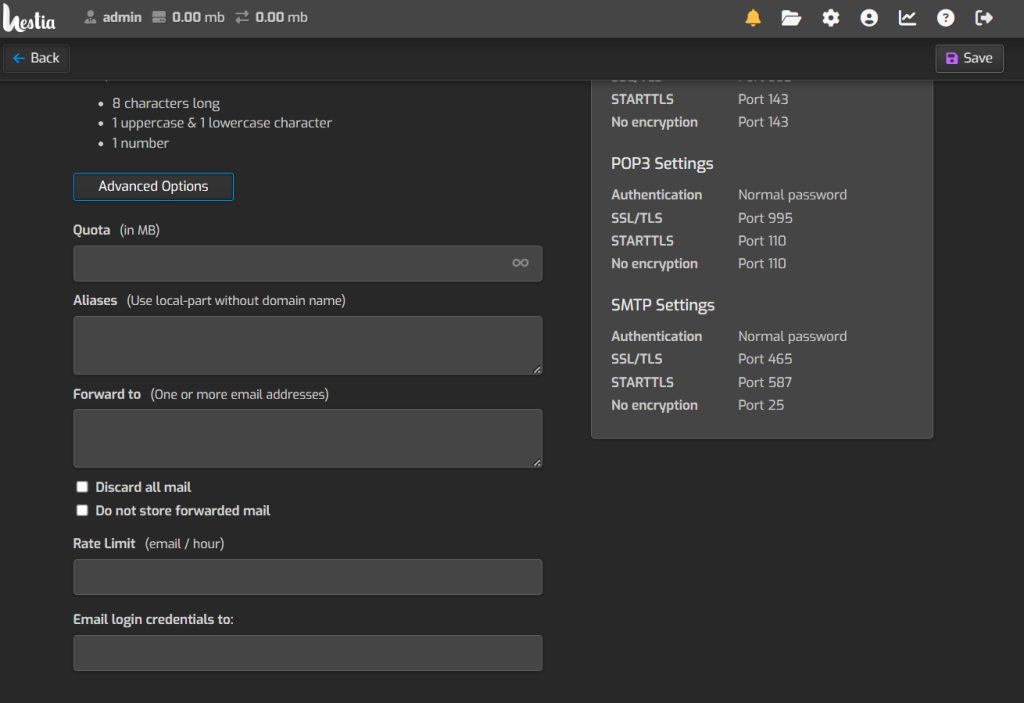
- Click Save.
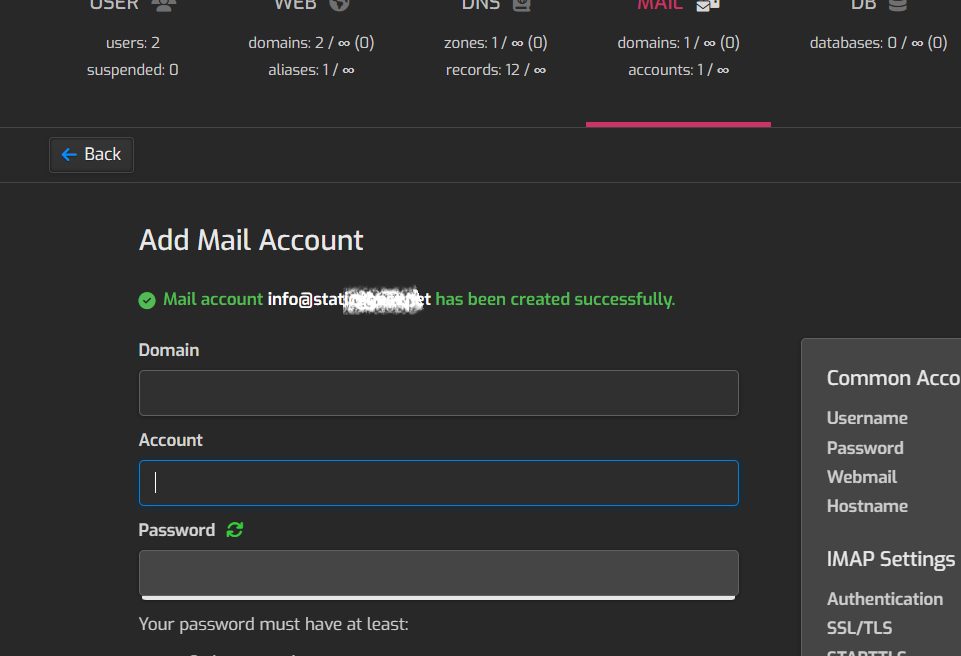
- Test the mailbox. Sign in with webmail or add it to your mail app.
Quick recap
- Mail, then Add Mail Account.
- Set the name and password, then save.
- Test it in webmail or a mail app.