What is Horde?
Horde is a webmail program. Webmail lets you read and manage email in your web browser. You only need to sign in on a web page.
Before you start
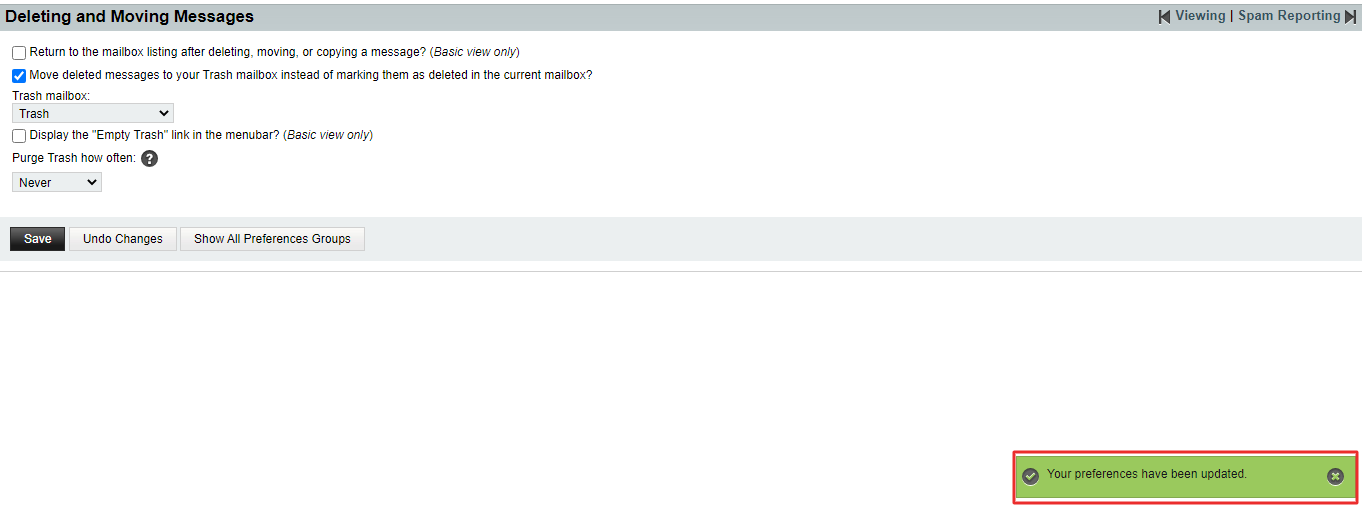
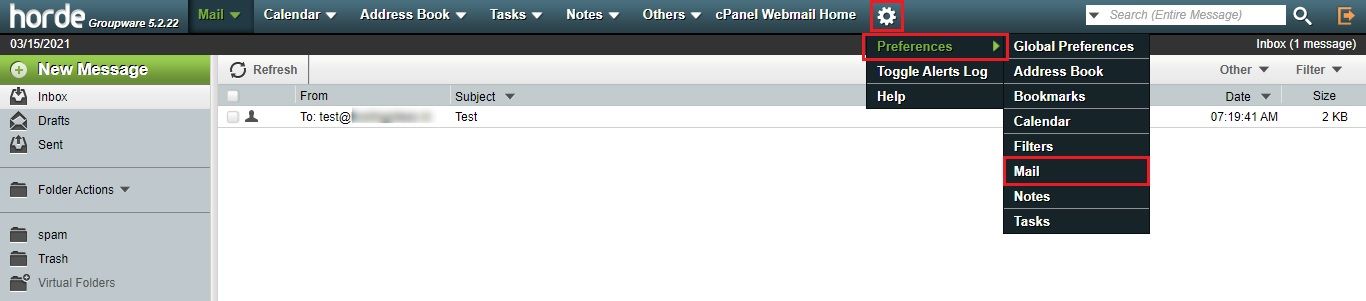
Emptying the trash removes mail for good. Before you do that, check that you do not need the messages. If they matter, save them or take a backup first.
Steps to delete one email
- Sign in to Horde and open Mail.
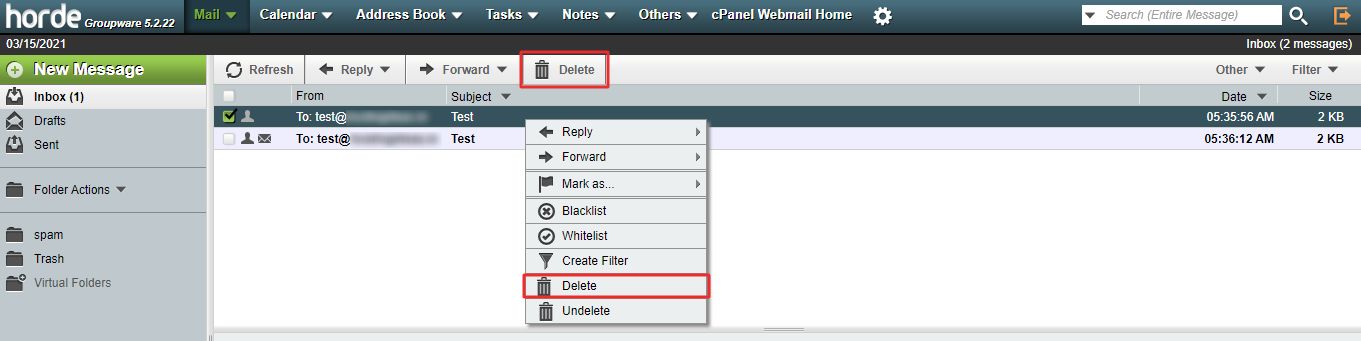
- Click Inbox on the left.
- Click the message you want to remove. It opens on the right or in a new view.
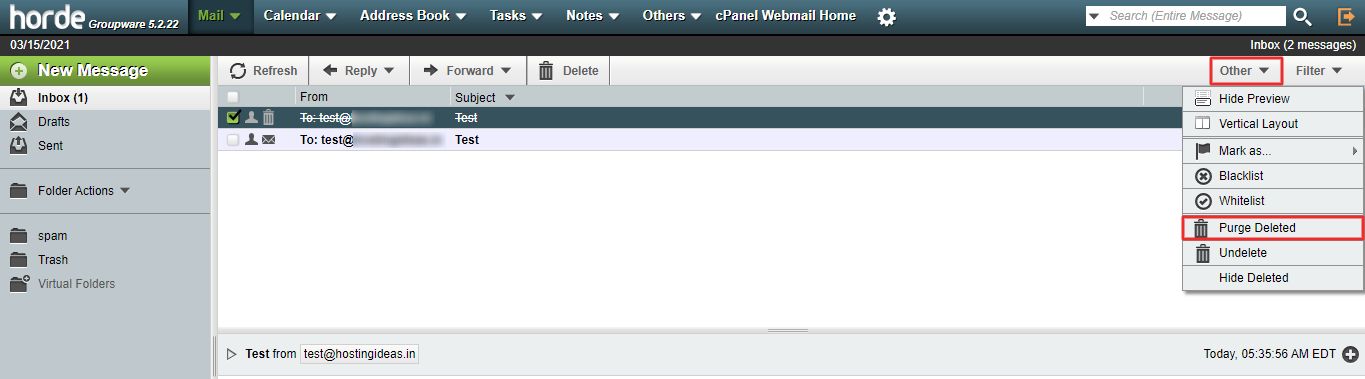
- Click Delete in the toolbar.
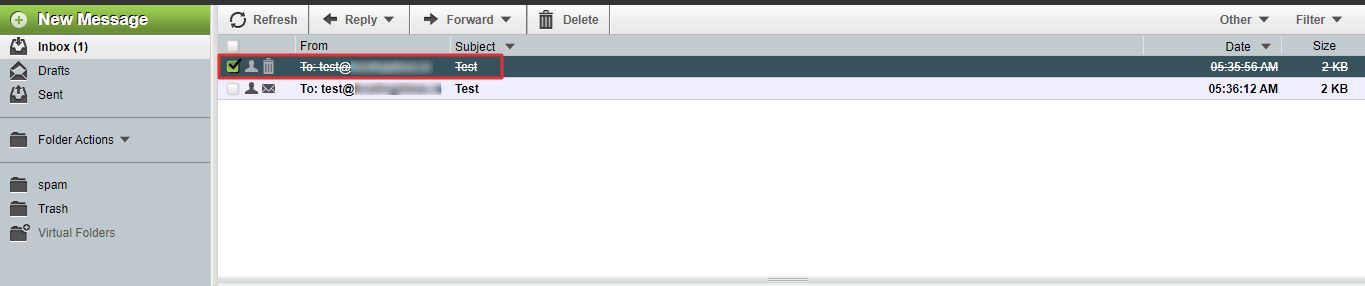
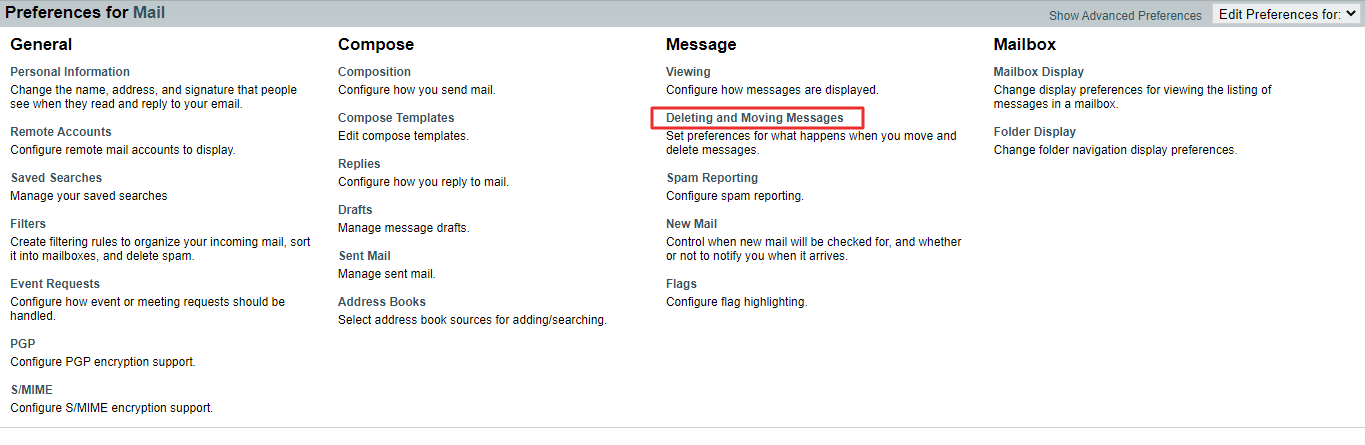
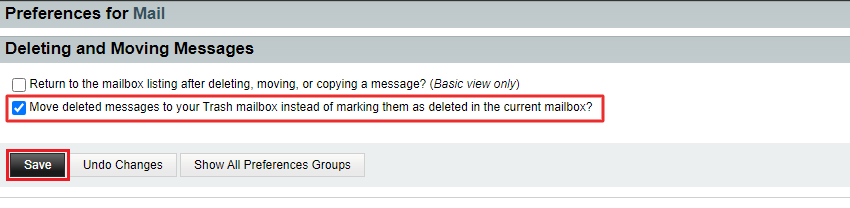
The message moves to the Trash folder in most setups. Some setups only mark it as deleted until you clean up.
Steps to delete several emails
- Open the folder with the messages.
- Tick the small box next to each message you want to remove.
- To pick many in a row, tick the first, hold the Shift key and tick the last.
- Click Delete in the toolbar.
Steps to delete all emails in a folder
- Open the folder.
- Click Select in the toolbar or menu.
- Choose All.
- Click Delete.
Steps to empty the trash
- Click the Trash folder on the left.
- Right-click it, or click the folder options menu.
- Choose Empty Folder or Empty Trash.
- Confirm when asked.
This step cannot be undone.
Restore a deleted email
- Open the Trash folder.
- Find the message and select it.
- Click Move and choose Inbox, or drag the message to the Inbox.
Tip: Deleting mail also frees space in your mailbox. If your mailbox is full, empty the Trash and Spam folders too. Menu names can differ slightly between Horde versions.
Quick recap
- Open the message or tick several, then click Delete.
- Deleted mail usually goes to Trash first.
- Emptying the Trash deletes mail for good.
- Move a message out of Trash to restore it.