What is WHM?
WHM stands for WebHost Manager. It is the control panel for the server owner or reseller. cPanel is the panel for each website owner. WHM sits above cPanel and lets you manage many cPanel accounts at once.
You need a WHM login. If you only have cPanel, you cannot use this guide.
Think before you send
A message to all users reaches everyone at once. You cannot take it back. Check the text twice. Use it only for useful news, like planned downtime. Do not use it for sales mails, because people may mark it as spam.
Steps
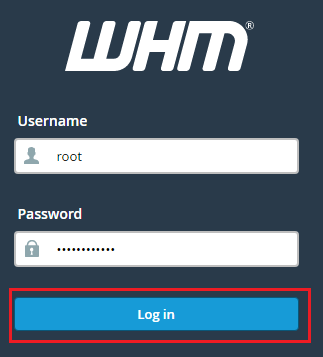
- Log in to WHM. The address and login are in your welcome email.
- In the search box at the top left, type Contact.
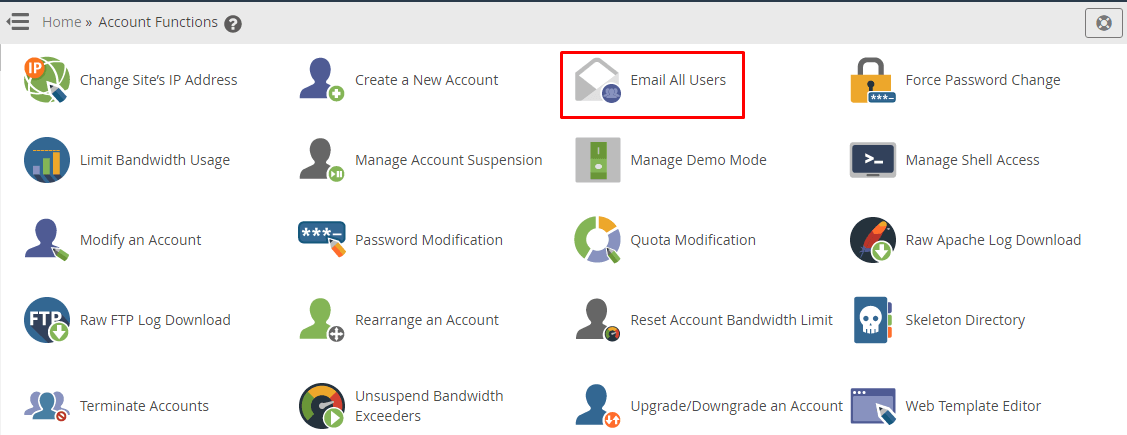
- Click Send a Message to Account Holders if you see it. This tool can send a message to your account owners.
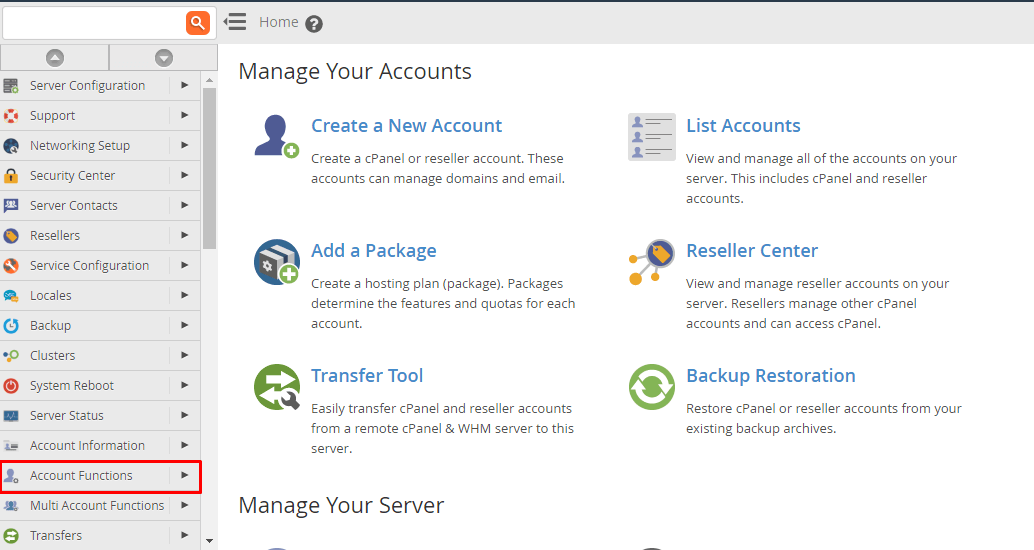
- If you do not see it, try Contact Manager for alert settings, or ask support whether your login includes this tool.
- Choose who gets the message. You can often send to all accounts, or pick certain ones.
- Type a clear title in the Subject box.
- Type your message in the large box. Keep it short and friendly.
- Pick how it is sent. The choices may include email, and sometimes a notice inside cPanel.
- Read the whole message again.
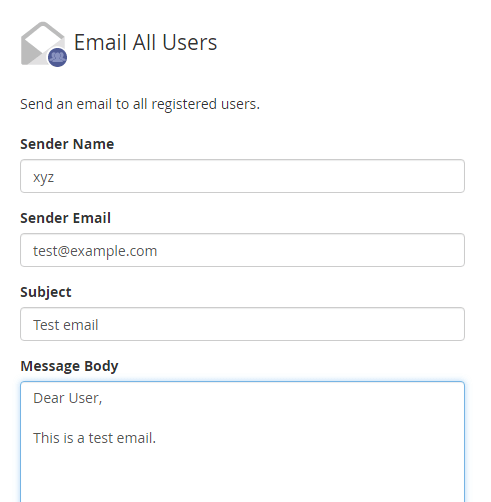
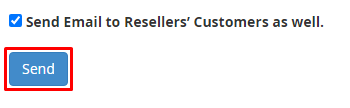
- Click Send.
Menu names can vary between WHM versions. Use the search box to find the tool.
Tips for a good message
- Say what is happening, when, and what the reader should do.
- Use plain words.
- Give a way to ask questions.
- Send a test to yourself first if the tool lets you pick one account.
Tip: Make sure the server can send mail before a large send. Many mails at once can fill the mail queue and slow other mail down. Ask Hostvento support if you plan to send to a very large number of accounts.
Quick recap
- WHM is the control panel for server owners and resellers.
- Use the search box and look for the tool that sends a message to account holders.
- Pick the people, write a subject and a message, then click Send.
- You cannot undo a send, so check the text first.