

What is webmail?
Webmail is email that you read on a web page. You do not need to install anything. You only need a browser, such as Chrome, Firefox, Edge or Safari. It works on a computer, phone or tablet.
What you need
- Your full email address, such as
name@yourdomain.com. - Your email password.
If you do not have these, check your welcome email. The website owner can also give you the details.
Way 1: Use your domain
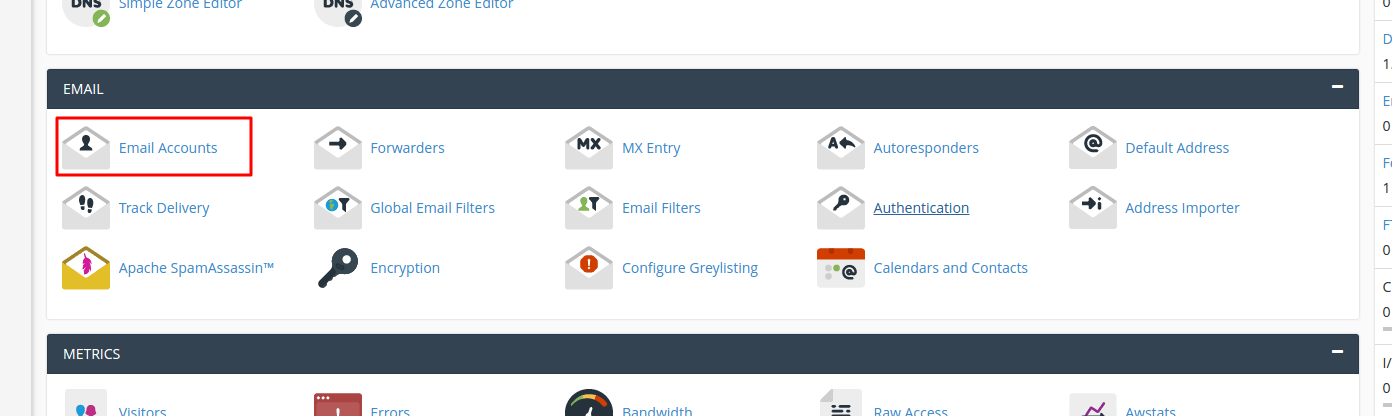
- Open your web browser.
- Type your domain followed by
/webmailin the address bar. For exampleyourdomain.com/webmail. - Press Enter.
- Type your full email address.
- Type your password.
- Click Log in.
If your website uses a security certificate, the web address may start with https. The browser handles this for you.
Way 2: Use the cPanel login
- Log in to your client area at https://secure.hostvento.com/clientarea.php.
- Open your hosting service and go to cPanel.
- In the Email section, click Email Accounts.
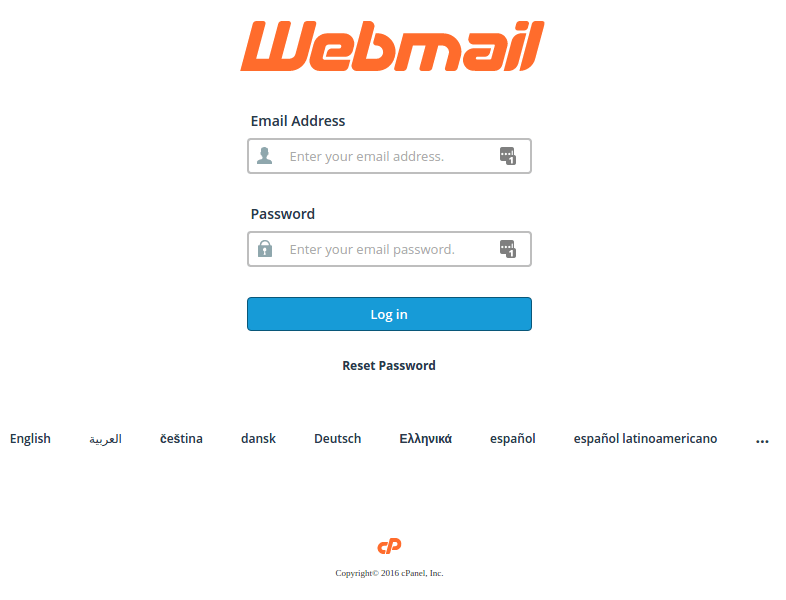
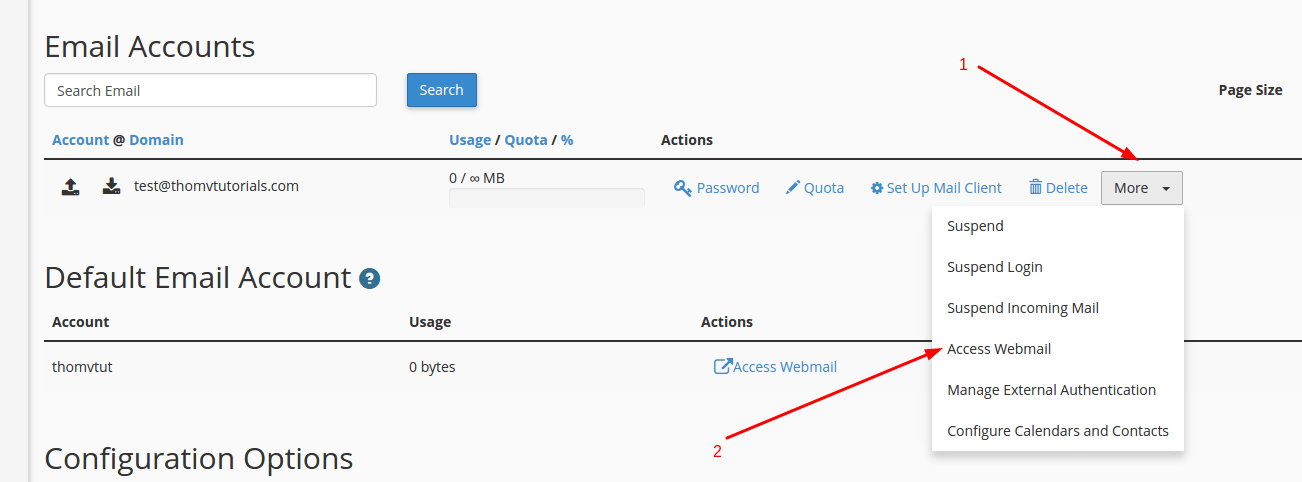
- Find the account in the list.
- Click Check Email next to it.
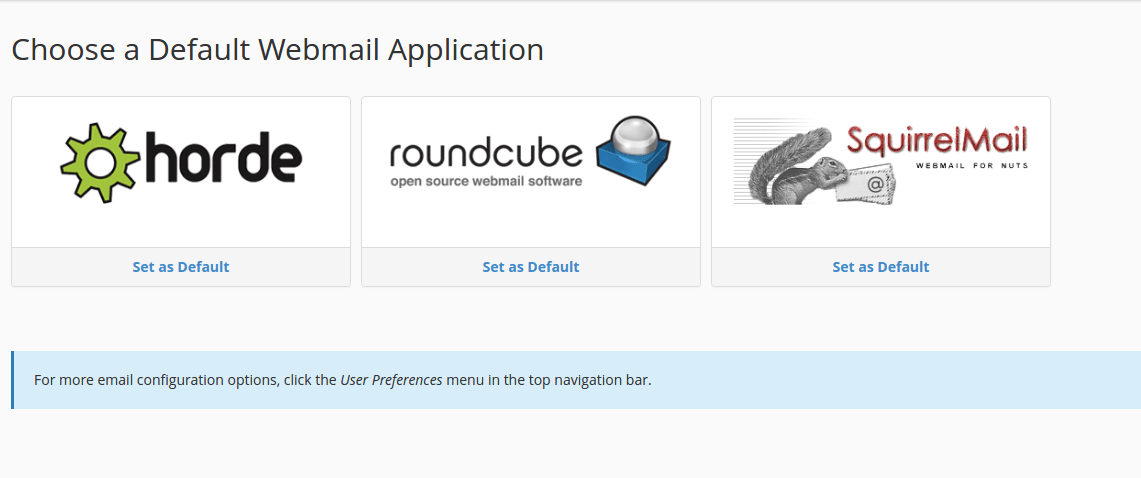
- Choose a webmail program, such as Roundcube or Horde, if asked.
Choosing a webmail program
Webmail programs are the apps that show your inbox. Roundcube and Horde are two common ones. They do the same basic jobs, such as reading, writing and sorting mail. Pick the one you like best. You can switch at any time.
If you cannot log in
- Use your full email address, not just the part before the @ sign.
- Check that Caps Lock is off.
- Check for typing mistakes in the password.
- If you forgot it, ask the website owner to reset it in cPanel.
- If you are the owner, you can reset it in cPanel under Email Accounts.
Tip: Save the webmail page as a bookmark in your browser. You can then open it with one click.
Still stuck? Open a ticket at https://secure.hostvento.com/submitticket.php.
Quick recap
- Webmail lets you use email in a browser.
- Go to
yourdomain.com/webmailand sign in with your full address. - Or use Check Email in cPanel.
- Bookmark the page for quick access.