

What is G Suite?
G Suite is the old name for Google Workspace. It gives a business Gmail addresses on its own domain, like name@yourcompany.com. Google now uses the name Google Workspace. The steps are similar.
Why back up email?
Mail can be deleted by mistake. An account can be locked or closed. A backup is like a photocopy of important papers. You keep it somewhere else, just in case.
Method 1: Google Takeout
Takeout is a Google tool that packs your data into a file. Your admin may need to allow it first.
- Sign in to your Google account in a browser.
- Open Google Takeout (search for "Google Takeout").
- Click Deselect all.
- Scroll down and tick Mail.
- Click All Mail data included if you want only some labels. A label is like a folder name in Gmail.
- Click Next step.
- Choose to send a download link by email, and pick the file type and size.
- Click Create export.
- Wait for the email from Google. Large mailboxes can take hours or days.
- Click the link and download the file. It is in
.mboxformat, a single file holding many emails.
Method 2: Use an email program
- Install a mail program such as Thunderbird.
- Add your G Suite address. Sign in with your Google account when asked.
- Let it download all folders. This keeps a copy on your computer.
- Copy the mail folder to an external drive or cloud storage.
Method 3: Admin export
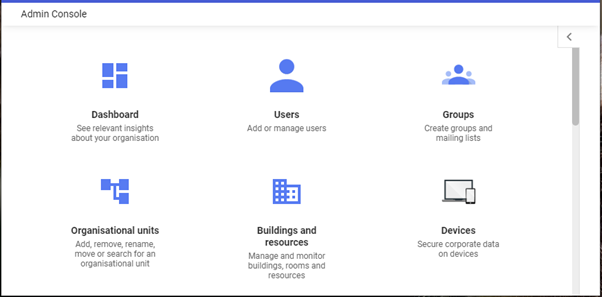
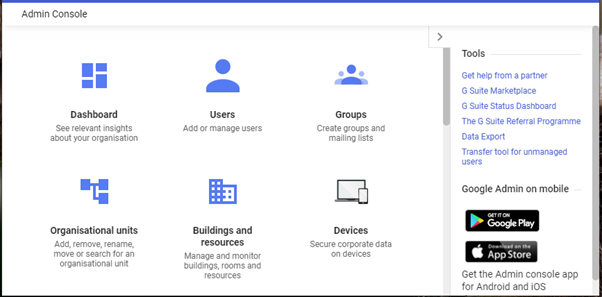
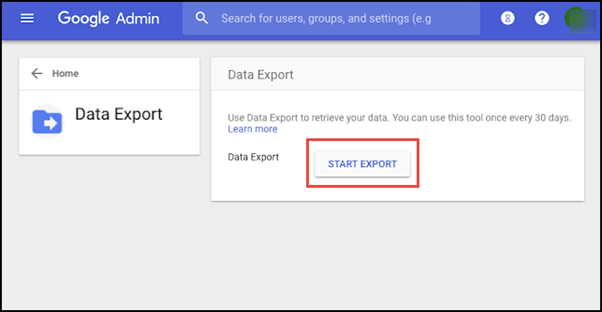
If you are the G Suite admin, you can export data for all users from the Admin console. Which tools you see depends on your Google plan. Check Google's own help pages for that.
Tip: Store the backup in two places, for example your computer and an external drive. Repeat it every few months.
Check your backup
Open the file or the mail program. Look for a few old emails. Make sure attachments open too.
Quick recap
- G Suite is now called Google Workspace.
- Google Takeout can export your mail as an
.mboxfile. - An email program like Thunderbird can also keep a local copy.
- Admins can export for the whole team.
- Keep two copies and test them.