

What is SpamAssassin?
Spam is unwanted junk email. SpamAssassin is a free program that reads each email and gives it a score. A high score means "probably spam". Think of a guard who gives every letter points for looking suspicious.
Your hosting plan may or may not include this feature. If you do not see it in cPanel, ask Hostvento support.
Turn it on
- Log in to cPanel. Your welcome email has the details.
- Find the Email section.
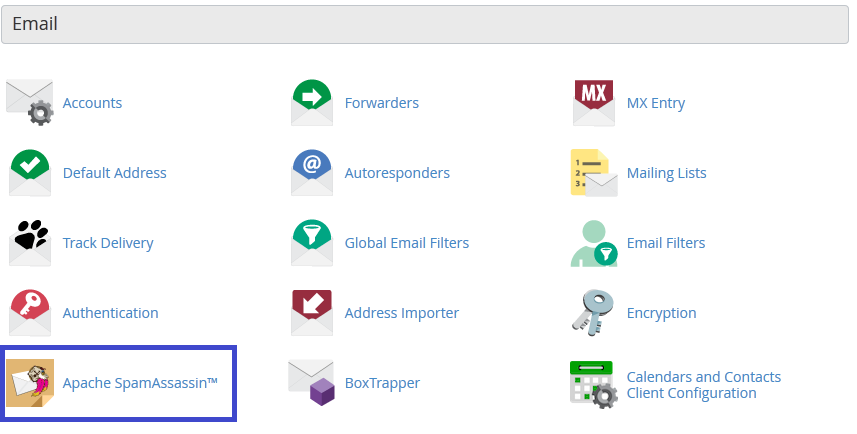
- Click Spam Filters.
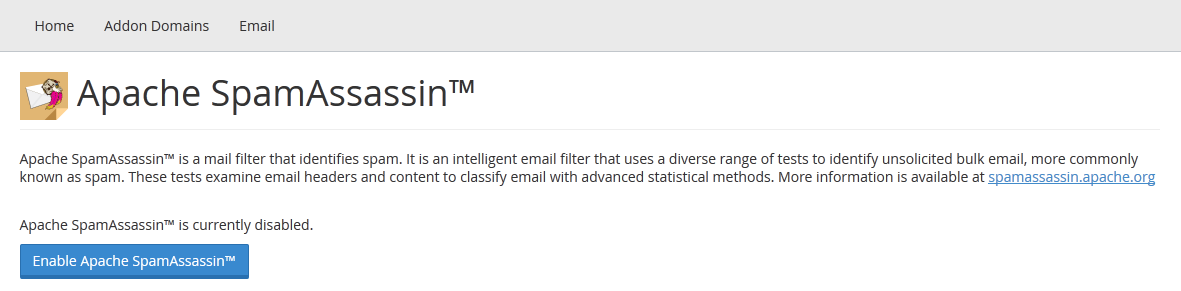
- Switch on Process New Emails and Mark them as Spam.
- Switch on Move New Spam to a Separate Folder (Spam Box) if you see it. Spam then goes to a spam folder, not your inbox.
Set the spam score
You choose how strict the filter is. A lower number is stricter. A higher number lets more mail through.
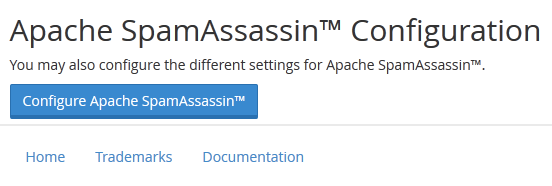
- On the same page, click Show Additional Configurations.
- Find Spam Threshold Score.
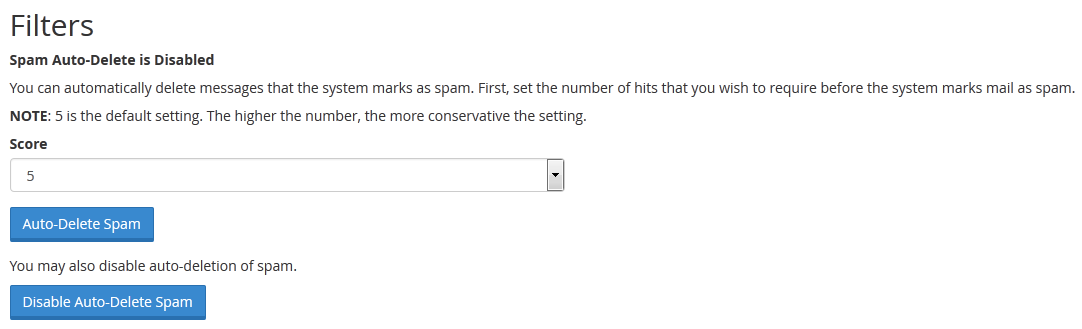
- Pick a level, or choose a custom number. The default is usually around 5.
- Click Update Scoring Options.
Block or allow senders
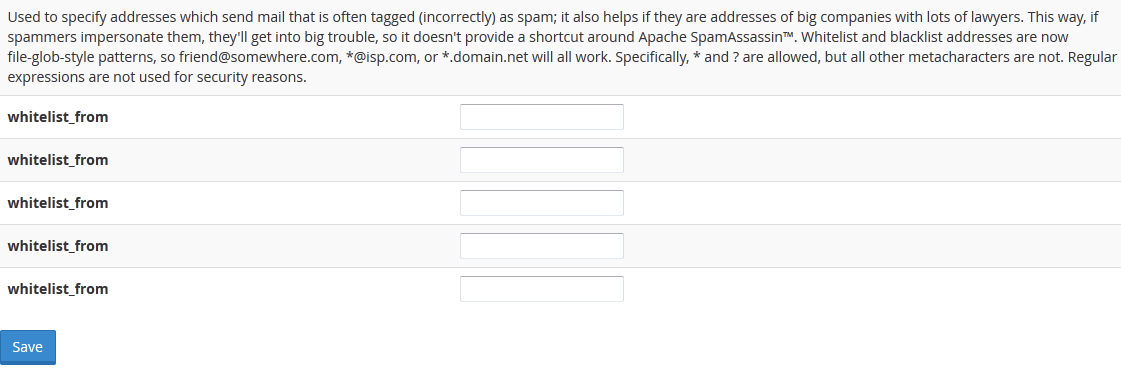
A blacklist is a list of senders you always block. A whitelist is a list you always trust.
- On the Spam Filters page, click Show Additional Configurations.
- Click Edit Spam Whitelist Settings to add trusted senders.
- Or click Edit Spam Blacklist Settings to add blocked senders.
- Click Add A New "whitelist_from" Item or the blacklist match.
- Type the address, such as
friend@example.com. You may use*@example.comfor a whole domain. - Click Update Whitelist or Update Blacklist.
Delete spam automatically
Warning: Auto-delete removes mail for good. A real email may be caught by mistake. Keep it off at first.
- Click Auto-Delete Spam in the settings if you see it.
- Set a high score, for example much higher than your spam threshold.
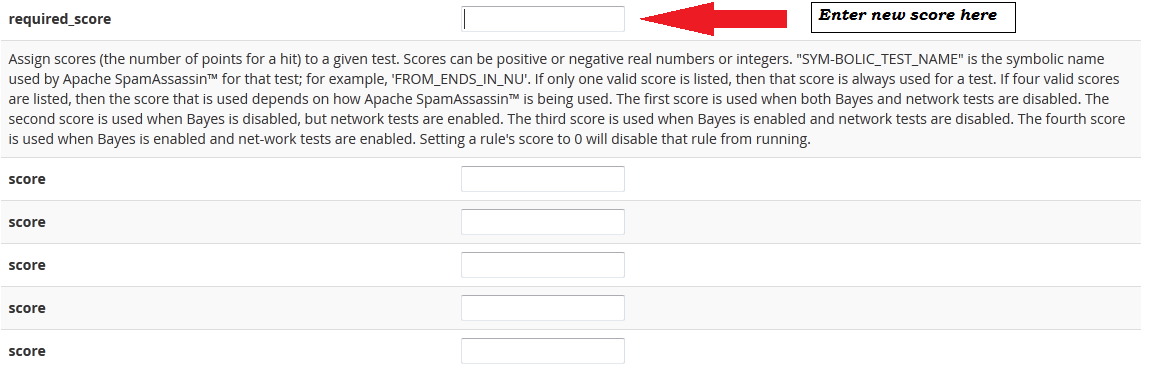
- Save the change.
Tip: Check your spam folder now and then. Good mail can land there. Move it back to the inbox if needed.
Quick recap
- SpamAssassin gives each email a score and flags junk.
- Open Spam Filters in cPanel and switch it on.
- Lower scores are stricter.
- Use whitelist and blacklist for trusted and blocked senders.
- Avoid auto-delete unless you are sure.