

What is an email forwarder?
A forwarder works like mail forwarding at the post office. Letters sent to one address are passed on to a second address. For example, mail for info@yourdomain.com can go to your personal Gmail inbox. cPanel is the control panel where you manage your hosting.
Add a forwarder
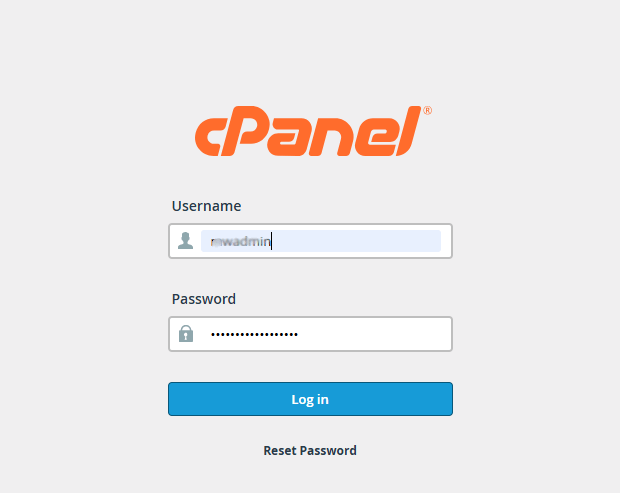
- Log in to cPanel. You can reach it from your client area or with the link in your welcome email.
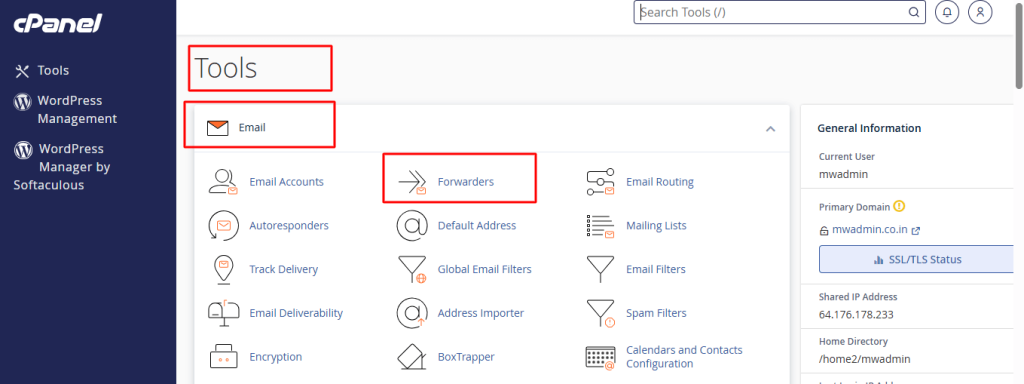
- In the Email section, click Forwarders.
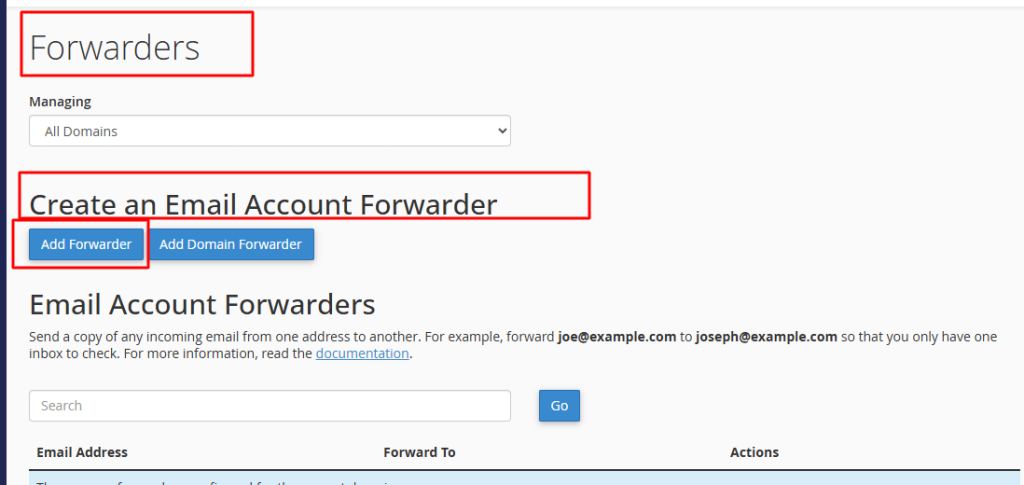
- Click Add Forwarder.
- In Address, type the first part of the address that will receive mail, such as
info. - Choose your domain from the Domain list.
- Under Destination, choose Forward to Email Address.
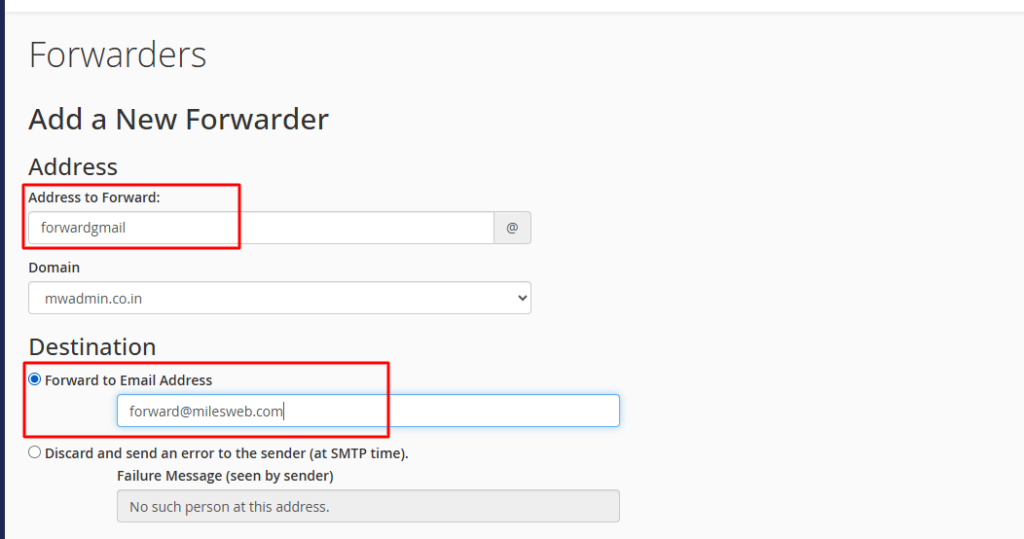
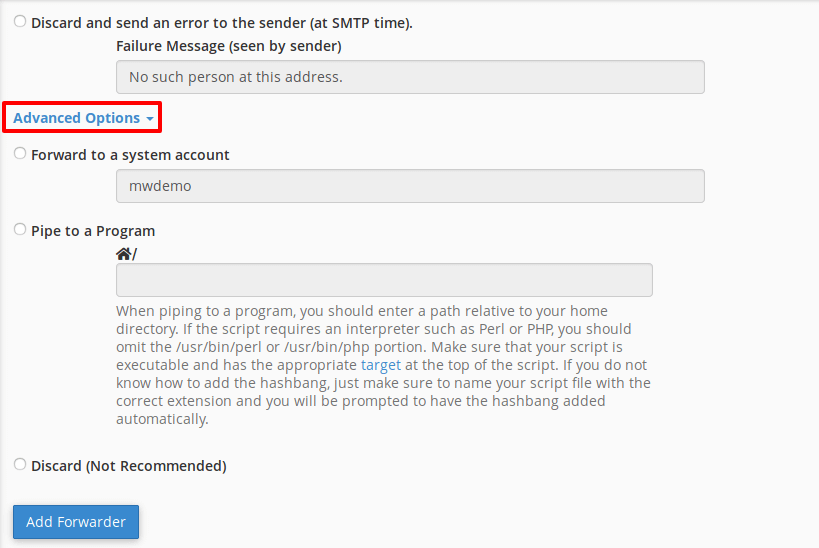
- Type the address that should get the copies.
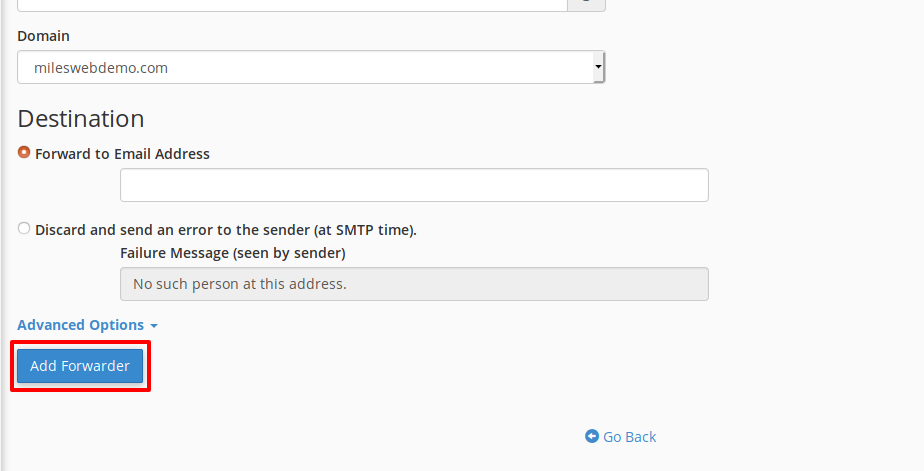
- Click Add Forwarder. You will see a success message.
Forward a whole domain
- On the Forwarders page, click Add Domain Forwarder.
- Pick the domain to forward from, and type the domain to forward to.
- Click Add Domain Forwarder.
This sends all mail for one domain to the same name at another domain.
Delete a forwarder
Warning: After you delete a forwarder, mail to that address may bounce or be lost. Make sure you no longer need it.
- Open Forwarders again.
- Find the forwarder in the list.
- Click Delete next to it, then confirm.
Test it
Send a test email from another account. Check that it arrives at the destination. Look in the spam folder too.
Tip: If a real mailbox has the same name, the mailbox keeps the mail. The forwarder may not work. Use a different name, or set the forward inside the mailbox settings.
Quick recap
- A forwarder passes mail from one address to another.
- Use Email, then Forwarders in cPanel.
- Add address forwarders or whole-domain forwarders.
- Delete with care and always test.