

What is the mail queue?
When your server sends an email, it does not always go out at once. The email waits in a line. This line is called the mail queue. Think of cars waiting at a toll gate. Most mails leave in seconds. But if the other side is busy or the address is wrong, the mail waits and the server tries again later.
A very long queue may mean a problem. Maybe a website is sending spam, or a mail address does not exist. Webuzo is a control panel, which is a web page used to manage your server.
Steps in Webuzo
- Log in to Webuzo as the admin user. This view is usually in the admin panel, not in the normal user panel.
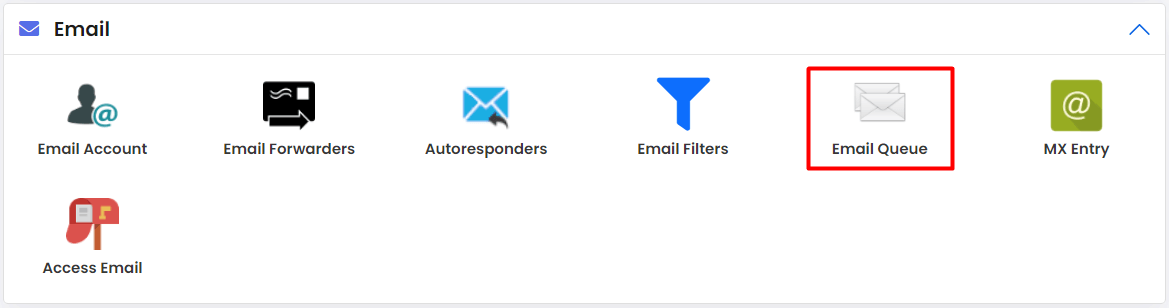
- Find the Email section in the left menu.
- Click Mail Queue or Email Queue. The exact name may differ by version.
- Look at the list. You see the sender, the receiver and the time.
- Use the search box if you want to find one address.
- To remove a message, tick it and click the delete button. Do this only for mails you are sure you do not need.
Steps with a command
This needs root access. Root is the main admin account on a VPS or dedicated server. Log in with SSH, a safe way to type commands on a remote machine. Many Webuzo servers use Exim as the mail program.
exim -bpThis lists every message in the queue.
exim -bpcThis prints only how many messages wait.
exim -qffThis tries to send all waiting mail now, including mail that was frozen.
What to do next
- If you see many mails to odd addresses, a script may be sending spam. Change passwords and check your website for hacks.
- If mail to one company is stuck, their server may be down. Wait and it may clear.
Quick recap
- The mail queue holds mail waiting to be sent.
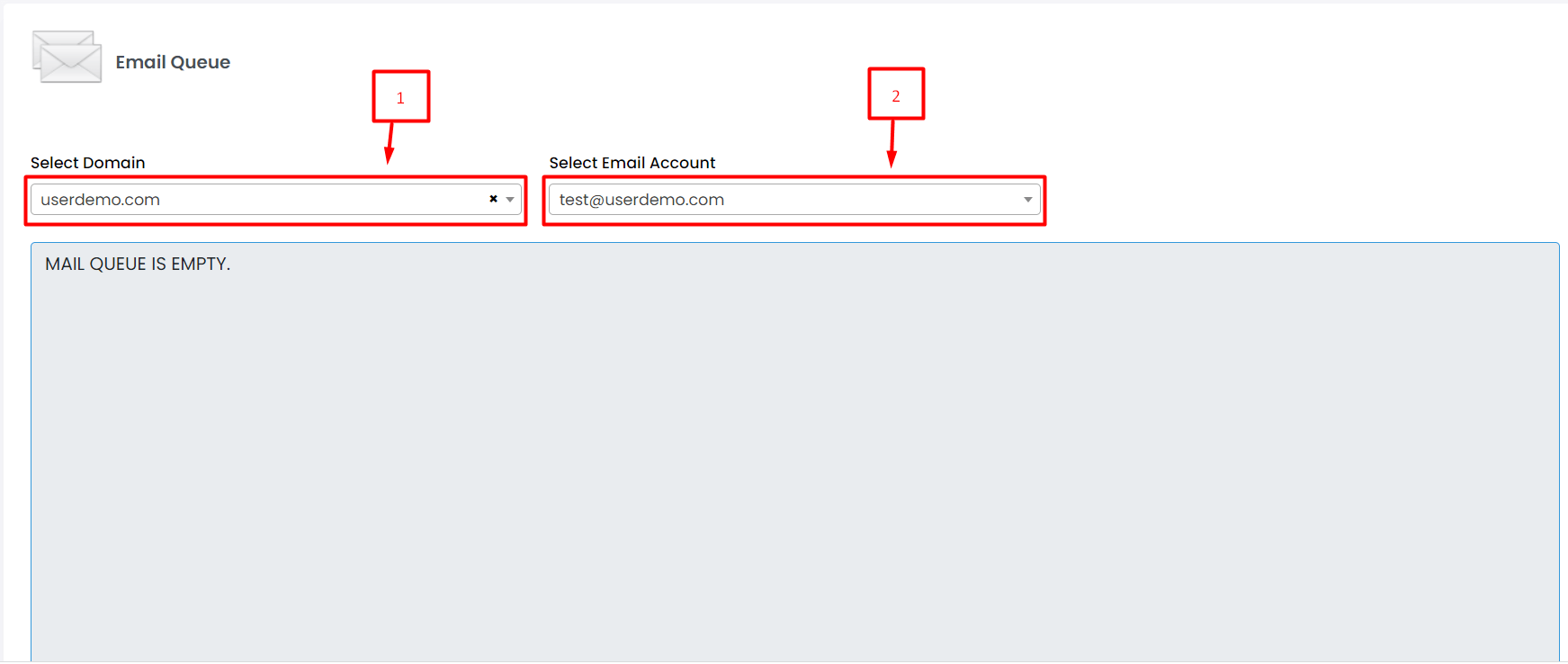
- View it from the Webuzo admin Email section.
- Root users can run
exim -bp. - Delete only what you are sure about.